ATS Friendly Resume Template (Free Template + Pro Tips)
Use an ATS friendly resume template to pass automated screenings and get noticed by recruiters. Learn the right format, keywords, and structure to avoid instant rejection.
Overview
An ATS friendly resume template helps your resume pass Applicant Tracking Systems used by over 75% of companies, including Google, Amazon, and Deloitte. This guide explains ATS basics, ideal formatting, keyword optimization, and common mistakes, plus provides a free, copy-ready template to improve shortlisting and recruiter visibility.
In today’s competitive job market, your resume must do more than look professional it must pass the Applicant Tracking System (ATS). Over 75% of companies, including top brands like Google, Amazon, and Deloitte, use ATS to filter resumes before a human even sees them. That means a visually attractive resume alone won’t work if it fails ATS screening.
The solution? Use an ATS friendly resume template designed with clean formatting, correct keywords, and the right structure to ensure your resume reaches the recruiter’s hands. In this guide, you’ll learn what makes a resume ATS-friendly, get a free ATS friendly resume template, and discover pro tips to improve your chances of getting shortlisted.
Key Points
Explains what an ATS friendly resume template is
Shows how ATS software scans and scores resumes
Lists must-follow formatting rules for ATS compliance
Includes a free, copy-ready ATS resume template
Covers correct headings, fonts, and file formats
Shares keyword optimization tips for higher ATS scores
Highlights common ATS resume mistakes to avoid
Helps ensure your resume reaches real recruiters
What Is an ATS Friendly Resume Template?
An ATS friendly resume template is a resume design that follows specific formatting rules so ATS software can read, scan, and parse your details correctly. These templates avoid complex designs, graphics, tables, text boxes, and formatting elements that may block ATS systems from extracting your information.
Key Features of an ATS-Friendly Template:
- Clean and simple layout
- Standard fonts like Arial, Calibri, or Times New Roman
- Correct section headings (Experience, Skills, Education, etc.)
- No images, graphics, charts, or unusual icons
- Keyword-optimized content
- Saved as a PDF or Word file (ATS compliant)
If your resume isn’t ATS-compatible, it may be automatically rejected—even if you're highly qualified.
Also Read : How Does the Sound CV Resume Score Checker Work?
Free ATS Friendly Resume Template (Copy & Use)
Below is a simple ATS friendly resume template free for you to copy, edit, and customize for your job:
[FULL NAME]
City, State, Country • Phone • Email • LinkedIn URL
Professional Summary
A short 3–4 line summary highlighting your experience, skills, and achievements relevant to the job. Include 2–3 industry keywords.
Key Skills
- Skill 1 | Skill 2 | Skill 3
- Skill 4 | Skill 5 | Skill 6
- Skill 7 | Skill 8 | Skill 9
Professional Experience
Job Title | Company Name | Location | Dates
- Use bullet points to describe achievements, not only duties
- Start with strong action verbs (Managed, Led, Created, Increased)
- Include numbers, KPIs, and accomplishments for impact
Job Title | Company Name | Location | Dates
- Add 3–5 bullets related to job responsibilities + results
Education
Degree Name | Institute Name | Year
Certifications
- Certification Name – Issuing Body – Year
Technical Skills
(Software, tools, platforms relevant to your industry)
Additional Information
Languages, awards, volunteer work, or hobbies (optional but helpful)
If you want, I can convert this into a downloadable Word or Google Docs ATS friendly resume template for free just say: “Send template”.
Also Read :Customer Service Skills: Complete Guide (2026)
Why You Must Use an ATS Friendly Resume Template
An ATS-friendly resume ensures that:
Your contact details are extracted correctly
Your skills match the job description keywords
Your experience is read in the correct order
Your resume isn’t rejected due to formatting
Even experienced professionals lose interview opportunities simply because their resume fails ATS scanning.
Also Read : Harvard CV Format (Free Template + Pro Tips) | 2026 Resume Guide
How ATS Systems Work (In Simple Words)
When you apply for a job online, ATS software:
- Scans your resume
- Extracts information such as experience, skills, and education
- Matches your resume with job requirements
- Scores your resume based on keyword match
- Shortlists the top scorers for recruiters
If your resume doesn’t contain the right keywords or has unreadable formatting, it may score low and not reach a human recruiter.
Also Read : What Are Interpersonal Skills: Definition and Examples
Pro Tips to Optimize Your ATS Friendly Resume Template
Use these proven tips to enhance your resume template ATS friendly:
1. Use Standard Headings
ATS searches for common section titles. Use these exact headings:
- Summary
- Work Experience
- Education
- Skills
- Certifications
- Projects (optional)
Avoid creative titles like “What I’ve Done” or “My Journey.”
2. Use Job-Specific Keywords
Always customize your resume based on the job description. ATS ranks resumes higher when they include exact keyword matches.
Example:
If the job description contains “Project Management” and “Agile”, your resume should include both terms naturally.
3. Avoid Graphics and Fancy Formatting
Do NOT use:
Icons
Tables
Text-boxes
Images
Headers & Footers
Columns
They confuse ATS and block text extraction.
4. Save in the Correct File Format
Most ATS accept:
Word (.doc or .docx)
PDF (if ATS-compatible)
Avoid JPG, PNG, Google Drive link, or Canva-image resumes.
5. Follow the Ideal Resume Length
- 0–5 Years Experience: 1 page
- 6–15 Years Experience: 1–2 pages
- Senior Level: 2 pages
6. Quantify Achievements With Numbers
Numbers boost credibility and ATS + recruiter scanning.
Example:
“Handled team performance”
“Managed a team of 12 and improved productivity by 25% in 6 months”
7. Include Both Hard & Soft Skills
ATS reads skills separately. Include a mix:
Hard Skills: Data Analysis, Python, Marketing Strategy
Soft Skills: Communication, Leadership, Teamwork
Also Read : 30+ Best Resume Fonts to Use in 2026
ATS Friendly Resume Template Free Download Options
If you need a ready-to-use file instead of copy-paste, I can provide:
Word Format (Docx)
Google Docs Version
ATS-Proof PDF Download
Also Read : Hard Skills vs Soft Skills: Key Differences, Examples & Use Cases (2026)
Most Common ATS Resume Mistakes to Avoid
Using tables or fancy designs
Stuffing keywords unnaturally
Using images or charts
Writing paragraphs with no bullets
Saving resume only as PDF without ATS check
Conclusion
Using an ATS friendly resume template increases your chances of passing automated screening and getting noticed by recruiters. Focus on clean formatting, the right keywords, standard headings, and measurable achievements. The template provided above gives you a simple yet effective structure to showcase your professional profile in an ATS-approved format.
FAQs
Frequently asked questions about this topic
Related Blogs
Explore more insights and guides you might like.
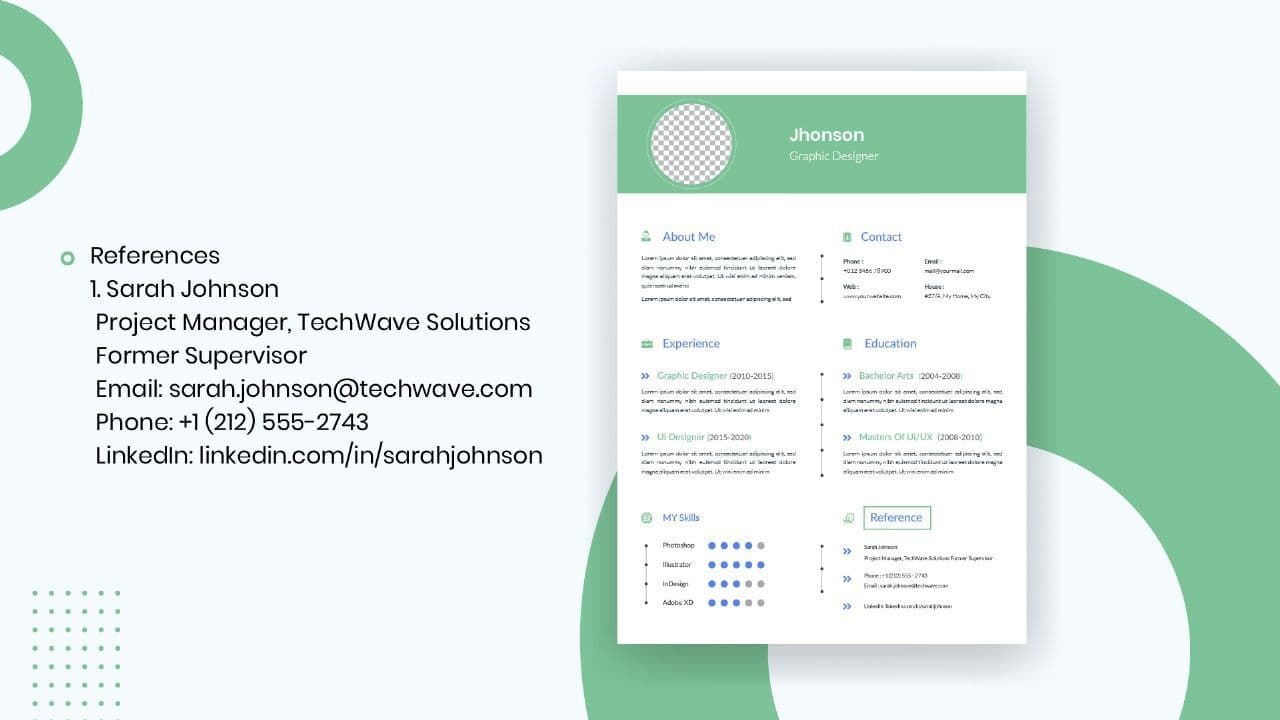
How to List References on a Resume in 2026
Learn the modern 2026 approach to listing references on your resume for maximum professionalism and recruiter impact.

Is Sound CV good for students and fresh graduates with no experience?
Sound CV is perfect for students and fresh graduates, helping them create professional resumes that highlight skills, projects, and potential even with little or no work experience.
Why Sound CV Is Different from Other AI Resume Builders
Sound CV stands out by creating job-focused, ATS-friendly resumes that highlight real achievements, not just generic content.
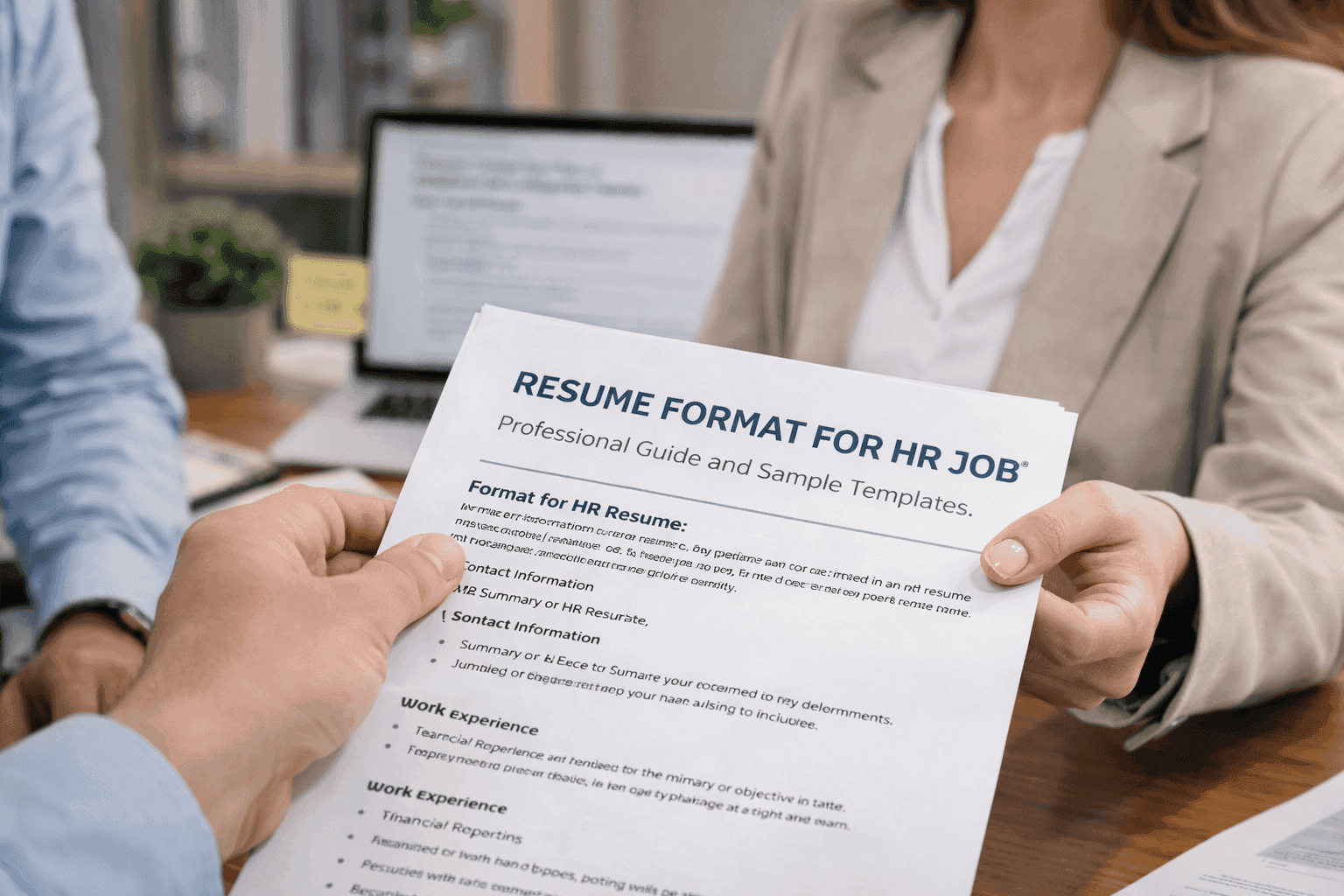
Resume Format for HR Job: Professional Guide and Sample Templates
A complete guide to the best resume format for HR jobs, with expert tips and sample templates to help you create a professional and job-ready resume.
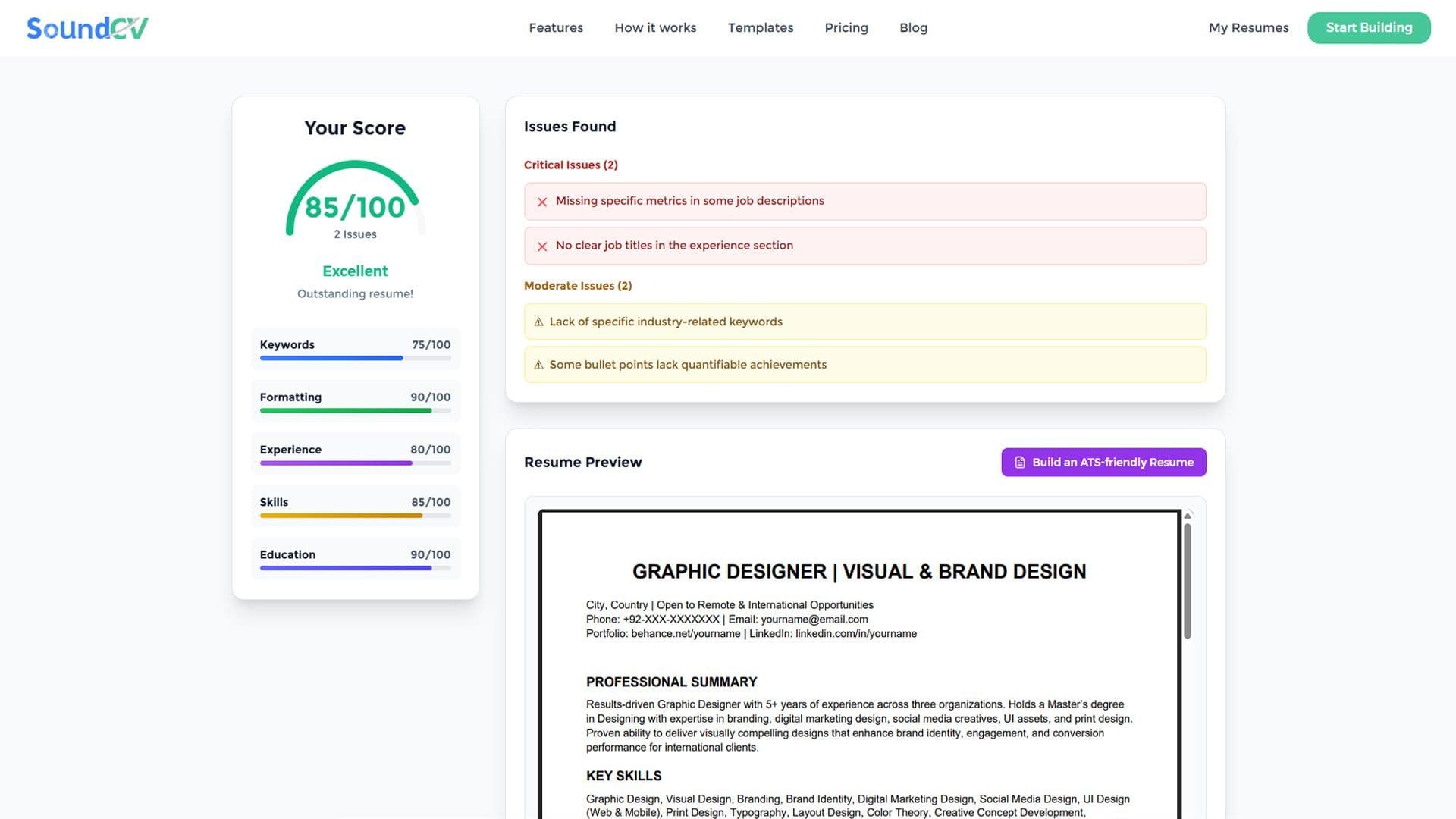
How Does the Sound CV Resume Score Checker Work?
The Sound CV Resume Score Checker analyzes your resume against ATS requirements, job-specific keywords, and structure to provide an instant, actionable score.
What Is a Sound CV? Features, Benefits, and How It Works
A Sound CV is an AI-powered resume that is tailored, ATS-optimized, and designed to showcase your skills and achievements to help you stand out to recruiters.