


New
Sage
ATSFresh two-column design with a photo on soft green shapes, a mint title pill and clear icon headings.
Two-columnCreative
Pick from 31+ professionally designed templates, customize in minutes, and download your resume as a PDF or Word file. Upload your existing resume and SoundCV fills in your details automatically.
Hover a card to see it up close. Every template works with your own content, colours and fonts, and you can switch at any time without retyping.
Fresh two-column design with a photo on soft green shapes, a mint title pill and clear icon headings.
A fresh two-column layout with soft floral accents and rose-pink highlights. Bold headings and clean lines keep it professional, while the botanical touches make it memorable. A great fit for creative, marketing and design roles.
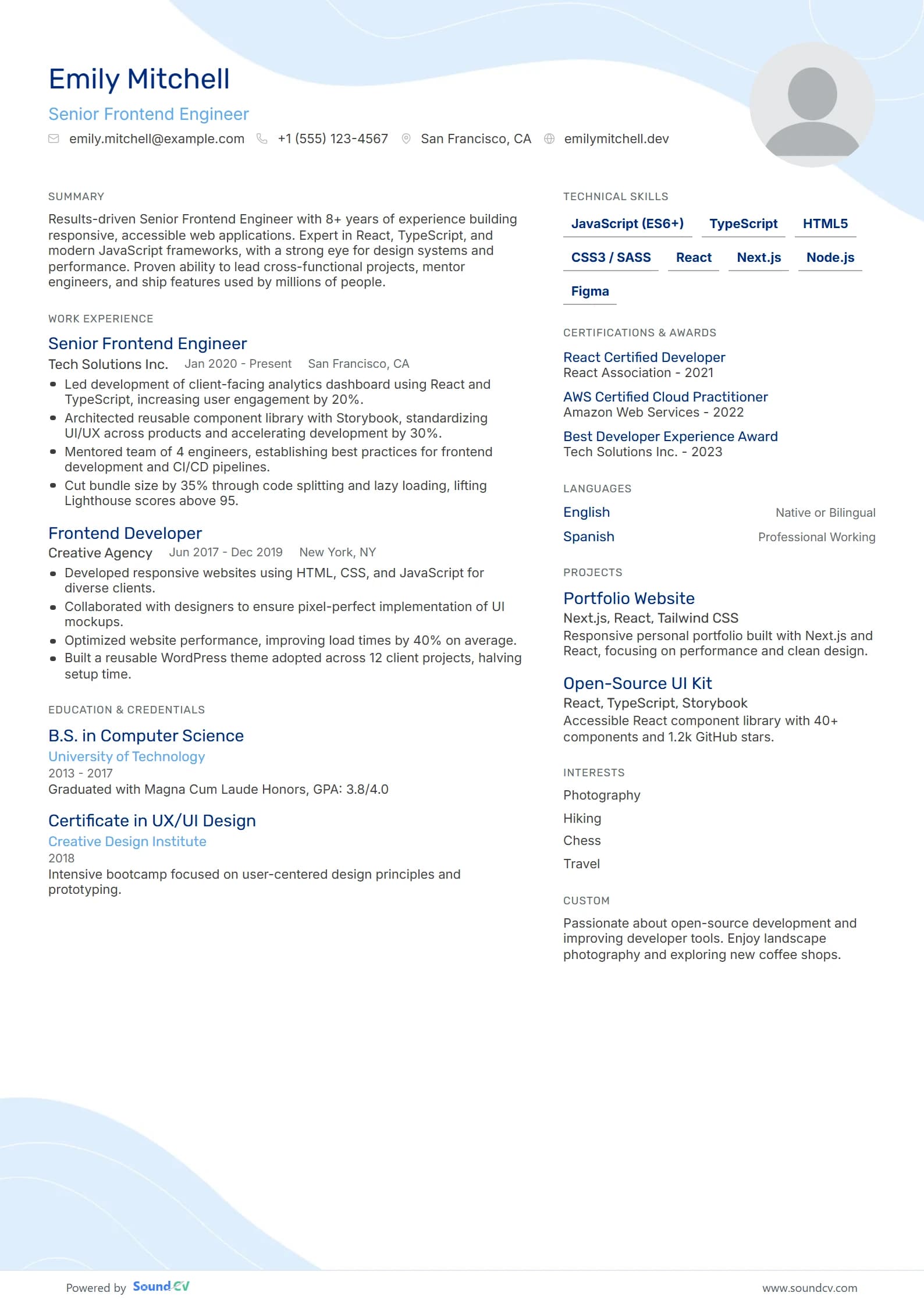
Modern two-column design with a soft blue wave, navy and sky-blue accents and clean skill tags.
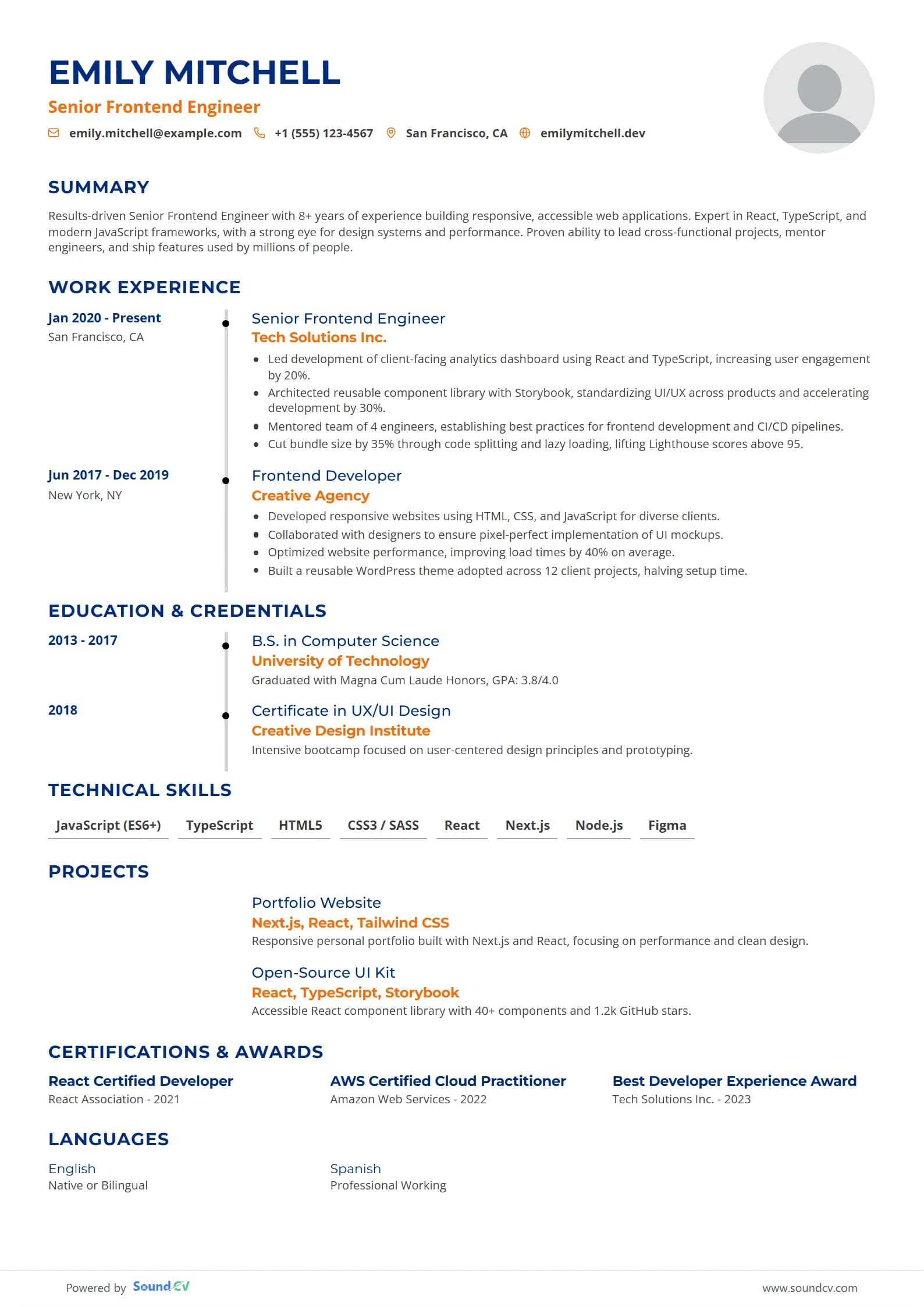
A confident single-column layout with a clean timeline that walks recruiters through your career. Dates sit in their own column, navy headings and warm orange accents guide the eye, and a round photo adds a personal touch. Great for experienced professionals in tech, business and management.
Rounded banner with chevron bottom, summary in header, skill chips. (v2 engine draft)
Split-header design with a charcoal contact panel, teal accents, outlined icons and skill-level bars.
Navy sidebar design with a sky-blue career timeline, round icon headings and elegant light typography.
Classic single-column serif design on warm ivory paper, with a centred name and letter-spaced headings.
Clean two-column design with bold ruled headings, typewriter-style dates, a skills grid and a round photo.
Navy header design with steel-blue ruled headings, right-aligned dates and a clean two-column body.
Right-hand navy sidebar with photo and skills, plus a clean main column with ruled headings and aligned dates.
Create a professional impression with our simple black resume template, designed for clarity and impact.
The Slate Resume template offers a professional design that highlights your skills and experience without ATS compatibility.
Elevate your job search with our professional Simple Gray resume template, designed for a polished and modern look.
Elevate your job application with our professional silver resume template, designed for a standout presentation.
Elevate your job search with our professional finance resume template, designed for impactful presentation and clarity.
Elevate your job application with our Elegant professional resume template, designed for a sophisticated and impactful presentation.
The Clean Slate resume template is optimized for keyword-rich content, enhancing visibility in applicant tracking systems.
Elevate your job search with the professional Refined resume template, designed for impactful presentation and clarity.
The Mercury resume template is optimized for applicant tracking systems, featuring a keyword-rich design for maximum impact.
The Simply Green resume template features a modern design, optimized for keyword-rich content, but is not ATS friendly.
Elevate your job application with our professional Corporate resume template, designed for a polished and impactful presentation.
Elevate your job search with the Simply Blue resume template, featuring a simple, clean, and minimalist design for professionals.
Create a standout professional resume with our simple 2 column template, designed for clarity and style.
The Modern Outline resume template features a sleek, contemporary design that is ATS optimized and applicant tracking system compatible.
The Balanced two-column resume template features a modern, organized, and structured layout, ensuring ATS optimization for applicant tracking syste...
A recruiter skims a resume in seconds. Every template puts the parts they look for where their eyes go first. Pick a part to see it on the page.
Start from a template, or upload your old resume and we fill the template in for you.
Filter by layout, photo or style. Not sure? Start with any; you can switch later without retyping.
Type them in or upload an existing resume. AI suggestions help you write stronger bullet points.
Export a clean PDF or Word file and send it straight to the job you want.
Drag the handle. On the left, a plain document; on the right, the same content in the Horizon template.
The design stays polished while you change what matters to you.
Pick an accent and the headings, icons and highlights follow.
Switch between modern sans-serifs and classic serifs with one click.
The order of your sections tells a story. Pick the one that puts your strongest part first.
Your most recent roles come first. The format most recruiters expect.
Skills lead the page. Good for career changers and gaps in work history.
Skills and experience side by side. Ideal for two-column layouts.
What goes first on your resume changes as your career grows. Pick your stage for advice and three designs that suit it.
Your first roles and internships matter most. Put results in numbers, even small ones.
Some fields expect a quiet classic, others reward a little colour. Start from what works in yours.
Skills and projects up front, clean two columns.
Try Horizon, AtlasLicences and certifications easy to find.
Try Sage, MilestoneConservative layouts with numbers that stand out.
Try Ivory, ClarityPersonality on the page, still easy to scan.
Try Blossom, SageRoom for qualifications, training and research.
Try Ivory, MilestoneBold headers that put targets and wins first.
Try Summit, HorizonStructured sections for tools, standards and projects.
Try Clarity, HarborFriendly designs with a photo and languages.
Try Sage, AtlasClean two-column layouts with room for skills and projects.
Personality on the page, still easy to read.
Quiet, structured designs for traditional fields.
Skills beside experience, so a recruiter sees both at once.
Most companies run your resume through an ATS before a person sees it. Our templates keep every word as real text, in a clear order, so nothing gets lost.
Every template has a cover letter in the same colours and fonts, so your application looks like one considered package. Write it with AI help from the job description in a few minutes.
Six habits that separate a resume that gets skimmed from one that gets a call back.
Start each bullet with what changed because of you, then say how.
Figures make claims concrete. Use the real ones, rounded honestly.
Swap passive phrasing for verbs that show ownership.
Use the same words the posting uses for skills you really have, so ATS software matches them.
Two or three lines: who you are, your strongest skill and what you want next.
Old, unrelated jobs and “references available” use space a recruiter would rather spend on your best work.
Need a starting point for an online form or a quick draft? Copy this outline, fill in the brackets, then paste it into any template here to make it look great.
[YOUR NAME]
[Target job title]
[Email] | [Phone] | [City, Country] | [LinkedIn or website]

SUMMARY
[Two or three lines: who you are, your strongest skill, what you want next.]

WORK EXPERIENCE
[Job title], [Company] — [City]
[Month Year] – [Month Year or Present]
- [Result you achieved, with a number] by [how you did it]
- [Another result] using [tool or skill from the job description]
- [Responsibility that shows scope: team size, budget, users]

[Job title], [Company] — [City]
[Month Year] – [Month Year]
- [Result]
- [Result]

EDUCATION
[Degree], [School] — [Year]
[Honours, GPA or relevant coursework, if useful]

SKILLS
[Skill], [Skill], [Skill], [Skill], [Skill]

CERTIFICATIONS
[Certification], [Issuer] — [Year]

LANGUAGES
[Language] — [Level]
What to look for in a template, and how to get it to an employer in the right file.
The best resume templates are not just visually appealing. They are built around what actually gets you hired. SoundCV's best free resume templates are designed by career experts and tested across hundreds of job applications. Whether you are applying for your first role or moving into senior management, you will find a format that fits your experience level and industry without paying a cent. Pair any template with our AI resume builder to fill in your details automatically.
Choosing the right ATS resume template means your application actually gets read. An ATS-friendly resume template uses a clean structure with standard section headings that parsing software can read without errors. Over 75% of resumes are rejected by ATS before a human ever sees them, usually because of formatting issues, not qualifications. Every SoundCV template is tested against major ATS platforms so your content reaches the recruiter every time. Not sure how your current resume scores? Use our free ATS resume checker to find out.
Resume format expectations shift every few years. In 2026, recruiters favor clean layouts with a strong summary at the top, quantified achievements in the experience section, and a dedicated skills block. Two-column formats are gaining ground in tech and finance roles. Single-column formats remain the safest choice for ATS compatibility. SoundCV templates cover both. Pick the one that matches your target role. Once your resume is ready, use our cover letter builder to write a matching cover letter in minutes.
Free resume templates download in PDF or Word format with one click. PDF keeps your formatting intact across every device and is recommended for most job applications. Word format is useful when an employer specifically requests an editable file. You can switch between formats anytime without rebuilding your resume from scratch.
Millions of job seekers search for Microsoft Word resume templates every month. Word files are editable, widely accepted, and easy to share with recruiters. Every SoundCV resume template downloads as a Word file when you select that format in the editor. Open it in Microsoft Word, LibreOffice, or Google Docs and make changes directly without any formatting issues.
A Word resume template from SoundCV keeps your layout intact after download. Fonts, margins, and section spacing all transfer correctly. You do not need to reformat anything. Some employers specifically request a Word file so they can leave comments or fill in screening notes directly on your resume. If you prefer PDF, switch formats in one click from the same editor. Both options use the same template design so your resume looks identical regardless of which file type you submit.
An ATS-friendly resume template uses a clean layout with standard section headings like Work Experience, Education, and Skills. It avoids tables, graphics, and text boxes that confuse parsing software. All SoundCV templates are tested against common ATS systems so your resume content gets read accurately, not garbled or skipped.
Yes. SoundCV offers free resume templates you can edit and download without a credit card. Premium templates include additional layouts and design options. Both free and premium templates use the same ATS-optimized structure, so your resume will pass automated screening regardless of which plan you choose.
The reverse-chronological format remains the strongest choice for most job seekers in 2026. It lists your most recent experience first, which is what recruiters and ATS systems expect. If you have career gaps or are switching industries, a hybrid format gives you more flexibility without sacrificing readability.
Yes. Every template lets you change accent colors, font styles, section order, and layout. Changes apply in real time so you see exactly what your resume looks like before you download. You can also add, remove, or reorder sections (certifications, languages, projects) to match the job you are applying for.
Use the filter pills above the template grid to narrow by style. ATS templates work best for corporate and technical roles. Creative templates suit design, marketing, and media positions. Two-column templates are popular in finance and consulting. If you are unsure, pick a clean single-column template. It works across every industry and passes every ATS.
Yes. Upload a PDF or Word file and SoundCV fills your details into the template you choose, so you only polish instead of retyping.
Yes. Switch at any time from the Design tab. Your content moves to the new design without retyping.
Choose a template now. You can change everything later.

