Resume for Power BI Developer: How to Write an Effective CV
Power BI Developer resume guide that shows how to highlight your data skills, projects, and tools clearly to catch a recruiter’s attention fast.
Overview
This blog explains how to write an effective Power BI developer resume that gets shortlisted. It covers the role overview, best resume format, key skills, experience tips, projects, certifications, ATS optimization, and common mistakes. With clear examples for freshers and experienced professionals, it helps candidates present their Power BI skills with measurable business impact.
Power BI has become one of the most in-demand tools in the data and analytics ecosystem. Organizations across industries rely on Power BI developers to transform raw data into actionable insights that drive business decisions. However, even with strong technical skills, many candidates struggle to get shortlisted due to a poorly structured resume.
An effective resume for Power BI developer roles must do more than list tools it must clearly show how you use data to solve business problems. Recruiters want to see impact, clarity, and relevance, especially in a competitive analytics job market.
This guide will walk you through everything you need to know to write a strong Power BI developer CV, including format, skills, experience writing tips, projects, certifications, and a sample resume.
Who Is a Power BI Developer?
A Power BI developer is a data professional responsible for designing, developing, and maintaining dashboards and reports that help organizations analyze data and make informed decisions. While the role overlaps with data analysts and BI analysts, Power BI developers typically focus more on dashboard development, data modeling, and performance optimization.
Key Responsibilities
- Designing interactive Power BI dashboards and reports
- Writing DAX measures and calculated columns
- Cleaning and transforming data using Power Query
- Building efficient data models
- Connecting Power BI to multiple data sources
- Collaborating with business stakeholders
Entry-Level vs Experienced Power BI Developers Roles
- Entry-level Power BI developers focus on report building, basic DAX, and data visualization
- Experienced developers handle complex data models, advanced DAX, performance tuning, and business storytelling.
Recruiters expect Power BI developers to combine technical expertise with analytical thinking and communication skills.
Also Read:Salesforce Developer Resume for 2 Years Experience
Best Resume Format for Power BI Developers
Choosing the right format is critical for a resume for Power BI developer roles, especially since most companies use applicant tracking systems (ATS).
Recommended Resume Format: Reverse-Chronological
This format lists your most recent experience first and works best because:
- Recruiters can quickly assess your latest work
- It clearly shows career progression
- ATS systems parse it easily
When to Use a Hybrid Resume Format
A hybrid format may work if you are:
- Switching careers into Power BI
- Coming from a non-analytics background
- A freelancer with project-heavy experience
Ideal Resume Length
- Freshers / 0–2 years: 1 page
- Experienced professionals: 1–2 pages
Avoid overly creative designs. Clean, structured layouts perform best for analytics hiring.
Also Read:SQL Developer Resume for Freshers That Gets Interviews
Professional Resume Structure for Power BI Developers
A clear structure helps recruiters find relevant information quickly.
Recommended Resume Structure for Power BI Developers
- Header (Name, contact details, LinkedIn, portfolio)
- Resume summary or objective
- Technical skills
- Professional experience
- Projects
- Certifications
- Education
Including links to a Power BI portfolio or GitHub can significantly improve credibility.
Also Read:Python Developer Resume for Freshers
Resume Summary or Objective for Power BI Developer
Resume Summary vs Resume Objective
- Resume summary: Best for experienced professionals
- Resume objective: Suitable for freshers or career switchers
What Makes a Strong Summary
- Years of experience
- Core Power BI skills
- Business impact
Sample Resume Summaries for Power BI Developers
Experienced Summary Example
Power BI Developer with 4+ years of experience building interactive dashboards, optimizing data models, and delivering insights that support business decision-making across sales and operations teams.
Fresher Objective Example
Aspiring Power BI Developer with strong skills in Power BI, DAX, and SQL, seeking an entry-level role to apply data visualization and analytical skills in a business environment.
Key Skills to Include in a Power BI Developer Resume
Your skills section is one of the most scanned parts of a resume for Power BI developer roles.
Important Power BI & BI Tools
- Power BI Desktop
- Power BI Service
- DAX
- Power Query
- Data modeling
Data & Database Skills
- SQL
- Advanced Excel
- Data warehousing basics
- Relational databases
Supporting Tools & Concepts
- Azure basics (Azure SQL, Data Factory – optional)
- ETL concepts
- Data visualization best practices
- Business intelligence fundamentals
Avoid listing tools you haven’t used in real scenarios.
Also Read:Resume Format for Business Development Executive
Experience Section: How to Write Impactful Bullet Points
Recruiters don’t want to know what tools you used they want to know what results you delivered.
Writing Strong Experience Bullets
Use this formula:
Action + Tool + Outcome
Weak Example
- Created Power BI dashboards
Strong Examples
- Designed Power BI dashboards that reduced reporting time by 40%
- Built DAX measures to track KPIs, improving decision accuracy for sales teams
- Optimized data models to improve dashboard performance by 30%
Use Metrics Wherever Possible
- Time saved
- Performance improvements
- Number of users
- Business impact
Projects Section: Showcasing Practical Power BI Work
Projects are critical especially for freshers and early-career professionals.
What Projects to Include
- Academic projects
- Personal dashboards
- Freelance or internship work
- Internal company projects (non-confidential)
How to Describe Projects
- Business problem
- Data sources used
- Tools and techniques
- Insights delivered
Example Project Description
Sales Performance Dashboard
- Built interactive Power BI dashboard using sales data
- Created DAX measures for revenue, growth, and trends
- Helped identify underperforming regions
Also Read:Winning Resume Headlines for Fresher Software Developers
Certifications for Power BI Developers
Certifications strengthen your profile when combined with hands-on experience.
Relevant Certifications
- Microsoft Power BI Data Analyst
- Microsoft Data Fundamentals
List certifications clearly with completion year. Avoid listing certifications you haven’t completed.
Sample Resume for Power BI Developer
Rahul Verma
Power BI Developer
Email | Phone | LinkedIn | Portfolio
Summary
Power BI Developer with 3 years of experience building data models, DAX measures, and interactive dashboards for business reporting.
Skills
Power BI, DAX, SQL, Power Query, Data Modeling
Experience
Power BI Developer | XYZ Solutions
- Designed dashboards used by 50+ stakeholders
- Improved reporting efficiency by 35%
Projects
Sales Analytics Dashboard – Power BI, SQL
Certifications
Microsoft Power BI Data Analyst
Education
B.Tech – Information Technology
Common Resume Mistakes Power BI Developers Should Avoid
Many strong candidates get rejected due to avoidable errors.
Common Mistakes
- Focusing only on tools, not insights
- Overloading resumes with dashboards
- Writing long paragraphs instead of bullet points
- Poor formatting and cluttered layouts
- Ignoring ATS keywords
Your resume should clearly show how your work impacts decisions.
ATS Optimization Tips for Power BI Resumes
Most companies use ATS to screen resumes.
ATS Best Practices
- Use keywords like Power BI, DAX, SQL, Data Modeling
- Avoid tables, graphics, and icons
- Use standard headings
- Save as PDF or DOCX
An ATS-friendly resume for Power BI developer roles significantly improves shortlisting chances.
How to Create a Power BI Developer Resume Quickly
Many Power BI professionals struggle with:
- Translating technical work into business impact
- Formatting resumes correctly
- Tailoring resumes for different roles
AI-powered resume tools help by:
- Suggesting role-specific keywords
- Structuring resumes professionally
- Optimizing for ATS
Instead of rewriting your resume repeatedly, you can generate optimized versions quickly.
Conclusion
An effective resume for Power BI developer roles goes beyond listing tools. It tells a clear story about how you turn data into insights that drive business decisions. By using a clean resume format, writing an impact-driven summary, highlighting relevant Power BI skills, and showcasing real-world projects, you significantly increase your chances of getting shortlisted.
At every experience level, recruiters want to see clarity, relevance, and measurable outcomes. Small improvements in structure, wording, and ATS optimization can make a big difference in a competitive analytics job market.
If you want to build a professional, ATS-friendly Power BI resume without struggling with formatting or keyword placement, Sound CV can help. Sound CV uses AI-powered resume optimization and role-specific templates to help Power BI developers create polished, job-ready resumes in minutes so you can focus on interviews, not formatting.
With the right resume and the right tools, your Power BI skills can open the door to strong career opportunities.
FAQs
Frequently asked questions about this topic
Related Blogs
Explore more insights and guides you might like.
How to List References on a Resume in 2026
Learn the modern 2026 approach to listing references on your resume for maximum professionalism and recruiter impact.

Is Sound CV good for students and fresh graduates with no experience?
Sound CV is perfect for students and fresh graduates, helping them create professional resumes that highlight skills, projects, and potential even with little or no work experience.
Why Sound CV Is Different from Other AI Resume Builders
Sound CV stands out by creating job-focused, ATS-friendly resumes that highlight real achievements, not just generic content.
Resume Format for HR Job: Professional Guide and Sample Templates
A complete guide to the best resume format for HR jobs, with expert tips and sample templates to help you create a professional and job-ready resume.
How Does the Sound CV Resume Score Checker Work?
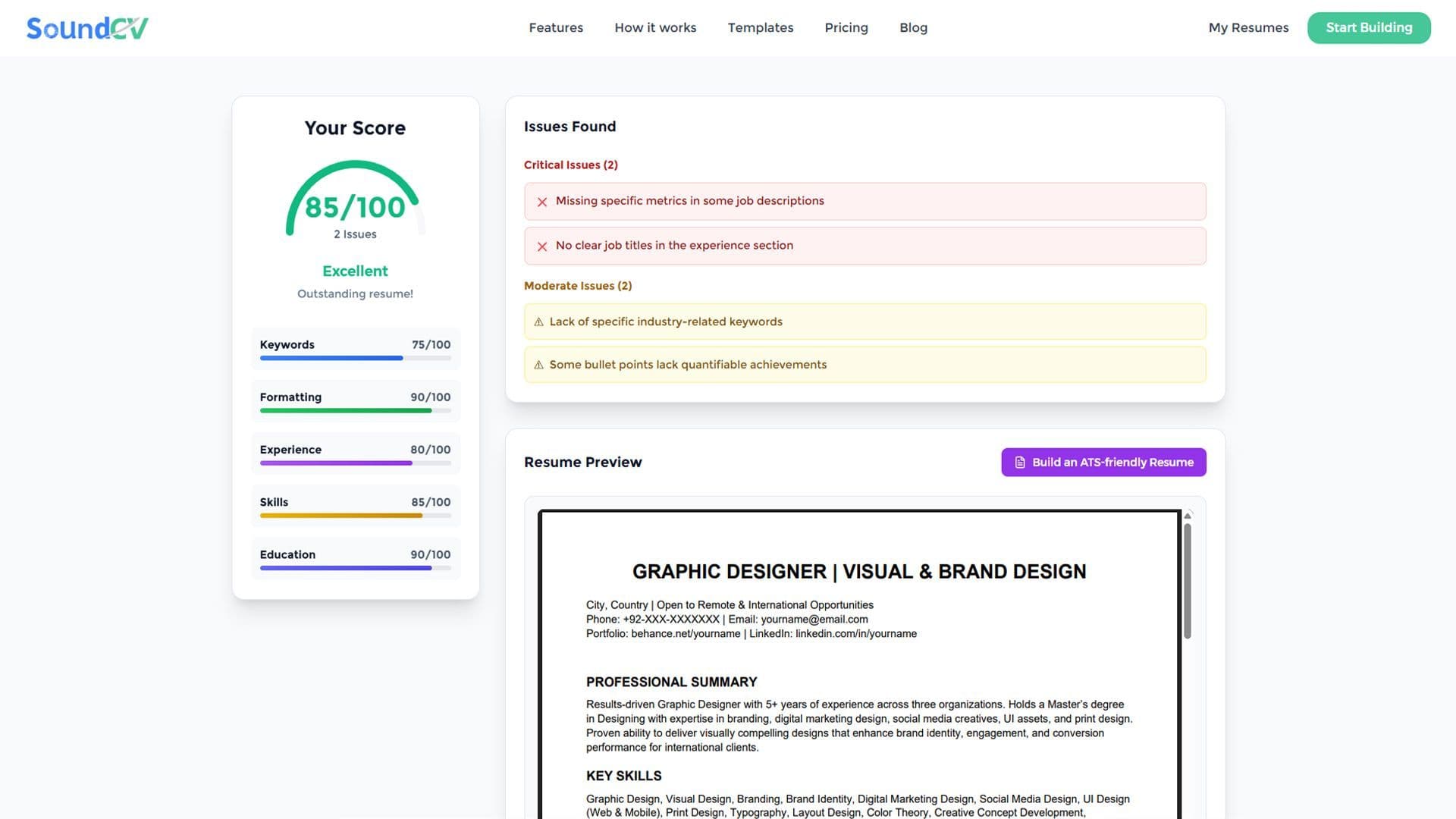
The Sound CV Resume Score Checker analyzes your resume against ATS requirements, job-specific keywords, and structure to provide an instant, actionable score.

What Is a Sound CV? Features, Benefits, and How It Works
A Sound CV is an AI-powered resume that is tailored, ATS-optimized, and designed to showcase your skills and achievements to help you stand out to recruiters.