Personal Details in Resume with Examples in 2026
Learn what personal details to include in a 2026 resume, plus simple examples to help you format them the right way
Overview
Personal details play a key role in how employers view your resume in 2026. Keep them simple, professional, and ATS-ready. Include only essentials like your name, email, phone, location, and LinkedIn. Skip outdated items such as DOB, religion, or full address. This guide explains global standards, common mistakes, and practical examples for both freshers and experienced candidates.
A resume is often your first introduction to potential employers, and the details you include can make or break that first impression. While your skills and work history carry weight, recruiters also look at how well you’ve structured and presented your personal information. Knowing what to include and what to leave out keeps your resume professional and ATS-friendly.
In this guide, we’ll explain the personal details in the resume that matter most in 2026, highlight global best practices, and provide resume samples and formats for both freshers and experienced professionals.
A resume is often your first introduction to potential employers, and the details you include can make or break that first impression. While your skills and work history carry weight, recruiters also look at how well you’ve structured and presented your personal information. Knowing what to include and what to leave out keeps your resume professional and ATS-friendly.
In this guide, we’ll explain the personal details in the resume that matter most in 2026, highlight global best practices, and provide resume samples and formats for both freshers and experienced professionals.
Key Points
Keep personal details simple and professional.
Essential info: name, email, phone number, location, LinkedIn/portfolio.
Avoid DOB, gender, marital status, religion, caste, full address, and ID numbers.
Add optional details only if relevant (languages, relocation, notice period, passport, etc.).
Place personal details at the top in a clean, ATS-friendly format.
Global standards differ, so check country rules before applying.
Freshers should highlight digital presence; experienced candidates can include websites or portfolios.
Add only professional social profiles like LinkedIn, GitHub, or Behance.
Sound CV keeps personal details secure and avoids storing data without consent.
Avoid common errors like typos, outdated emails, and messy formatting.
What Are Personal Details in a Resume?
Personal details are the basic pieces of information that identify you to an employer. They tell recruiters how to reach you and give context to your professional identity.
Typically, personal details in a resume include your name, contact information, and location. Unlike older formats that asked for date of birth, marital status, or religion, modern resumes focus on professional identifiers only.
Also Read:How to Write LinkedIn Profile in Resume
Essential Personal Details Every Resume Must Have
Here are the core details you should always include:
- Full Name
Use your full name as it appears on official documents. Avoid nicknames unless they are your professional identity.
- Professional Email Address
Example: firstname.lastname@gmail.com. Avoid unprofessional handles like coolguy123@....
- Contact Number
Provide a reliable phone number with country code if applying internationally.
- Location
City, state, and country are sufficient. Full street addresses are no longer recommended for privacy reasons.
- LinkedIn Profile or Portfolio Link
In 2026, recruiters expect candidates to have an online presence. Adding a LinkedIn link, GitHub portfolio, or personal website shows credibility.
What personal details are essential in a resume for Indian job applications?
For Indian job applications, the essential personal details you must include on a resume are:
Full Name
Mobile Number (Primary + optional alternate)
Professional Email Address
Current Location (City, State)
LinkedIn Profile / Portfolio (if relevant)
Everything else is optional unless specifically required by the employer.
Also Read:Good CV Examples for Your First Job
Why These Details Matter
Indian recruiters expect quick access to identity and contact information. ATS systems also parse these fields to match candidates with job location filters and communication channels.
Details You Should NOT Include: Common Mistakes Indian Candidates Make
Avoid adding these unless explicitly asked:
Date of Birth
Gender
Marital Status
Religion or Caste
Full Home Address
Father’s Name / Mother’s Name
Aadhar / PAN / Passport Numbers
Photo (only include for hospitality, aviation, or creative roles)
Optional Details You Can Include
Include only if relevant to the job or required:
Willingness to relocate
Notice period / Last working day
Passport availability (for export/import, shipping, or travel-heavy roles)
Driving license (for logistics, field sales)
Also Read:Resume Summary for Freshers with Best Examples
Optional Personal Details You May Include
Depending on the role and industry, you can add:
- Personal Website or Blog: Useful for designers, writers, or tech professionals.
- Professional Social Media Handles: For marketers, influencers, or creative roles.
- Languages Spoken: Especially valuable for multinational companies.
- Nationality or Visa Status: Relevant only when applying abroad.
Remember, optional details should add professional value, not clutter.
What NOT to Include in Resume Personal Details
Resumes from decades past included far too much personal information. In 2026, recruiters expect clean and professional formatting without irrelevant details.
Avoid:
- Date of birth (unless explicitly requested in certain countries).
- Marital status.
- Religion or political affiliation.
- Gender (unless industry norms require it, e.g., some government jobs).
- Full street address.
Including these may not only clutter your resume but also lead to unconscious bias in hiring.
Personal Details Format: Best Practices for 2026
Formatting matters as much as the information itself. Here are key tips for an effective personal details in resume format:
- Place personal details at the top of the resume (header section).
- Keep the design simple and ATS-friendly (avoid complex graphics unless applying for creative roles).
- Use icons sparingly (e.g., phone, email, LinkedIn) to save space and enhance readability.
- Stick to modern fonts like Calibri, Arial, or Helvetica.
- Ensure consistency in spacing and alignment.
Example (Clean Header Format):
John Smith
Email: john.smith@email.com | Phone: +1 123 456 7890
Location: Austin, TX | LinkedIn: linkedin.com/in/johnsmith
Also Check Out Our Other Resume Related Blogs:
Top Soft Skills to Include in Your Resume With 100+ Examples
Examples of Personal Details in a Resume
Personal Details in Resume for Freshers
Fresh graduates should keep details minimal but add elements that highlight digital presence.
Sample:
Priya Mehta
Email: priya.mehta@gmail.com | Phone: +91 98765 43210
Location: Mumbai, India | LinkedIn: linkedin.com/in/priyamehta | Portfolio: priyamehta.design
Personal Details for Experienced Professionals
Experienced candidates can include portfolio links or professional websites.
Sample:
Michael Turner
Email: michael.turner@outlook.com | Phone: +44 7700 900123
Location: London, UK | LinkedIn: linkedin.com/in/michaelturner | Website: michaelturnerux.com
Personal Details in Resume for Marketing Freshers
Show digital presence and any creative work samples.
Sample:
Riya Kapoor
Email: riya.kapoor@gmail.com | Phone: +91 90908 22110
Location: Delhi, India | LinkedIn: linkedin.com/in/riyakapoor | Portfolio: riyakaporfolio.com
Personal Details in Resume for Finance Freshers
Keep details clean and professional.
Sample:
Sahil Jain
Email: sahil.jain@gmail.com | Phone: +91 88001 23456
Location: Mumbai, India | LinkedIn: linkedin.com/in/sahilhjain
Personal Details in Resume for HR Freshers
Highlight communication-focused profiles.
Sample:
Neha Sharma
Email: neha.sharma@gmail.com | Phone: +91 99005 11223
Location: Bangalore, India | LinkedIn: linkedin.com/in/nehasharmahr
Global Resume Standards: Country-Specific Differences
Recruiters worldwide have different expectations when it comes to personal details in resume format.
- USA/Canada: Minimal details—name, email, phone, city. Avoid DOB, photo, or marital status.
- Europe (e.g., Germany, France): Often includes nationality, sometimes date of birth. Photos are common in some countries.
- Middle East/Asia: Photos, gender, or marital status may still be expected. Always check local norms before applying.
- Australia/UK: Similar to US standards but may allow optional details like nationality for visa clarity.
Also Read:Skills in Resume for Freshers with No Experience
Which online resume builders help include personal details securely?
If you want to add personal details safely while creating a resume online, Sound CV is one of the best options. It doesn’t store your private information without permission, and all data is processed through secure systems designed to protect your identity.
You can upload your existing resume, add or edit personal details, and the platform keeps everything encrypted during the process. Sound CV also gives you full control over what you want to include or remove, so your resume stays clean, professional, and safe to share.
Can I add social media profiles as personal details in my resume?
Yes you can add social media profiles to your resume only if they are professional, relevant to the job, and actively maintained. The most commonly accepted profiles are LinkedIn, GitHub, Behance, Dribbble, and personal portfolios.
When Social Profiles Add Value
Include social media links when they:
Showcase your professional brand
Demonstrate skills, projects, or achievements
Provide proof of work (design, coding, writing, marketing, etc.)
Help recruiters evaluate your industry presence
Recommended Profiles to Add
LinkedIn – suitable for all roles
GitHub – software and engineering profiles
Behance/Dribbble – design, UI/UX, creative roles
Medium/Substack – content writers, marketers
Personal website/portfolio – universal for creative or tech roles
Profiles You Should NOT Add
Avoid including:
Instagram (unless you're a designer, photographer, or influencer)
Facebook
Twitter/X (unless you manage professional thought leadership)
TikTok
Any profile with personal or casual content
These platforms can distract recruiters or give an unprofessional impression.
Common Mistakes to Avoid in Resume Personal Details
Even a strong resume can lose impact due to small errors. Avoid these common pitfalls:
- Typos in Contact Info: A single wrong digit in your phone number or email can cost you opportunities.
- Using Outdated Email Addresses: Switch to a professional email (avoid domains like Hotmail).
- Overloading with Irrelevant Details: Stick to what adds professional value.
- Unprofessional LinkedIn or Social Media Profiles: If you share links, ensure they are polished and job-ready.
- Inconsistent Formatting: Details must be clean and easy to skim.
Conclusion
In 2026, the right personal details in your resume can enhance your professional image, while the wrong ones can weaken your application. Stick to essentials like your name, contact info, and location, and complement them with modern additions like LinkedIn or a portfolio link.
For freshers, simplicity and clarity are key add only what makes you stand out as a young professional. For experienced candidates, highlight your online presence and keep everything up to date.
By following the correct personal details in resume format, avoiding common mistakes, and tailoring your details to regional standards, you’ll ensure your resume creates a strong first impression every time.
FAQs
Frequently asked questions about this topic
Related Blogs
Explore more insights and guides you might like.
How to List References on a Resume in 2026
Learn the modern 2026 approach to listing references on your resume for maximum professionalism and recruiter impact.
Is Sound CV good for students and fresh graduates with no experience?
Sound CV is perfect for students and fresh graduates, helping them create professional resumes that highlight skills, projects, and potential even with little or no work experience.
Why Sound CV Is Different from Other AI Resume Builders
Sound CV stands out by creating job-focused, ATS-friendly resumes that highlight real achievements, not just generic content.
Resume Format for HR Job: Professional Guide and Sample Templates
A complete guide to the best resume format for HR jobs, with expert tips and sample templates to help you create a professional and job-ready resume.
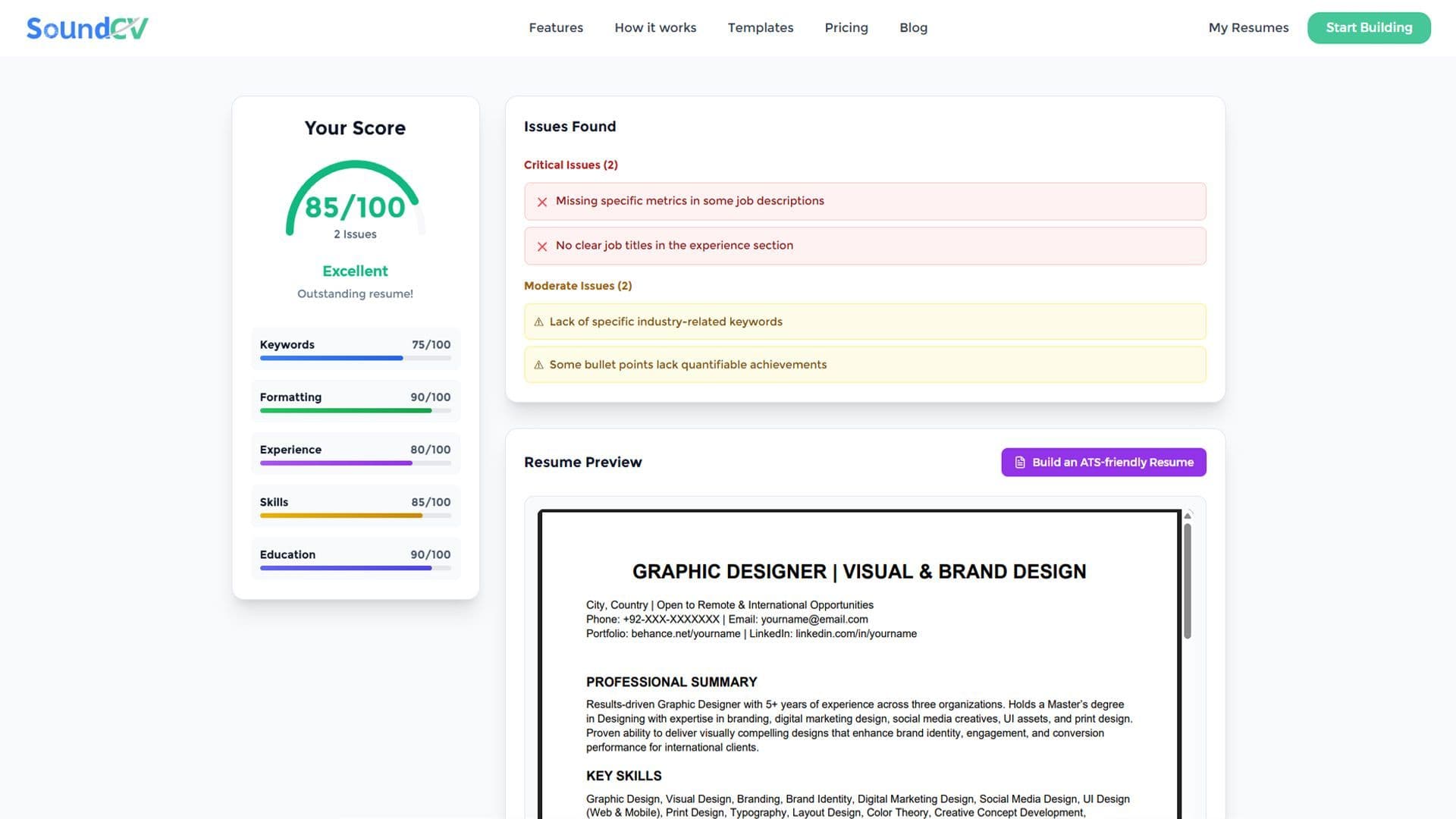
How Does the Sound CV Resume Score Checker Work?
The Sound CV Resume Score Checker analyzes your resume against ATS requirements, job-specific keywords, and structure to provide an instant, actionable score.

What Is a Sound CV? Features, Benefits, and How It Works
A Sound CV is an AI-powered resume that is tailored, ATS-optimized, and designed to showcase your skills and achievements to help you stand out to recruiters.