Novoresume Review 2026: Great Templates, But Can It Actually Do What You Need?
An honest Novoresume review covering the free plan limits, the Word format problem, template quality, ATS checker, and whether the premium price is worth it in 2026.
A recruiter emailed me back asking for my resume in Word format. I had just spent two hours building it on Novoresume. I went to download it, clicked the export button, and found out there was no Word option. PDF only.
I had to rebuild the resume somewhere else.
That experience is what this review is really about. Not whether Novoresume looks good, because it does. The question is whether it actually works for how job seekers send resumes in the real world.
I've been testing Novoresume for the past several weeks across different job applications. This is what I found.
What Is Novoresume?
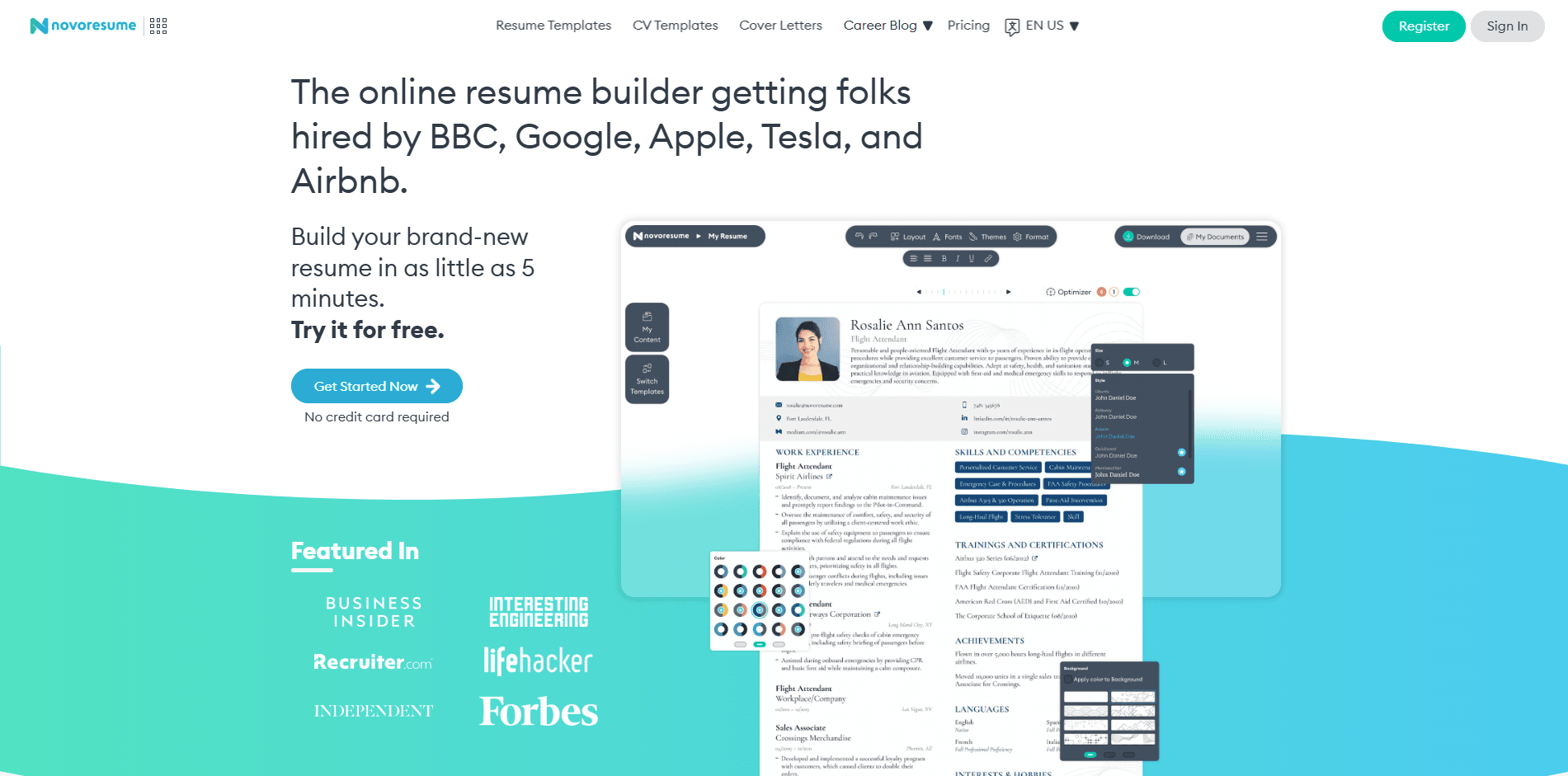
Novoresume is a resume builder that launched in 2014 out of Denmark and the Czech Republic. It's built around visual design, clean templates, and a guided building experience. The platform has grown significantly over the past few years and now claims millions of users across more than 180 countries.
The core product is the resume builder, but Novoresume also offers a cover letter builder, a career blog with thousands of articles, an ATS resume checker, and some AI-assisted writing features. The platform is known specifically for its template quality, which is genuinely better than most alternatives at this price range.
On Trustpilot, Novoresume holds a 4.5 out of 5 rating from over 1,400 reviews. That's a strong score. 79% of reviewers gave it five stars. The negative reviews, when they appear, are almost always about one of two things: the one-resume limit on the free plan, or the fact that you can't download in Word format.
The Free Plan: What You Actually Get
Novoresume's free plan is one of the more honest free tiers in the resume builder space, but it comes with real limits that matter depending on your situation.
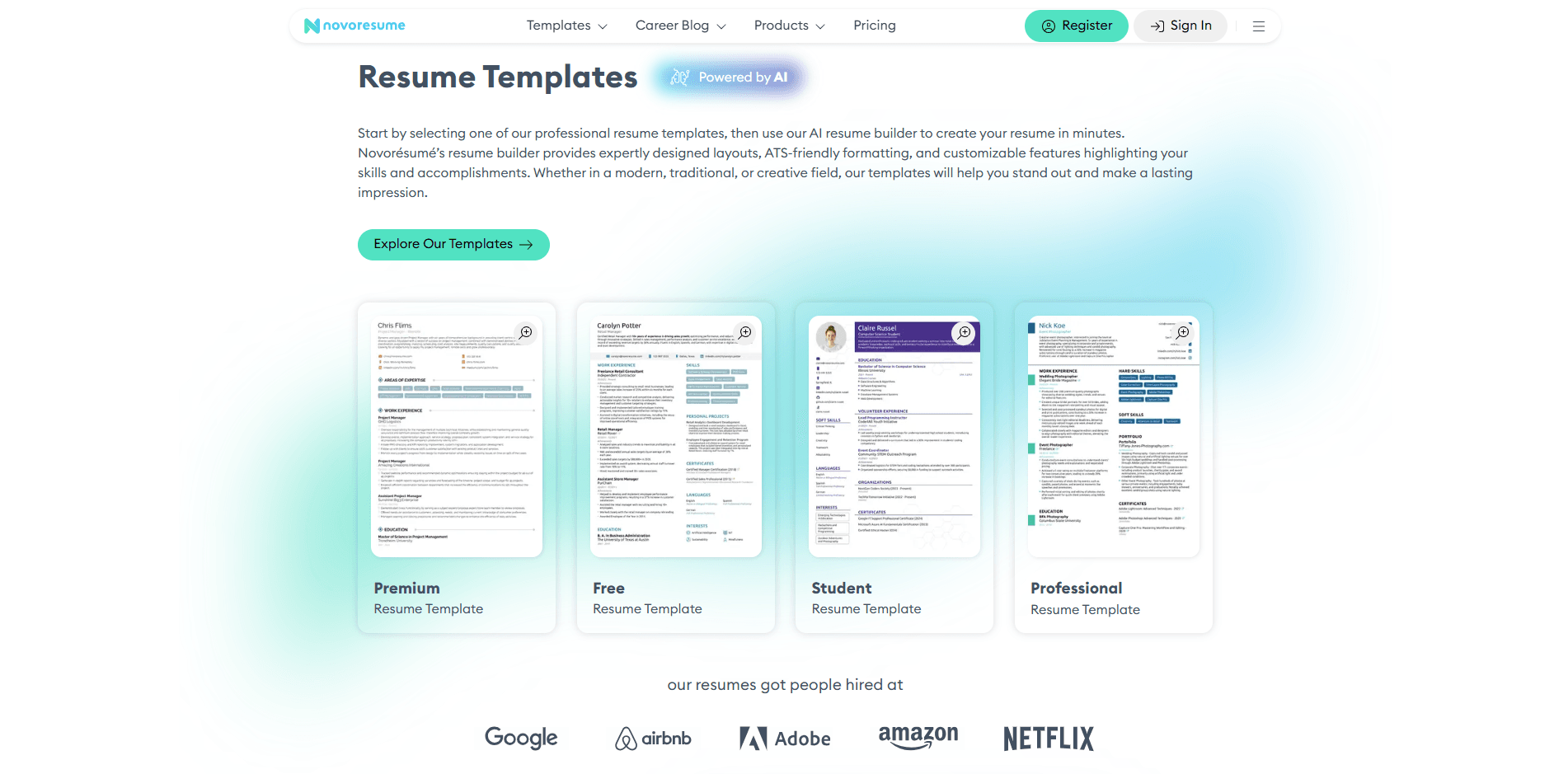
With the free plan you get: one resume, eight template options, three font choices, 30 color themes, smart content suggestions, and a PDF download. That's it. One resume. Not one resume per month. One resume total, as long as you have a free account.
What the free plan doesn't include: cover letter builder, multiple documents, more than one page, custom sections like certifications or awards, advanced customization, and the ability to download in any format other than PDF.
For a lot of people, one resume is enough. If you're applying to similar roles with the same resume, you create it once and download the PDF when you need it. The free plan works fine for this use case.
The problems start when your situation is more complex. Multiple jobs you're applying to that need different resumes. A recruiter who wants Word format. A role that needs a two-page resume to cover ten years of experience. In any of these cases, the free plan runs out quickly.
Signing Up and Getting Started
Creating an account on Novoresume takes about 60 seconds. Email and password, then you're in. No credit card required for the free plan.
The onboarding flow is well done. Novoresume walks you through choosing a template first, then filling in your information section by section. The flow is linear and guided, which makes it easy for first-time resume writers to get through the whole process without getting stuck.
You can also import from LinkedIn, which works reliably. It pulls in your job history, education, and skills and formats them into Novoresume's structure. If your LinkedIn is updated, this alone saves 20 minutes of manual entry.
The starting experience is smooth and confidence-inspiring. Nothing about it feels cheap or difficult. That early impression is one of Novoresume's genuine strengths.
Novoresume Templates: The Real Standout Feature
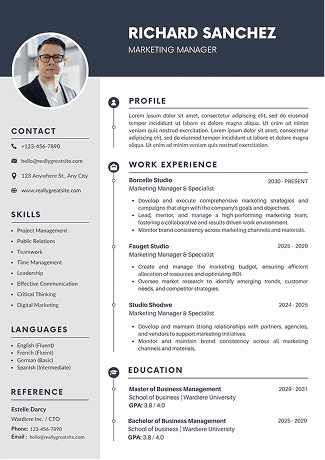
Template quality is where Novoresume is clearly ahead of most competitors. The designs are visually distinctive, modern, and professional. They don't look like every other resume template you've seen.
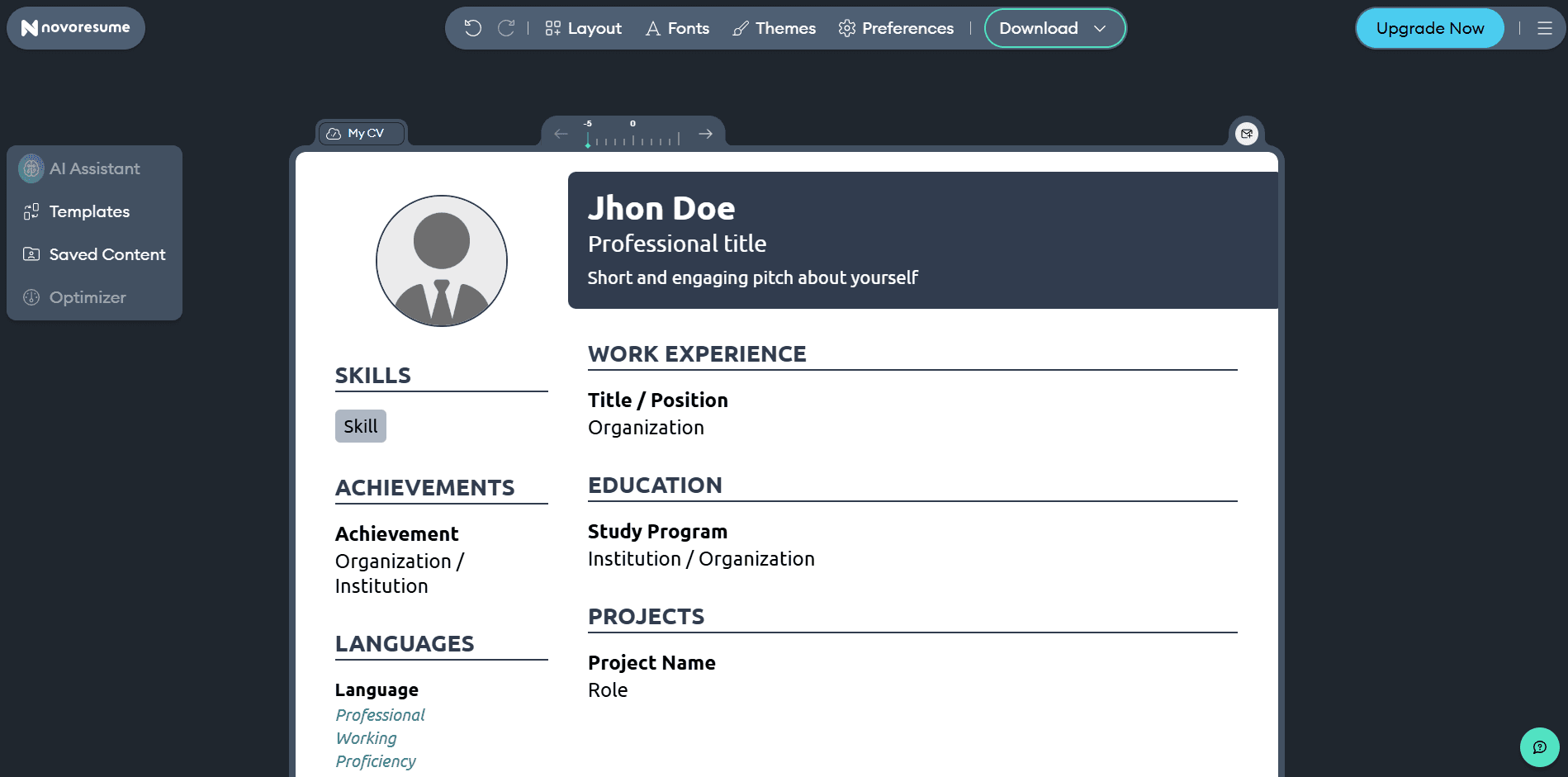
Novoresume currently offers 16+ templates. Each one comes with multiple color schemes, 74 total color theme options at the premium level, and up to 12 font choices. The visual flexibility is higher than what Zety or Kickresume offer at similar price points.
Every template Novoresume offers is built to pass ATS parsing. The layouts use standard section titles, selectable text, and clean formatting without tables or text boxes that confuse automated scanners. The company claims their templates improve ATS scores to over 87%, and based on my testing with third-party ATS tools, that tracks.
One thing I noticed: Novoresume's templates tend to use design elements like icons, sidebar sections, and color headers more heavily than some competitors. This makes them look great to a human reader. In a small number of older or more basic ATS systems, heavy design elements can cause parsing issues. For most modern employers using Greenhouse, Taleo, or Workday, this isn't a problem. For applications going through government or very traditional organizations, a simpler layout might be safer.
If template design matters to you and you're applying to companies in tech, marketing, design, or creative industries, Novoresume's templates are the best in the category at this price.
The Resume Editor Experience
The editor works through a two-column layout. On the right side, you see your resume updating as you type. On the left side, you fill in your content through structured input forms for each section.
Novoresume's smart content suggestions are genuinely useful. As you type in your job title and start filling in a work experience entry, the platform suggests relevant bullet points based on that role. The suggestions pull from a library of professionally written phrases and you can insert them with one click, edit them, or ignore them entirely.
The section management is clean. Adding, removing, and reordering sections is intuitive. The drag-and-drop reordering works without lag. The editor feels stable and fast, which matters when you're making multiple edits.
One limitation that came up during my testing: on the free plan, you can delete sections but you can't add custom sections. If your resume needs an "Awards" or "Publications" section, you need to upgrade. For most standard resumes this doesn't matter. For academic or research-oriented roles, it can be a real constraint.
The One-Page Limit: A Real Constraint for Experienced Professionals
The free plan limits you to a single-page resume. This is Novoresume's most-cited limitation in user reviews, and it's worth understanding who this actually affects.
For students, recent graduates, and early-career job seekers, one page is usually the right length for a resume anyway. Recruiters at entry to mid-level roles prefer one-page resumes. For this group, the free plan's one-page limit isn't really a limitation at all.
For professionals with eight or more years of experience, two pages is appropriate and sometimes expected. If you're applying to senior roles and trying to stay on one page, you'll either cut important experience or end up with a cluttered layout. Neither helps you.
Here's what actually happens when your resume goes past one page on the free plan. A popup appears mid-edit:
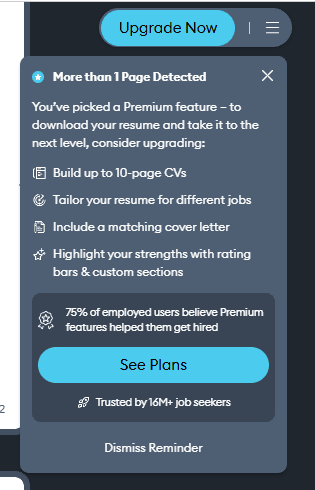
It's not a hard block. You can dismiss it and keep editing. But every time your content pushes past one page, this reminder shows up. The message is clear: go beyond one page and you need to upgrade. For a senior professional trying to fit ten years of work history into a resume, this popup becomes a recurring interruption.
The premium plan removes the page limit, allowing up to 10 pages. Most people will never need more than two, but having the option matters.
The Word Format Problem
This is the issue that cost me two hours of work.
Novoresume does not offer Word (DOCX) format downloads. The only download option is PDF.
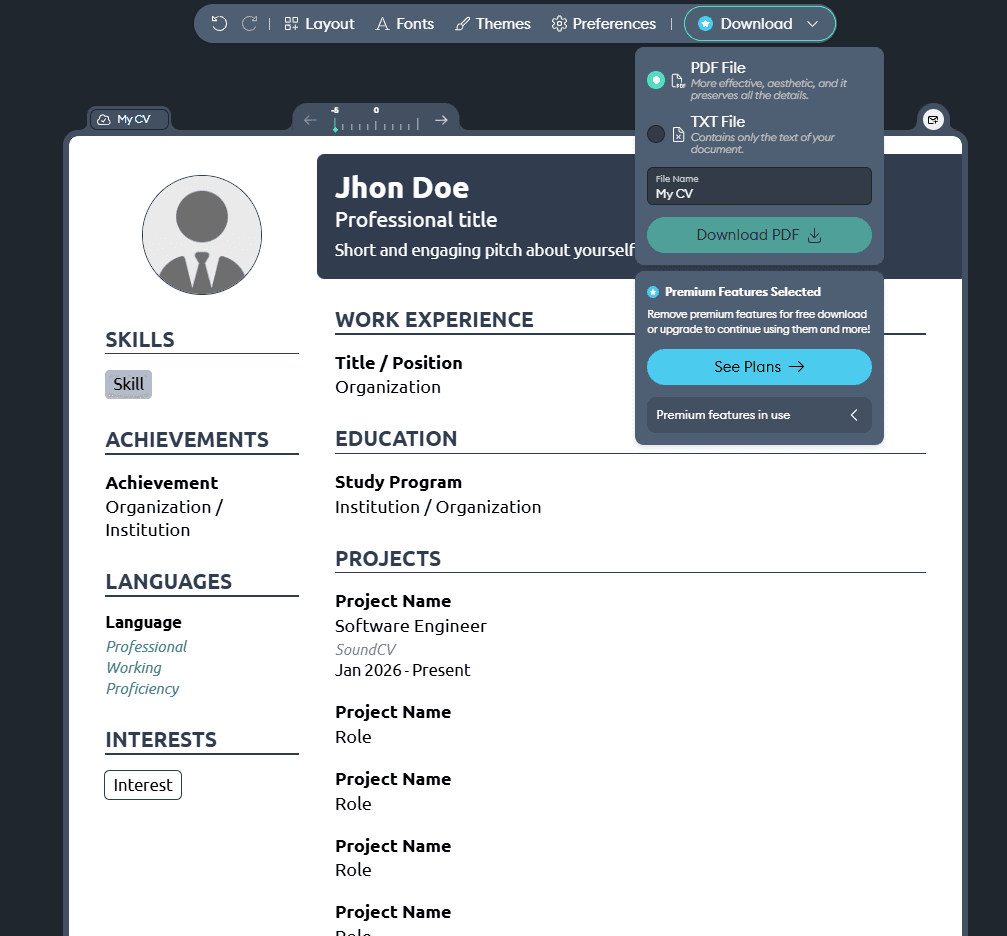
For most job applications, PDF is fine. It preserves formatting, it's universally readable, and most online application systems accept it. But "most" is not "all."
Some recruiters, particularly at staffing agencies and traditional companies, specifically request Word format. They use it to add their agency branding to the document before sending it to clients. Some older corporate ATS systems also parse Word documents more reliably than PDFs. And some applicants just prefer to have an editable format for quick changes before sending.
In all of these situations, Novoresume's PDF-only approach is a genuine problem. You can't convert a Novoresume PDF back to an editable Word document cleanly. The formatting doesn't transfer correctly. You'd need to rebuild the resume from scratch in a different tool.
Novoresume's own career blog actually has a page of free Word resume templates for download. The fact that they link to Word templates while not offering Word downloads from their own builder is a notable gap.
Novoresume Pricing in 2026
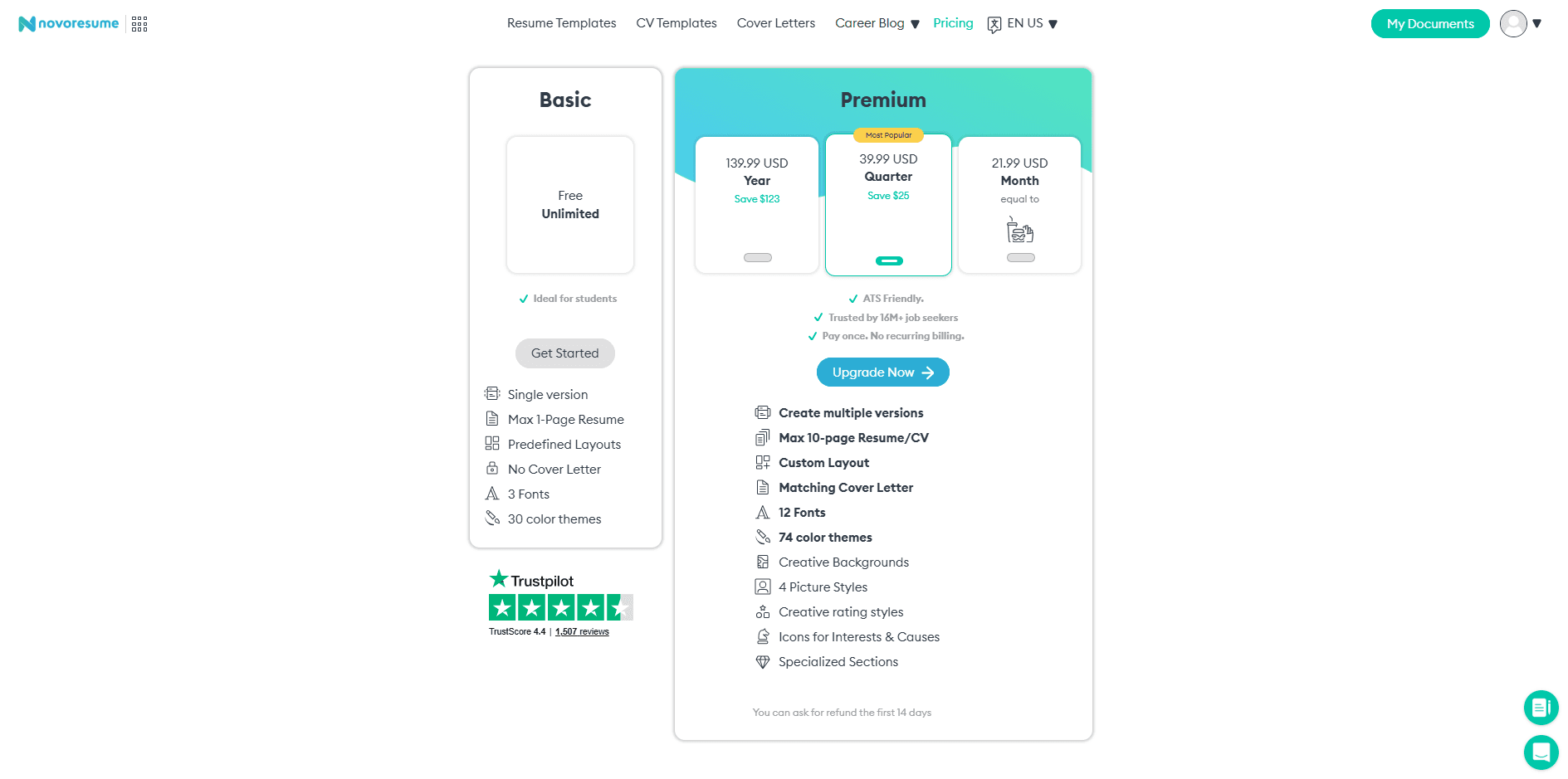
Novoresume's premium plan has three tiers:
Monthly: $19.99 per month. This is the most expensive option and only makes sense if you need Novoresume for one or two months and plan to cancel quickly.
Quarterly: $39.99 for three months, which works out to about $13.33 per month. A moderate discount over the monthly rate.
Annual: $99.99 per year, which is $8.33 per month. This is where the value proposition actually works. For less than $100 a year, you get unlimited resumes, unlimited pages, all templates, all customization options, the cover letter builder, and priority support.
Compared to Zety's $25.95 every four weeks, Novoresume's annual plan at $99.99 is meaningfully cheaper for extended use. Compared to Kickresume's premium at $24/month or $8/month annually, Novoresume is roughly comparable.
The monthly plan at $19.99 is harder to justify. If you need Novoresume for one month, use the trial, download everything in that window, and cancel. Don't stay on the monthly plan beyond that.
Novoresume ATS Checker: Does It Actually Work?
Novoresume has a free ATS checker at novoresume.com/tools/ats-resume-checker. You upload any resume, not just one built with Novoresume, and it returns a compatibility score along with specific feedback.
The tool checks for formatting issues that cause ATS parsing problems, missing standard sections, file type compatibility, keyword density, and overall readability. It accepts PDF, DOCX, and other common formats. This is actually more flexible than many ATS checkers that only accept their native format.
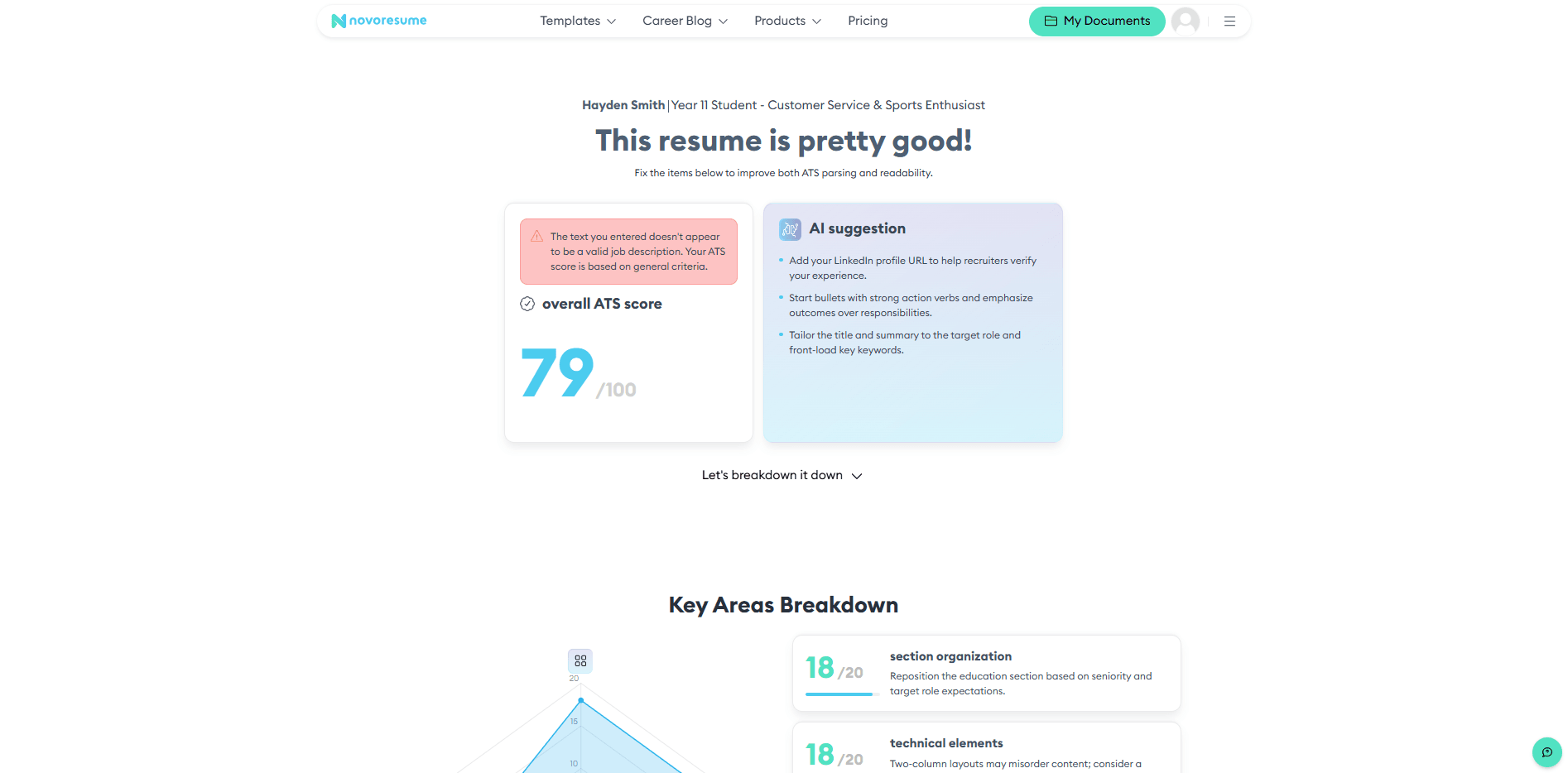
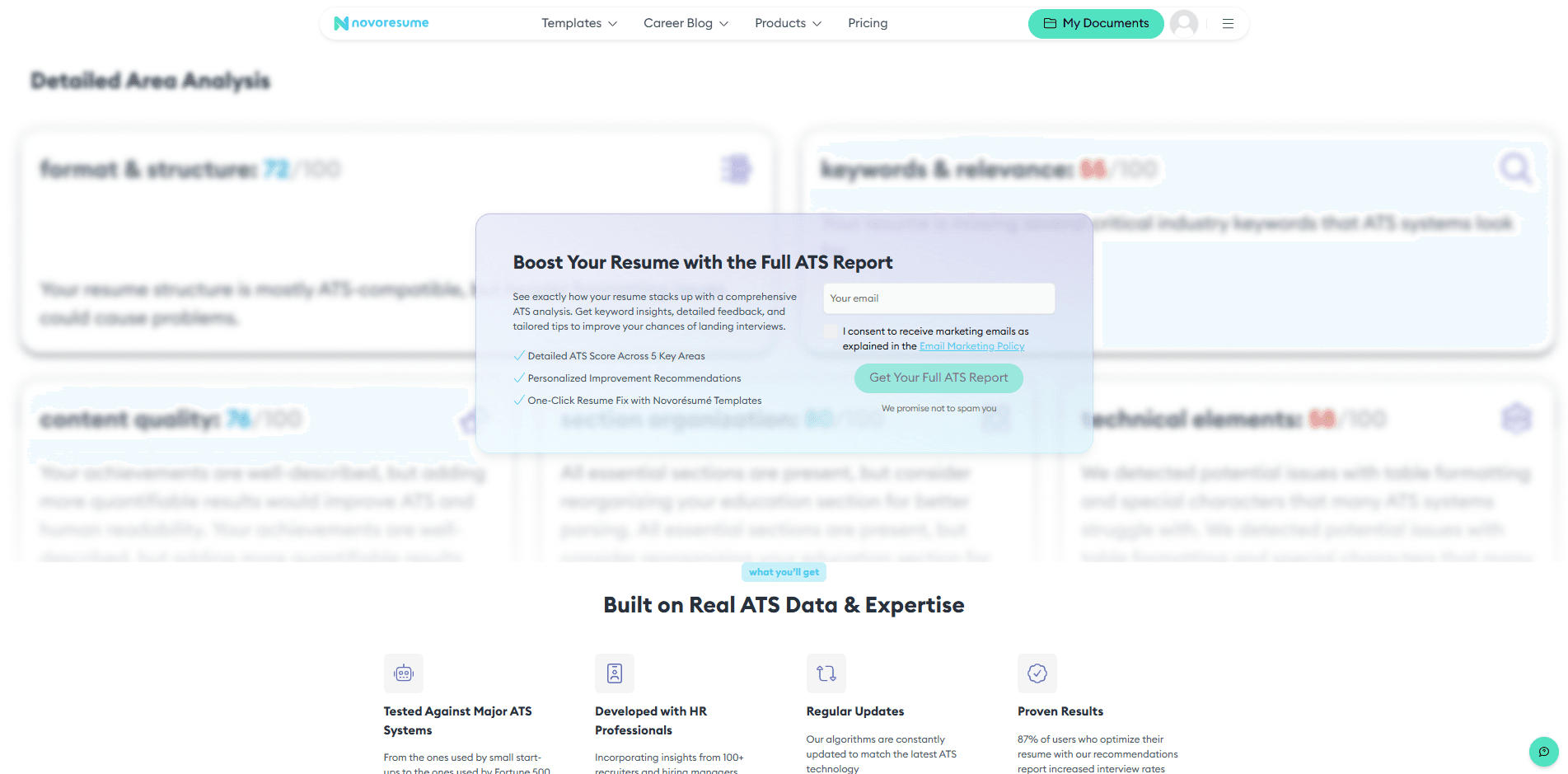
The score Novoresume gives is a general compatibility score, not a job-specific match score. If you upload a resume and get a score of 85, that tells you your resume is formatted well and has the standard sections. It doesn't tell you how well your resume matches the specific job you're applying for.
I ran the same resume through SoundCV's free ATS checker for comparison. SoundCV's tool lets you paste in the actual job description and compares your resume against that specific posting. It identified four keywords from the job requirements that weren't in my resume, flagged that my experience section was underselling a key qualification the job listed, and showed a job match percentage alongside the overall score. That's the information that actually changes what you send to each employer.
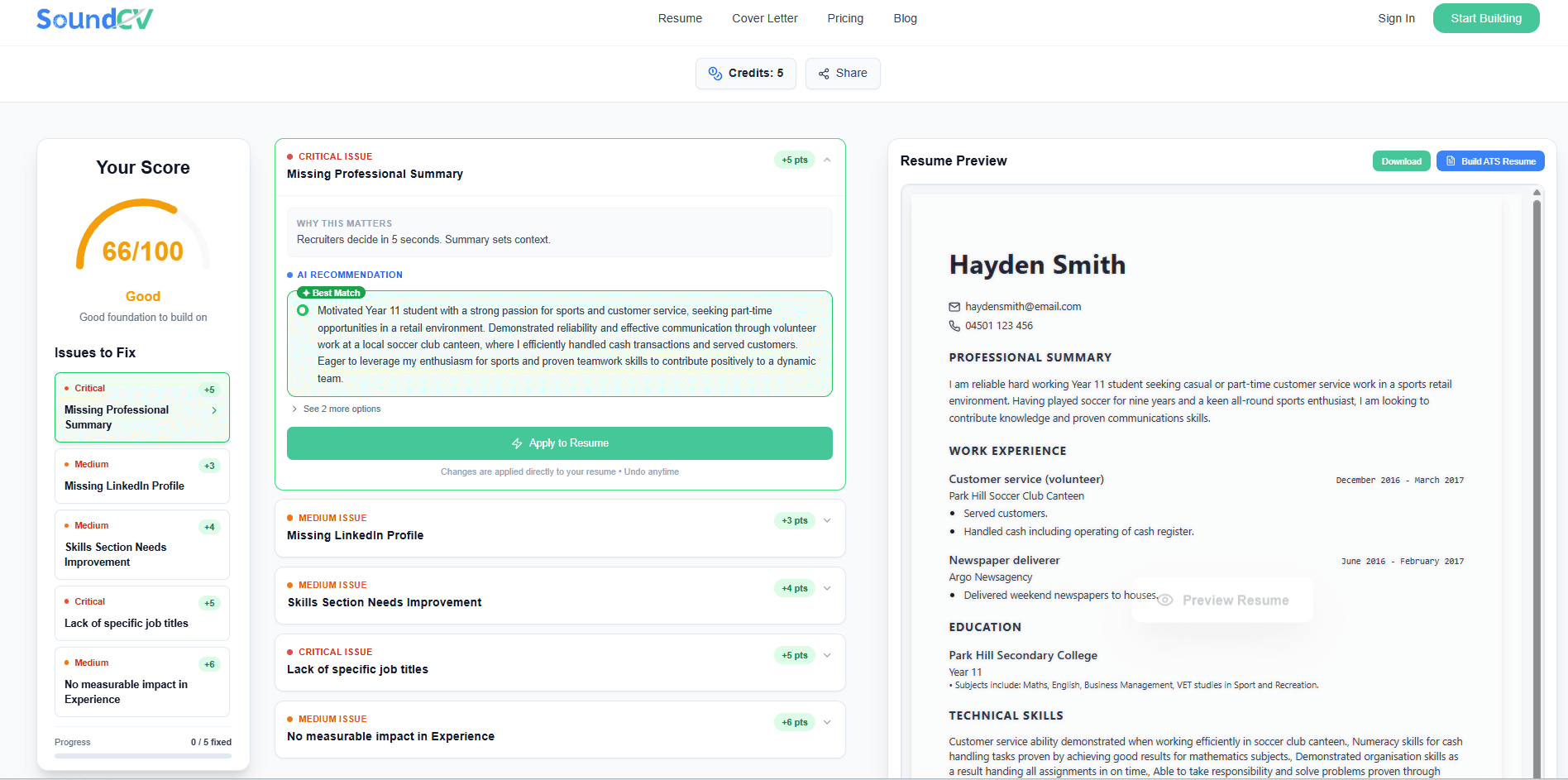
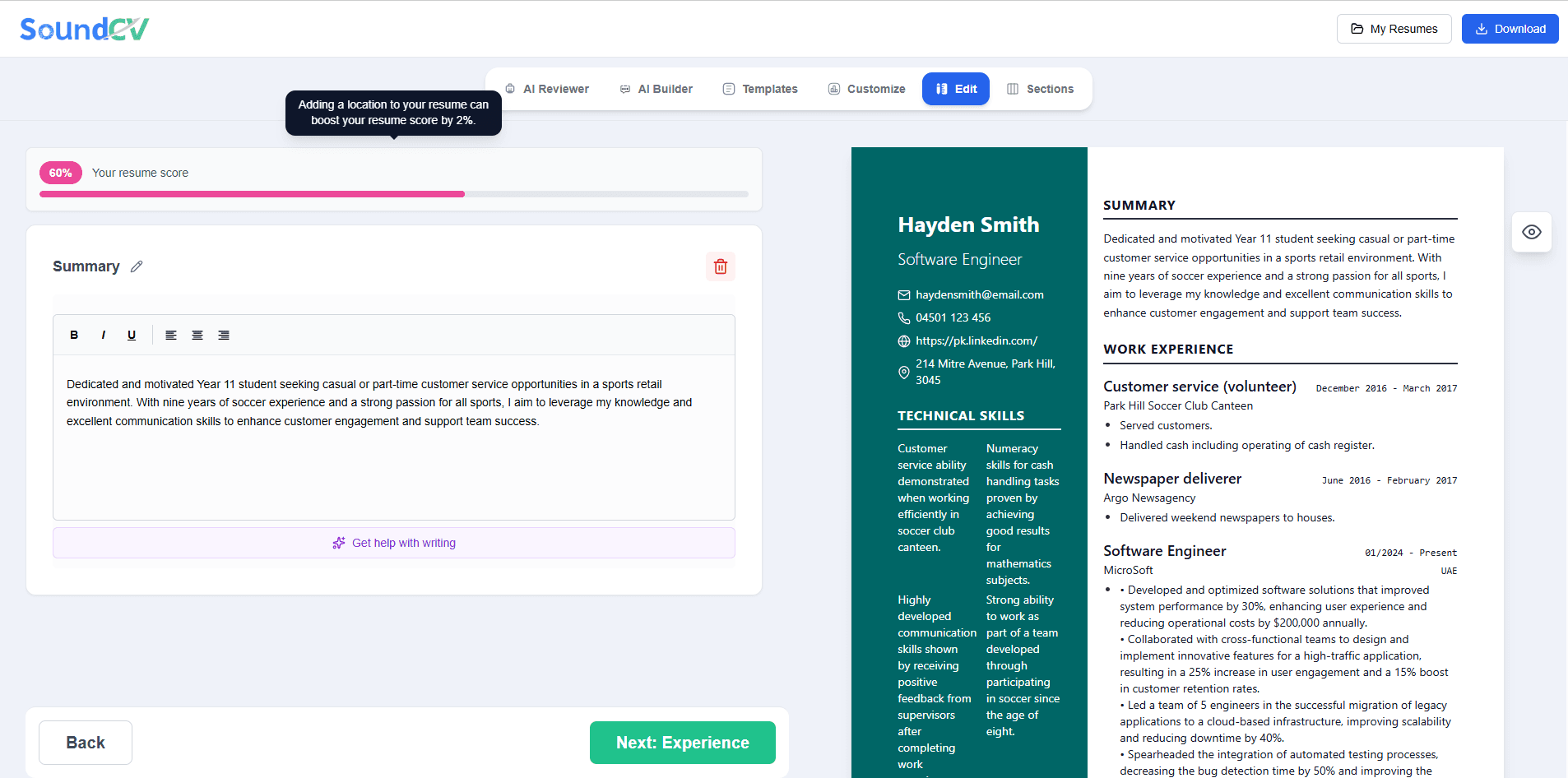
Novoresume's ATS checker is a good tool for a structural health check. For job-specific optimization, a tool that takes the job description into account is worth using alongside it.
Novoresume AI Features: Still Finding Its Footing
Novoresume has an AI assistant in beta. The way it works is closer to a chatbot than an integrated writing tool. You prompt it, it responds with suggestions, and then you decide what to use.
In practice, I found it less useful than the AI features in Zety or Kickresume. Those platforms have AI suggestions built directly into each section as you're filling it in. You type a job title and bullet point suggestions appear automatically. Novoresume's approach requires more manual prompting and the results tend to read more generic than the context-aware suggestions from competitors.
The smart content suggestions, which are the pre-written phrases available in each section, are good and genuinely useful. These aren't the AI beta feature. These are the curated phrase library that Novoresume has offered for years. The AI layer on top of them is the newer addition, and it hasn't caught up to the competition yet.
For someone writing their first resume, both the phrase library and the AI suggestions provide real value even in their current state. For an experienced professional looking for nuanced resume writing help, the AI features feel limited.
Novoresume Cover Letter Builder
The cover letter builder is a premium-only feature. On the free plan, you can't create a cover letter at all.
For premium users, the cover letter builder matches the resume templates so your application documents look consistent. The guided process for building a cover letter works the same way as the resume builder: fill in sections on the left, preview on the right.
The cover letter templates are well-designed and match Novoresume's visual strength. If you've paid for premium and you're using Novoresume for your resume, the cover letter builder is a good addition and doesn't require learning a new tool.
For free users who need a cover letter, this is a gap. A matching cover letter requires an upgrade. Some competitors include basic cover letter access on their free plan. Novoresume doesn't.
Novoresume vs Other Resume Builders
Novoresume vs Zety: Novoresume's templates are more visually distinctive. Zety's editor guidance is more thorough, especially for first-time resume writers. Both have download paywalls, though Zety's billing structure is more confusing with the four-weekly renewal cycle. Novoresume's annual plan is cheaper than Zety's equivalent. Neither offers Word format. If design quality is your priority, Novoresume wins. If you want hand-holding through the process, Zety is more thorough.
Novoresume vs Kickresume: Kickresume has a more generous free plan with four downloadable templates. Novoresume's templates are more polished visually. Kickresume has stronger AI writing features. For free users, Kickresume is the better starting point. For paid users, it's close and depends on whether template design or AI assistance matters more to you.
Novoresume vs Google Docs: Google Docs is completely free, downloads in Word and PDF, and is accessible from anywhere. It doesn't have the guided experience, AI suggestions, or ATS-optimized templates. If you know how to write a resume and just need a professional-looking output, Google Docs costs nothing and gives you Word format. Novoresume is the better tool for guided resume creation, but Google Docs wins on flexibility and cost.
What Real Users Are Saying
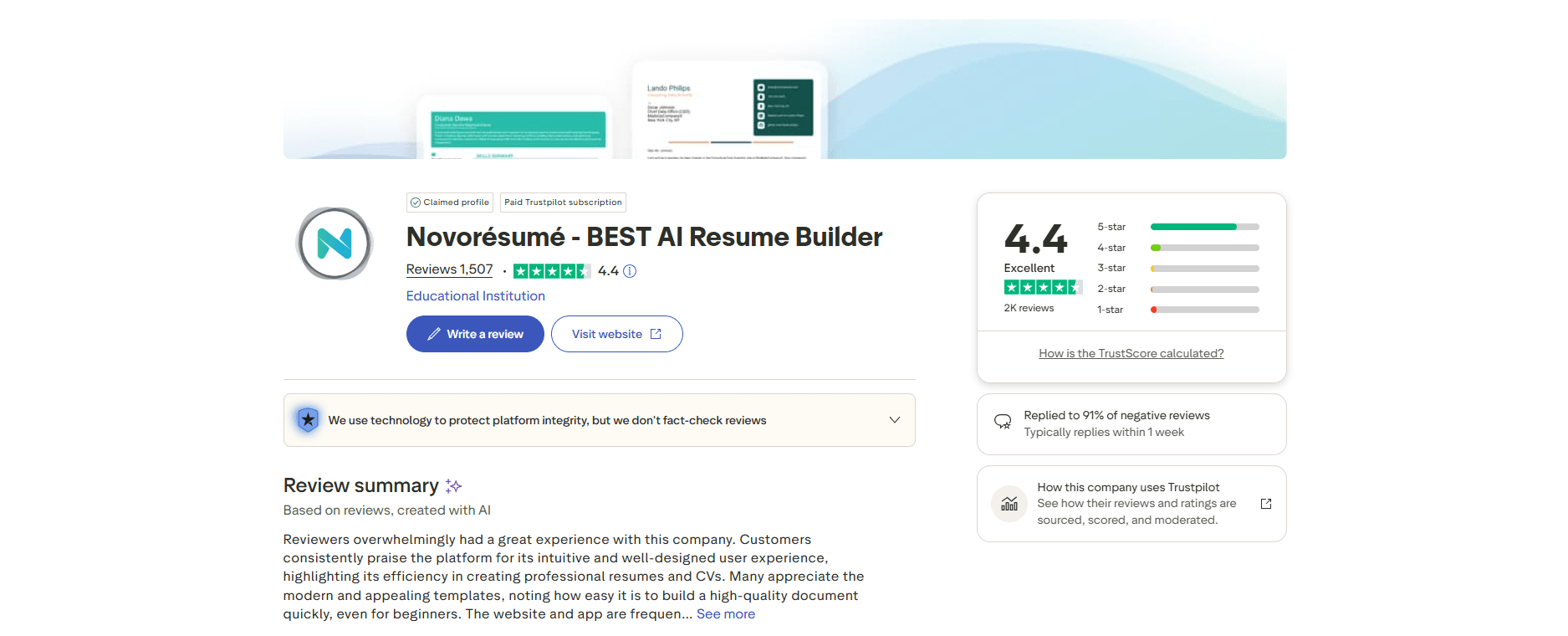
Novoresume's 4.5 rating on Trustpilot from 1,400+ reviews is one of the stronger scores in the resume builder category. Reading through the reviews gives a clear picture of who loves it and who doesn't.
Five-star reviews consistently mention the templates: "The design is stunning," "My resume finally looks professional," "Got interview calls within days of using this." The visual quality drives most of the positive sentiment.
Negative reviews cluster around three things. The one-resume limit on the free plan surprises users who expected more flexibility. The Word format limitation frustrates users who needed DOCX for a specific application. And some users report being charged when re-downloading a resume they've already paid to access, with complaints that minor changes triggered new payment requirements.
The pattern suggests Novoresume has built a genuinely good product with a few sharp edges in the billing and download experience that generate outsized frustration relative to their frequency.
Who Should Use Novoresume?
Novoresume makes sense for you if you're in an industry where visual presentation matters and you want your resume to stand out on design as well as content. Creative roles, marketing, design, tech, and product positions are good fits. The template quality will work in your favor.
It also makes sense if you're primarily applying through online job boards and company career pages where PDF upload is the standard. In this environment, the lack of Word format is rarely a problem.
Novoresume is less ideal if a recruiter, staffing agency, or employer has specifically asked for Word format. It's also less ideal if you need to create multiple different resume versions regularly, in which case the free plan's one-resume limit will be a constant friction point unless you pay for premium.
For experienced professionals with more than eight years of experience, the one-page free plan limit is also a real constraint. You'll either need to pay for premium or look for a different tool.
Is Novoresume Worth It in 2026?
For the right person, yes. Novoresume's annual plan at $99.99 gives you the best-looking resume templates in the category, unlimited documents, a solid ATS checker, and a cover letter builder that matches your resume's design. For someone in an active six-month job search creating multiple tailored resumes, $100 for a year is a reasonable investment.
For occasional use, the math is harder. The monthly plan at $19.99 is expensive for what you get in one month. If you need it once, pay for one month, download everything you need, and cancel. Don't stay on the monthly plan.
For someone who needs Word format downloads, Novoresume is the wrong tool regardless of price. The PDF-only limitation is a hard constraint with no workaround inside the platform.
The free plan is genuinely useful for students and early-career job seekers who need one solid resume in PDF format. If that describes your situation, Novoresume's free plan is a good option and you may not need to upgrade at all.
A Free Tool Worth Adding to Your Job Search Stack
Regardless of which resume builder you use, getting your ATS score right before sending each application is a separate step that matters. Novoresume's ATS checker gives you a structural health score. What it doesn't give you is a job-specific match score, which is the number that actually tells you whether your resume will pass the filter for a specific posting.
SoundCV's free ATS checker fills that gap. You paste in the job description, upload your resume, and get a match percentage with specific feedback on missing keywords and weak sections. It works with any resume from any builder, costs nothing, and requires no account. It's become a standard part of my application process before sending anything.
Final Verdict: Novoresume Review 2026
Novoresume earns its strong reviews because the core product is genuinely good. The templates are the best-looking in the category at this price. The editor is clean and fast. The guided experience works well for most users. The ATS compatibility is solid.
The limitations are real but specific. One resume on the free plan. PDF only, no Word. AI features that are still catching up to the competition. Cover letter access locked behind the paywall. A billing experience that some users find frustrating around re-downloads.
If the limitations don't apply to your situation, Novoresume is a strong choice. If you need Word format, you need more than one resume version for free, or you need strong AI writing assistance, there are better fits for your specific needs.
Know what you need before you sign up. Novoresume is excellent at what it does. What it doesn't do is also clearly defined.
Frequently Asked Questions About Novoresume
Is Novoresume free?
Yes, partially. The free plan lets you build and download one single-page resume as a PDF. Features like multiple documents, more than one page, advanced customization, the cover letter builder, and Word download require a premium subscription starting at $19.99 per month or $99.99 per year.
Can I download my Novoresume resume without paying?
Yes, if you're on the free plan and your resume is one page using a free template. You can download it as a PDF at no cost. Word format and downloads for multi-page resumes or premium template resumes require a paid plan.
Does Novoresume offer Word format download?
No. Novoresume only offers PDF downloads from their builder. If you need a Word (DOCX) file, you'll need to use a different tool or convert the PDF, though conversion rarely preserves the formatting cleanly.
How much does Novoresume cost per month in 2026?
The monthly plan is $19.99 per month. Quarterly billing comes out to $13.33 per month. The annual plan at $99.99 per year works out to $8.33 per month and is the best value for job seekers doing an extended search.
Is Novoresume ATS friendly?
Yes. All Novoresume templates are built to pass modern ATS parsing. They use standard section titles, selectable text, and clean formatting. The platform also offers a free ATS checker. For additional job-specific optimization, pairing Novoresume with a tool like SoundCV's free ATS checker that scores against the actual job description will give you more actionable feedback.
Is Novoresume better than Zety?
It depends on what you need. Novoresume has better-looking templates and a cheaper annual plan. Zety has better guided content suggestions and a more thorough editor experience. Neither offers Word format. For visual design, Novoresume wins. For guided writing assistance, Zety is stronger. For free users, Kickresume's free plan (four downloadable templates) beats both.
Does Novoresume have a free trial?
Novoresume doesn't offer a time-limited free trial in the traditional sense. The free plan itself is permanently free with the one-resume, one-page, PDF-only limitations. There's no paid trial period like Zety's $1.95 option. You either use the free plan or subscribe to premium.
Can I cancel my Novoresume subscription?
Yes. You can cancel through your account settings. After cancellation, you retain access until the end of your paid period. Your resume data stays in your account on the free plan so you don't lose your work. Some users have reported that after downgrading from premium, re-downloading previously created premium resumes required payment, so download everything you need before cancelling.
Related Blogs
Explore more insights and guides you might like.
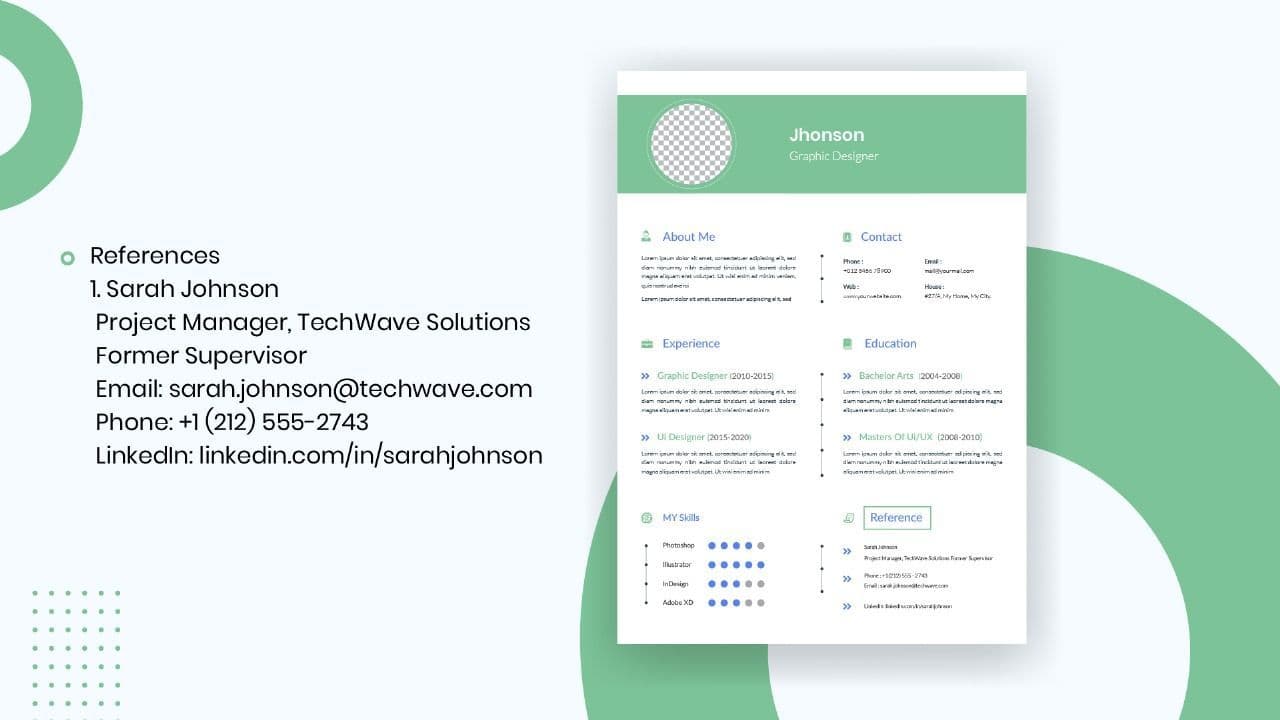
How to List References on a Resume in 2026
Learn the modern 2026 approach to listing references on your resume for maximum professionalism and recruiter impact.

Is Sound CV good for students and fresh graduates with no experience?
Sound CV is perfect for students and fresh graduates, helping them create professional resumes that highlight skills, projects, and potential even with little or no work experience.
Why Sound CV Is Different from Other AI Resume Builders
Sound CV stands out by creating job-focused, ATS-friendly resumes that highlight real achievements, not just generic content.
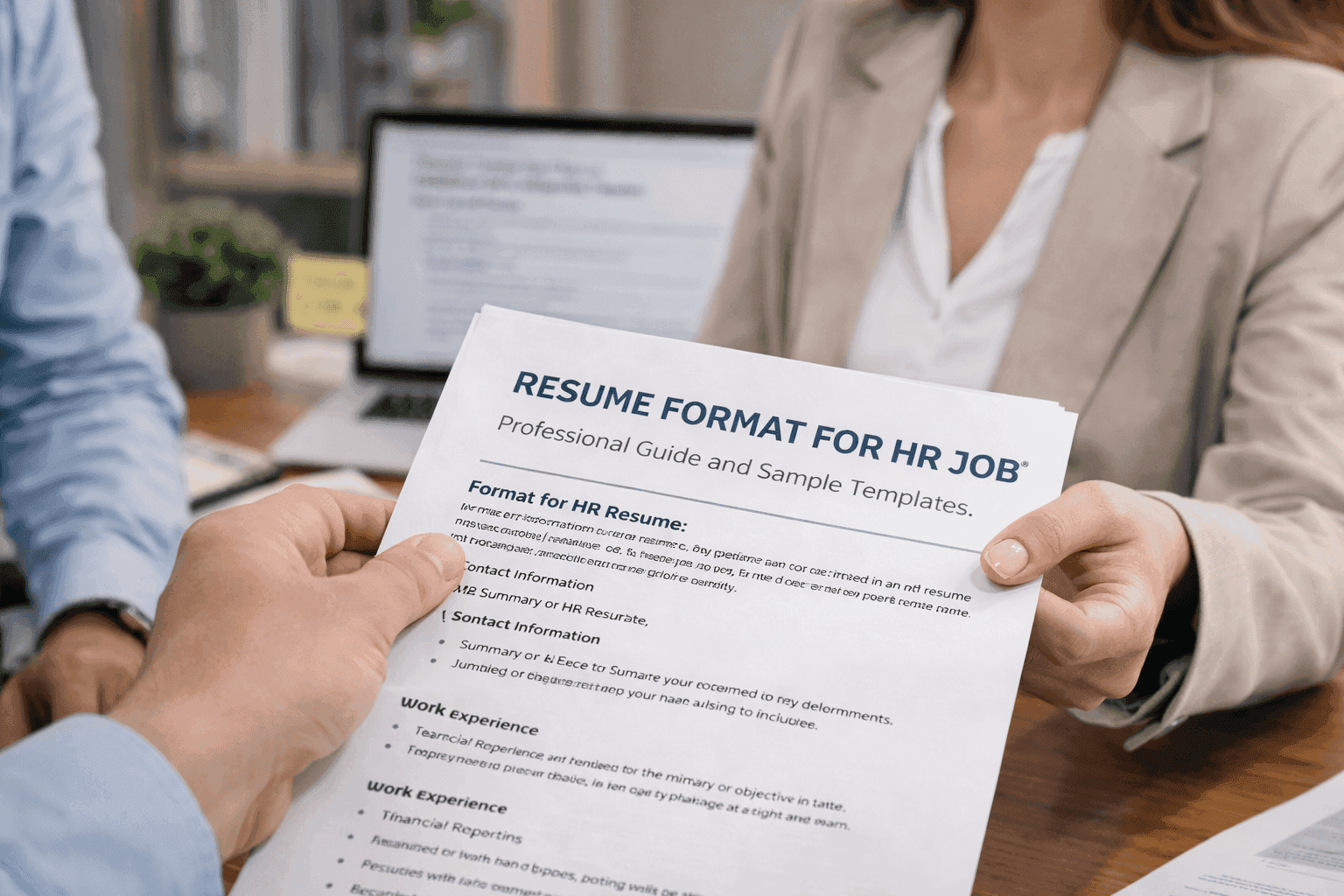
Resume Format for HR Job: Professional Guide and Sample Templates
A complete guide to the best resume format for HR jobs, with expert tips and sample templates to help you create a professional and job-ready resume.
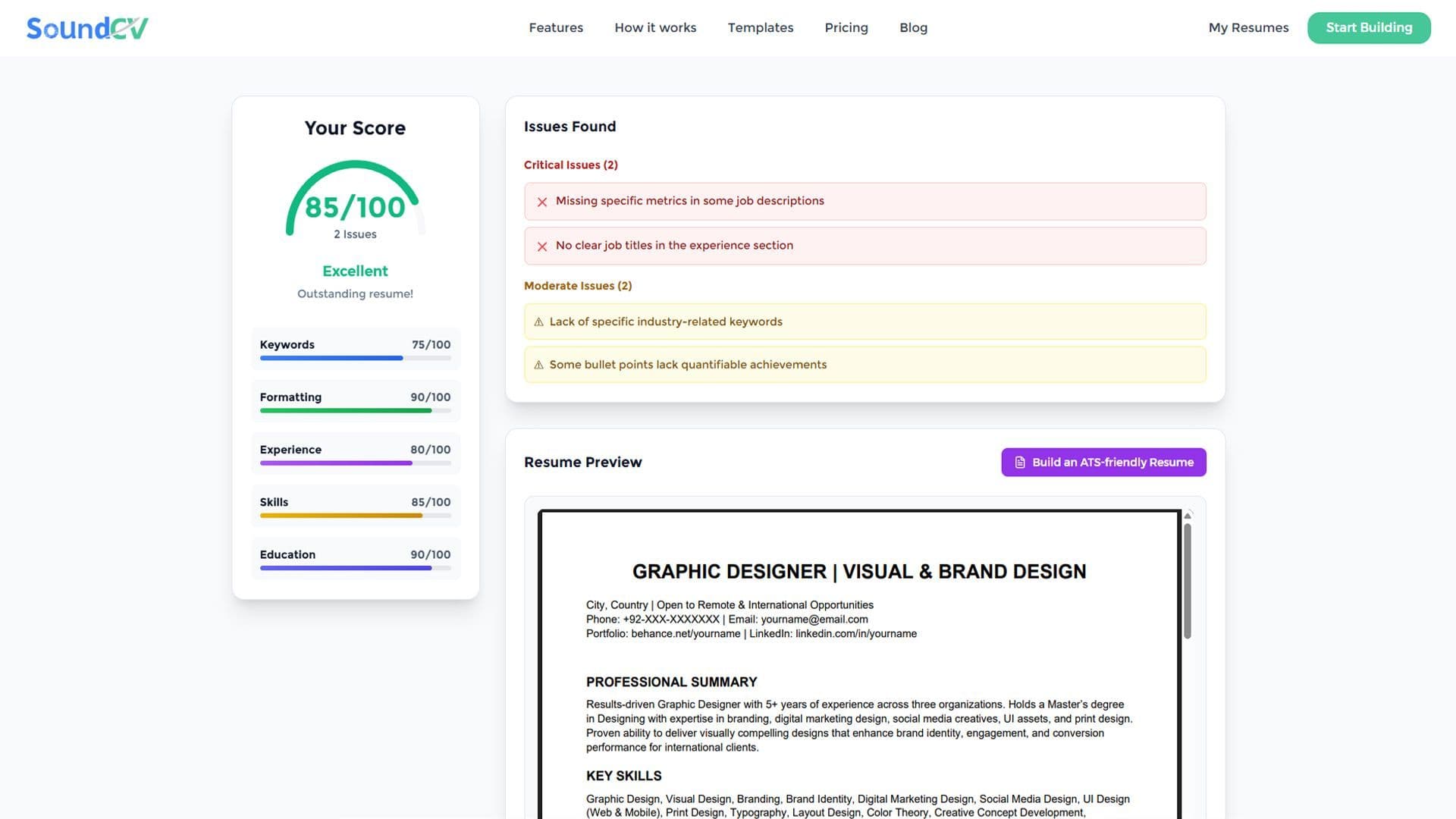
How Does the Sound CV Resume Score Checker Work?
The Sound CV Resume Score Checker analyzes your resume against ATS requirements, job-specific keywords, and structure to provide an instant, actionable score.
What Is a Sound CV? Features, Benefits, and How It Works
A Sound CV is an AI-powered resume that is tailored, ATS-optimized, and designed to showcase your skills and achievements to help you stand out to recruiters.