How to Add Certifications in Resume: Complete Guide with Examples
A clear, step-by-step guide on listing certifications on your resume correctly, with real examples that show recruiters what actually matters.
Overview
This guide explains how to add certifications to your resume the right way, covering placement, formatting, ATS compatibility, and real-world examples. It shows when certifications matter most, which ones to include or avoid, and how to present them for maximum impact. With Sound CV, you can highlight certifications clearly and get noticed faster by recruiters.
Including certifications in your resume can instantly boost your credibility, prove your expertise, and increase your chances of getting shortlisted. Whether you’re a fresh graduate, a career switcher, or a seasoned professional, knowing how to add certifications in your resume properly can make a powerful impact. Recruiters look for skills backed by proof, and certifications act as evidence of your knowledge and training.
In this guide, you’ll learn where to put certifications on your resume, how to present them in an ATS-friendly format, real resume certifications examples, and when certifications add the most value. By the end, you’ll know exactly how to list them in a way that strengthens your professional profile.
Key Points
Certifications boost credibility and validate job-related skills
Placement depends on relevance, experience level, and role
A dedicated “Certifications” section is the most ATS-friendly option
Use a clean format: Certification | Issuer | Year
Highlight high-impact certifications in the summary if relevant
Only include certifications that support the job you’re applying for
Industry-recognized online certifications are acceptable
Avoid outdated, expired, or irrelevant certificates
Linking certificates adds extra credibility when allowed
Sound CV helps optimize certification placement for ATS and recruiters
Why Certifications Matter on a Resume
Certifications prove that you have completed training, passed assessments, and developed expertise in a specific skill or industry. Adding the right certifications in resume can:
- Make your resume stand out from other candidates
- Show that you are committed to learning and growth
- Increase your credibility in specialized roles
- Help you qualify for jobs with mandatory certification requirements
- Improve your chances of passing ATS (Applicant Tracking Systems)
In competitive fields like IT, healthcare, finance, education, marketing, HR, and design, professional certifications for resumes can make a significant difference.
Also Read:How Does the Sound CV Resume Score Checker Work?
Where to Put Certifications on Resume
The placement of your certifications depends on how relevant and important they are for the job you’re applying for. Below are the best places to add them strategically.
1. Add a “Certifications” Section (Most Common)
If you have two or more certifications, create a dedicated section titled:
- Certifications
- Professional Certifications
- Licenses & Certifications
Example Format:
Certifications
Google Project Management Professional Certificate – Coursera, 2024
Certified Digital Marketing Associate (CDMA) – HubSpot Academy, 2023
This is the cleanest and most ATS-friendly way to list certifications.
2. Add Beneath the Education Section
If certifications support your degree or academic background, place them below Education ideal for students or fresh graduates.
Example Format:
Education
Bachelor of Business Administration (BBA) — ABC University, 2023
Certifications:
• Microsoft Excel Specialist, 2023
3. Add in the Summary or Headline
If a certification gives you a major advantage add it in your Professional Summary or Resume Headline.
Example Summary with Certification Included:
Certified HR Professional with 3+ years of experience in recruitment, onboarding, and HR operations. Skilled in HRMS, employee engagement, and talent acquisition strategies.
This works best for high-value, industry-recognized credentials.
4. Add Under Skills Section (For Skill-Based Certificates)
If the certification validates a specific skill, list it along with relevant skills.
Example Skills Entry:
Skills: Video Editing (Adobe Certified), Storyboarding, Graphic Design
This helps when applying for skill-focused creative or technical roles.
5. Add in Work Experience (If Used on the Job)
If you applied for your certification at work, mention it under the relevant job experience.
Example Experience Bullet:
Implemented SEO strategies after completing Google SEO Certification, increasing organic traffic by 40% in 3 months.
This connects certification to real impact.
Also Read:Biodata Format for Job with Free Template and Pro Tips
How to Add Certifications in Resume (Step-By-Step)
Follow these steps to list your certifications clearly and professionally.
Step 1: Choose Certifications Relevant to the Job
Only include certifications that match the job description or support your role. Unrelated or outdated certifications may dilute your profile.
For example:
If applying for a Data Analyst role, list Excel, Power BI, SQL, and Data Analytics certifications—not a cooking or photography course.
Step 2: Use a Standard & ATS-Friendly Format
ATS systems scan resumes for keywords and structure. Use a simple format:
Certification Name | Issuing Organization | Year
Example:
Project Management Professional (PMP) | PMI | 2024
Step 3: Mention Validity or Expiry (If Applicable)
Some certifications expire and require renewal. Add expiry if relevant.
Example:
AWS Solutions Architect – Valid Through 2025
Step 4: Add License Number (Only if Required)
Certain certifications—like medical, legal, teaching, or safety—may require a license number.
Example:
Certified Nursing Assistant (CNA) — License #7845632
Step 5: Link to Certificate (Optional but Impressive)
If allowed, add a link to digital certificates in PDF or URL format.
Also Read:Why Sound CV Is Different from Other AI Resume Builders
Resume Certifications Examples by Career Field
Below are strong resume certifications examples categorized by industry.
Students & Fresh Graduates
Microsoft Office Specialist (MOS)
Google Fundamentals of Digital Marketing
LinkedIn Career Essentials Certificate
Coursera/edX Beginner Certifications
Google Data Analytics Foundations Certificate
Introduction to Python Programming – Coursera
Excel for Beginners – Microsoft or Udemy
Communication Skills Certification – LinkedIn Learning
Also Read:What Are Analytical Skills: Definition and Examples
IT & Software
CompTIA A+ / Network+ / Security+
Microsoft Azure Fundamentals (AZ-900)
AWS Cloud Practitioner
Cisco CCNA
Google IT Support Professional Certificate
Microsoft Power Platform Fundamentals (PL-900)
Linux Essentials (LPI)
Python Institute PCAP / PCEP Certification
Finance & Accounting
ACCA
CPA
QuickBooks Certification
Financial Modeling & Valuation Analyst (FMVA)
Chartered Financial Analyst (CFA) Level I
Xero Advisor Certification
SAP Financial Accounting (FI) Certification
Excel for Financial Analysis Certification
Healthcare
Basic Life Support (BLS)
CPR & First Aid Certification
EMT / CNA License
Medical Billing & Coding Certificate
Advanced Cardiac Life Support (ACLS)
Patient Care Technician (PCT) Certification
Phlebotomy Technician Certification
Medical Assistant (CMA) Certification
Also Read:Top 20 AI Resume Builders for Fresh Graduates and Job Seekers
HR & Management
SHRM-CP
Google Project Management Certificate
Lean Six Sigma (Yellow, Green, Black Belt)
HR Generalist Certification
Professional in Human Resources (PHR)
Certified Human Resources Professional (CHRP)
Certified Talent Acquisition Specialist (CTAS)
People Analytics Certification
Marketing & Sales
HubSpot Inbound Marketing
Google Analytics Certification
Meta Social Media Marketing
SEO Certification from SEMrush
Google Ads Search Certification
Email Marketing Certification – HubSpot
Content Marketing Certification – HubSpot
Sales Enablement Certification – HubSpot
Digital Marketing Specialist – Google
Conversion Rate Optimization (CRO) Certification
Design & Creative Roles
- Adobe Photoshop / Illustrator Certification
- Canva Design School Certificate
- UX/UI Design Certification – Coursera
- Motion Graphics – After Effects Training
Should You Add Online Certifications?
Yes online certifications are recognized by recruiters when they come from credible platforms such as:
- Coursera
- Udemy
- LinkedIn Learning
- HubSpot
- edX
Just ensure they are relevant and skill-based.
Also Check Out Resume Related Blog:
Certifications You Should NOT Add in Resume
Avoid listing:
Certificates with no industry value
Very old or expired certificates
Unrelated hobbies unless relevant to job
For example:
If you’re applying for a Software Developer role, a “Cooking Certificate” does not belong on your resume.
Sample “Certifications” Section for Resume
Certifications
• Certified Data Analyst (Google) – Coursera, 2024
• Advanced Excel Expert (Microsoft), 2023
• Power BI Data Modeling Certification – LinkedIn Learning, 2023
Sample One-Line Summary With Certification
Certified Marketing Professional with hands-on experience in SEO, social media growth, and brand campaigns.
Quick Tips for Adding Certifications in a Resume
List the most relevant and recent certifications first to match the job requirements
Use clean, professional, and consistent formatting across your resume
Include only certifications that support the role you are applying for
Update your resume regularly as you earn new certifications or renew existing ones
Conclusion:
Learning how to add certifications in your resume correctly helps you showcase expertise, increase credibility, and demonstrate professional growth. With Sound CV, the right certification placement and ATS-friendly formatting ensure recruiters and hiring managers immediately see your value, especially when applying for competitive roles.
FAQs
Frequently asked questions about this topic
Related Blogs
Explore more insights and guides you might like.
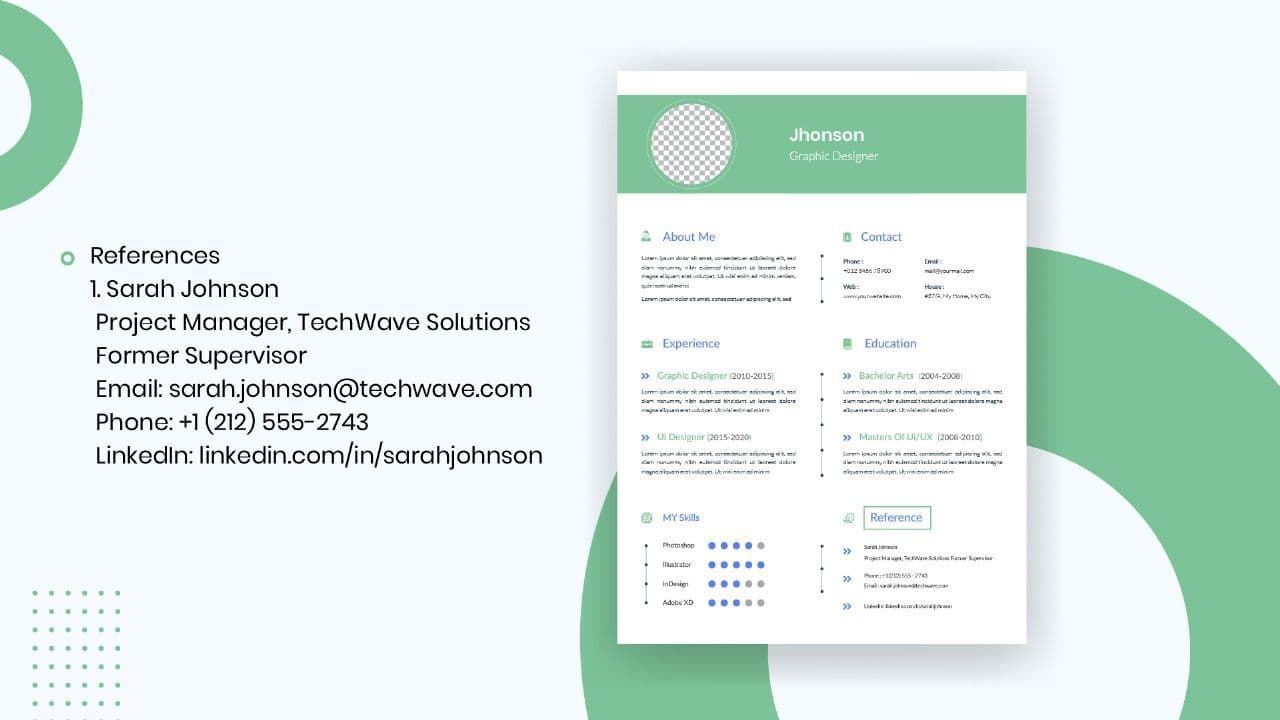
How to List References on a Resume in 2026
Learn the modern 2026 approach to listing references on your resume for maximum professionalism and recruiter impact.
Is Sound CV good for students and fresh graduates with no experience?
Sound CV is perfect for students and fresh graduates, helping them create professional resumes that highlight skills, projects, and potential even with little or no work experience.
Why Sound CV Is Different from Other AI Resume Builders
Sound CV stands out by creating job-focused, ATS-friendly resumes that highlight real achievements, not just generic content.
Resume Format for HR Job: Professional Guide and Sample Templates
A complete guide to the best resume format for HR jobs, with expert tips and sample templates to help you create a professional and job-ready resume.
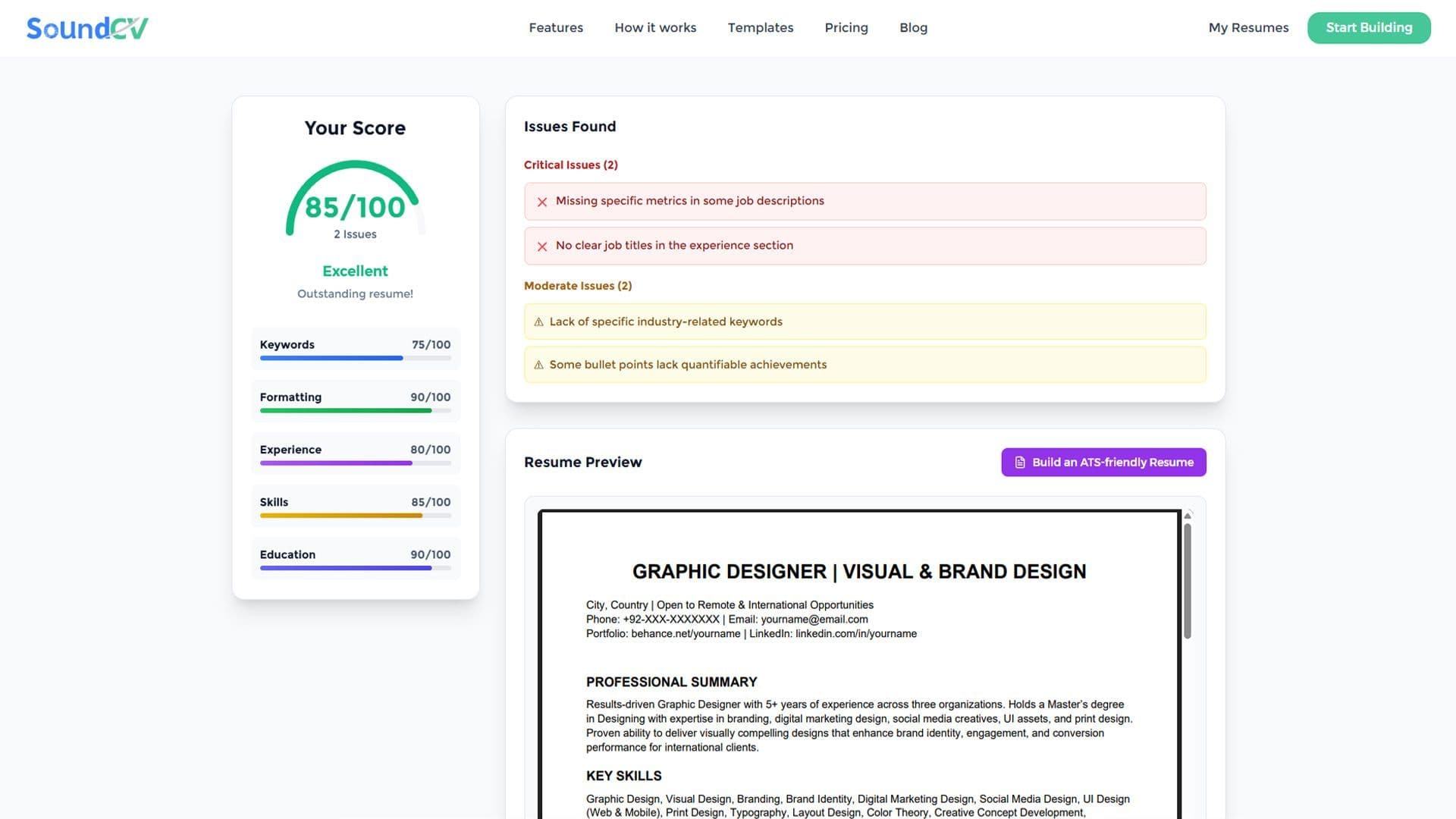
How Does the Sound CV Resume Score Checker Work?
The Sound CV Resume Score Checker analyzes your resume against ATS requirements, job-specific keywords, and structure to provide an instant, actionable score.
What Is a Sound CV? Features, Benefits, and How It Works
A Sound CV is an AI-powered resume that is tailored, ATS-optimized, and designed to showcase your skills and achievements to help you stand out to recruiters.