How to Put References on a Resume (2026 Guide)
Learn how to list resume references correctly in 2026, including formatting, best practices, and common mistakes to avoid.
Overview
This complete 2026 guide explains how to put references on a resume the right way. Learn when to submit references, how many to include, proper formatting, who to choose, and what mistakes to avoid. Designed for students, professionals, and career changers navigating modern hiring and ATS systems.
When writing a professional resume in 2026, many job seekers still feel confused about how to put references on a resume. Should you list them directly on the resume? Create a separate page? Or simply write “References available upon request”?
The hiring landscape has changed. Most employers no longer expect references to appear on your resume itself yet references remain a crucial part of the recruitment process. Using them correctly can strengthen your credibility, confirm your experience, and help secure final job offers. Using them incorrectly, however, can waste valuable resume space or look outdated.
This complete guide explains:
- If you should include references on your resume
- When it is appropriate to list references
- How to format your references page correctly
- What information employers expect
- Common mistakes to avoid
- Best modern practices for 2026
Whether you're a student, professional, or changing careers, this guide walks you through everything you need to know about placing references on a resume the right way.
Also Read : How to Use ChatGPT to Write a Resume: A Complete Step-by-Step Guide
Should You Put References on a Resume? (2026 Answer)
Short Answer:
No, do not include references directly on your resume.
Modern resumes should stay 1–2 pages long and focus on your skills, experience, and achievements. References belong on a separate document, which you provide only when requested by employers.
Listing references on your resume:
- Crowds valuable content
- Looks outdated
- Can expose private contact details unnecessarily
Best Practice
Instead of including references on your resume, use this:
References available upon request
Or simply leave references out entirely unless the job posting specifically asks for them.
Also Read : Top AI Skills Employers Want on Your Resume in 2026
When Should You Submit References?
Most hiring managers request references:
- After your interview
- Once you're shortlisted
- Before making a final job offer
They rarely ask at the application stage.
Who Should You List as References?
Choose professional contacts who can honestly recommend your work:
Best Reference Options
- Former or current managers
- Team supervisors
- Senior colleagues
- Professors or academic advisors (for students)
- Clients or project leads
Avoid These References
- Friends or family
- Personal acquaintances
- Anyone who cannot speak confidently about your work
How Many References Should You Include?
Ideal number: 2–4 references
2 references – Students, entry-level candidates
3 references – Most professionals
4 references – Senior or executive positions
Never provide more than 4 unless a company specifically asks for it.
Also Read : What Is the Purpose of a Resume? (Complete Guide 2026)
What Information to Include for Each Reference
Each reference should contain clear, professional contact details:
Reference Information Checklist:
- Full Name
- Job Title
- Company Name
- Relationship to you
- Email Address
- Phone Number
Proper Example:
Sarah Mitchell
Senior Marketing Manager – Bright Media Ltd
Former Direct Supervisor
sarah.mitchell@email.com | +1 555-348-9980
How to Format References on a Resume (The Right Way)
Step 1 – Create a Separate Reference Page
Do not attach references to the resume itself.
Step 2 – Match Resume Design
Use the same font style and heading format as your resume for professionalism.
Step 3 – Add a Clear Title
References
or
Professional References
Step 4 – Align Reference Entries Neatly
Each reference should have:
- Bold name
- Position details under name
- Relationship line
- Contact information
Also Read : Can AI Help You Write a Better Resume? Benefits, Tools & Tips
Professional References Page Template
REFERENCES
Sarah Mitchell
Senior Marketing Manager – Bright Media Ltd
Former Direct Supervisor
sarah.mitchell@email.com | +1 555-348-9980
James Rodriguez
Operations Director – Starline Logistics
Project Manager Mentor
james.rod@email.com | +1 555-291-4310
Dr. Alice Chen
Professor – Business Communication
University of California
academic advisor
dchen@university.edu | +1 555-862-7773
Should You Write “References Available Upon Request”?
In 2026, this line is optional.
Use it if:
- You want to fill layout space
- You're submitting a very short resume
- The application includes a reference upload section
Leave it off if:
- You need space for achievements
- The job posting doesn’t request references
- You're applying online through ATS platforms
Employers already assume you will provide references when requested.
Also Read : How to List Publications on a Resume (Examples & Format Guide)
How to Ask Someone to Be Your Reference
Before listing anyone:
Always ask first
Confirm their preferred contact details
Tell them the job you applied for
How To Ask (Email Sample)
Hi [Name],
I hope you're doing well. I’m currently applying for a [job position], and I was wondering if you’d be comfortable serving as a professional reference for me. Your insight into my work would be extremely valuable.
Thank you. I completely understand if your availability is limited.
Best regards,
[Your Name]
Keep Your References Informed
Notify your references whenever:
You submit applications
A company contacts you
Your job target changes
Well-prepared references deliver:
Strong, relevant endorsements
Consistency with your resume
Increased hiring confidence
Also Read : ATS Full Form in Resume: Resume Guide with Examples (2026)
Common Resume Reference Mistakes
Listing References on Resume Pages
Makes your resume too long
Using Unprofessional Contacts
Reduces credibility
Failing to Verify Contact Details
Leads to missed employer confirmations
Choosing References Who Aren’t Responsive
Causes delays or negative impressions
What If a Job Posting Requires References on the Resume?
Occasionally, employers ask for references upfront.
Follow Their Instructions Carefully
Place references on a second page clearly labeled:
REFERENCES
Never squeeze them into your main resume content.
International Resume Reference Practices
🇺🇸 USA & 🇨🇦 Canada
References submitted later upon request
🇬🇧 UK & 🇦🇺 Australia
Include:
“References available upon request”
🇪🇺 Europe
References optional usually separate document
Also Read : First Job Resume Examples with Samples & Writing Tips
ATS & Digital Application Rules
Avoid placing reference contact info into ATS:
- Automatic privacy violations
- Information misreads
- Unnecessary document clutter
Instead:
Upload references only when systems explicitly request them.
Privacy & Legal Considerations
Never:
Share anyone’s contact info without consent
Always:
Obtain written permission
Verify preferences including phone or email contact methods
Also Read : Free Resume Template for Freshers With Expert Writing Tips
References vs Letters of Recommendation
Do You Still Need References in 2026?
Yes but only at the right time.
Hiring managers still rely on references to verify:
- Work ethic
- Professional reliability
- Cultural fit
- Management abilities
Also Read : How to Write a Resume with Project Details (Examples & Tips)
Final Thoughts
Knowing how to put references on a resume properly in 2026 helps you avoid common mistakes and present yourself as a polished, modern professional. Avoid listing references directly on your resume, save that space for achievements and skills instead. Provide references on a clean, separate document only when employers specifically request them.
Choose professional contacts who know your work well, always ask for permission first, and keep your references informed throughout your job search. With thoughtful preparation, your references become powerful credibility boosters rather than an afterthought.
When managed correctly, references serve as your final professional endorsement reinforcing everything your resume already proves.
FAQs
Frequently asked questions about this topic
Related Blogs
Explore more insights and guides you might like.
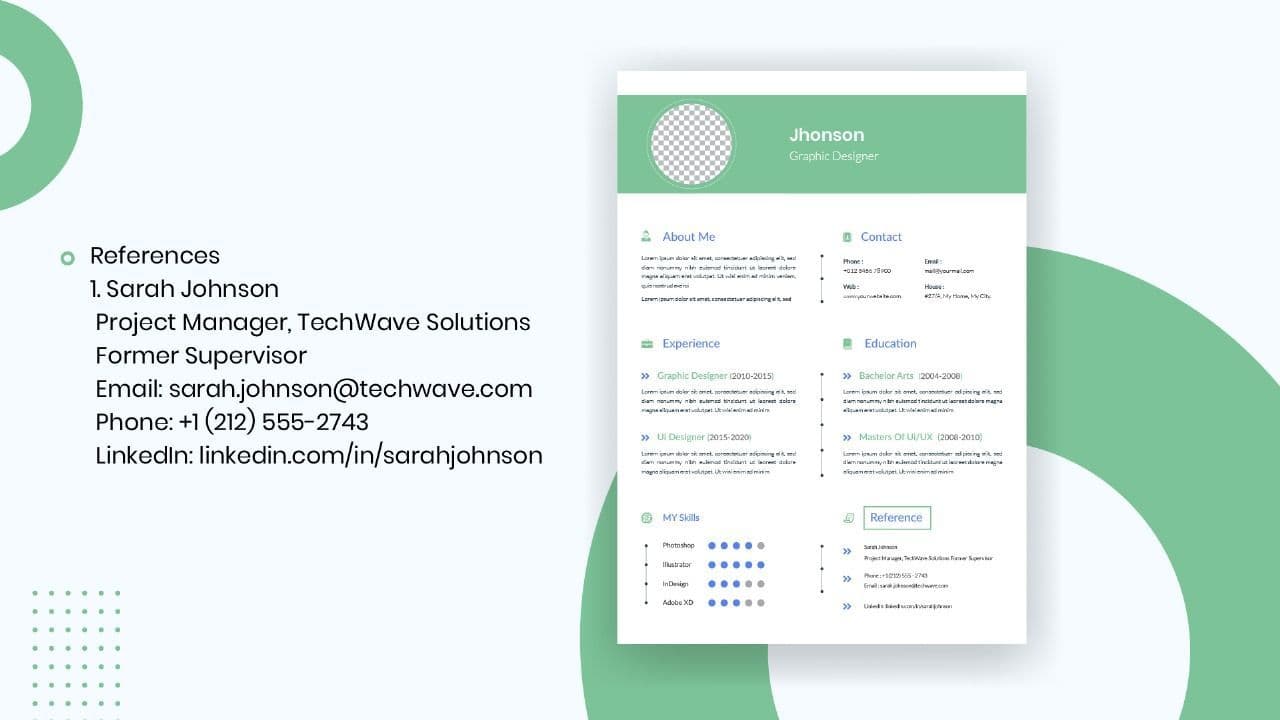
How to List References on a Resume in 2026
Learn the modern 2026 approach to listing references on your resume for maximum professionalism and recruiter impact.
Is Sound CV good for students and fresh graduates with no experience?
Sound CV is perfect for students and fresh graduates, helping them create professional resumes that highlight skills, projects, and potential even with little or no work experience.
Why Sound CV Is Different from Other AI Resume Builders
Sound CV stands out by creating job-focused, ATS-friendly resumes that highlight real achievements, not just generic content.
Resume Format for HR Job: Professional Guide and Sample Templates
A complete guide to the best resume format for HR jobs, with expert tips and sample templates to help you create a professional and job-ready resume.
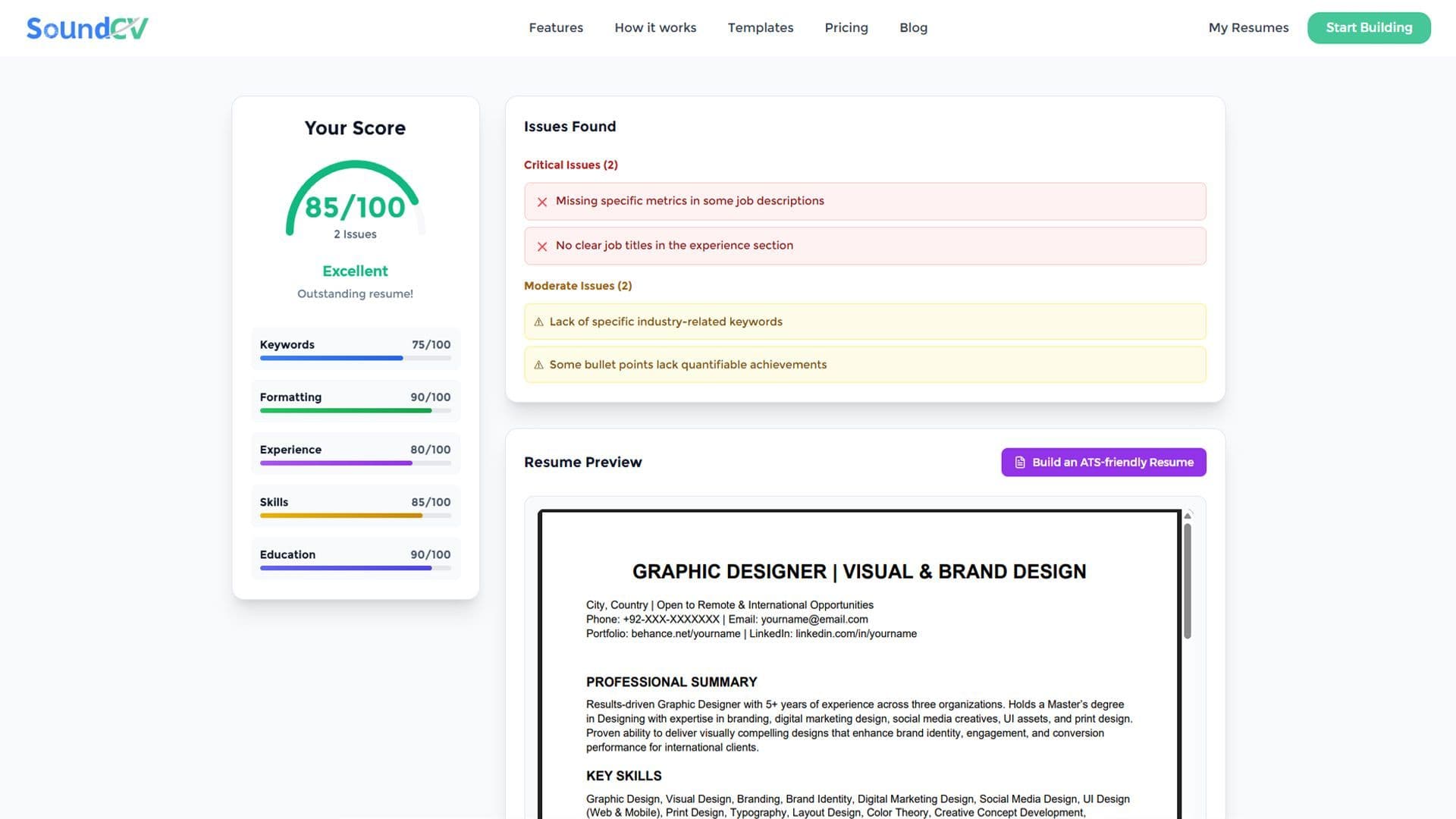
How Does the Sound CV Resume Score Checker Work?
The Sound CV Resume Score Checker analyzes your resume against ATS requirements, job-specific keywords, and structure to provide an instant, actionable score.
What Is a Sound CV? Features, Benefits, and How It Works
A Sound CV is an AI-powered resume that is tailored, ATS-optimized, and designed to showcase your skills and achievements to help you stand out to recruiters.