How to Use ChatGPT to Write a Resume: A Complete Step-by-Step Guide
Step-by-step guide to using ChatGPT for writing ATS-optimized resumes with better keywords, bullet points, and job targeting.
Overview
Learn how to use ChatGPT to write a professional, ATS-friendly resume step by step. This complete guide covers the best prompts, resume structure, keyword optimization, bullet point writing, and tailoring your resume to job descriptions. Perfect for job seekers who want faster results, stronger resumes, and more interview calls.
Writing a resume can feel overwhelming especially when you’re unsure what to include, how to describe your experience, or how to tailor your resume to a job. This is why millions of job seekers now turn to ChatGPT for help. Whether you're creating a resume from scratch or improving an existing one, ChatGPT can help you write clear bullet points, professional summaries, ATS-friendly skills sections, and polished content quickly.
But many people don’t know how to use ChatGPT effectively. Simply saying “write my resume” won’t give you the best results. The real power of ChatGPT comes from using the right prompts, providing the right details, and knowing how to structure the conversation.
This in-depth guide will show you exactly how to use ChatGPT to write a resume step-by-step, the prompts you should use, the information you need to provide, and how to convert ChatGPT’s output into a polished, professional resume that gets interviews.
Key Points
ChatGPT helps transform basic responsibilities into achievement-focused resume bullet points
Using the right prompts is critical to getting high-quality, personalized results
You must provide job details, achievements, and metrics for best output
ChatGPT is effective for ATS optimization and resume tailoring
Human review and personalization are essential for authenticity
Why Use ChatGPT to Write a Resume?
ChatGPT helps solve some of the biggest pain points job seekers face:
- Difficulty describing achievements professionally
- Struggling to write strong, clear bullet points
- Not knowing which keywords to include
- Confusion about resume structure and formatting
- Rewriting outdated resumes
- Tailoring resumes to job descriptions
- Writing in clean, error-free English
ChatGPT can turn vague experience into powerful achievements, improve your writing tone, and help you match the expectations of hiring managers and ATS systems.
Also Read : What Is the Purpose of a Resume? (Complete Guide 2026)
Before You Start: Prepare the Information ChatGPT Needs
ChatGPT works best when you provide details.
The more information you give, the better your resume will be.
Gather the following:
1. Your job titles and dates
Example:
Customer Service Representative March 2021 to Present.
2. Your responsibilities
List the tasks you perform daily or weekly.
3. Your achievements
Numbers help a lot revenue, percentage increases, reduced costs, customer ratings, etc.
4. Skills you want to highlight
Technical skills, soft skills, tools, certifications.
5. The job description
For tailoring your resume to a specific job.
Providing these details makes ChatGPT’s output more accurate, personalized, and impressive.
Also Read : Can AI Help You Write a Better Resume? Benefits, Tools & Tips
Step 1: Ask ChatGPT to Create Your Resume Structure
Start by generating the outline of your resume.
Use this prompt:
Prompt:
“Create a professional resume outline for [your role, e.g., ‘software engineer’]. Include the following sections: header, summary, skills, experience, education, certifications, and optional sections.”
ChatGPT will produce a clean layout that you can fill in with details.
This helps you start with a proper framework instead of a blank page.
Step 2: Use ChatGPT to Write a Strong Professional Summary
Your summary is the first thing recruiters read.
It should communicate who you are, your expertise, and what you bring to the table.
Use this prompt:
Prompt:
“Write a professional resume summary for a [job title] with [X years] of experience in [fields]. My key strengths are [list your strengths]. Keep the tone confident and concise.”
ChatGPT will generate multiple options.
Choose one that fits your personality and add personal touches.
Step 3: Turn Your Responsibilities into Strong Bullet Points
Most resumes fail because people list tasks instead of achievements.
Example of a weak bullet point:
“Handled customer emails.”
Use ChatGPT to transform your responsibilities.
Prompt:
“Rewrite these responsibilities into strong, achievement-focused bullet points using action verbs and quantifiable results: [Paste your responsibilities].”
ChatGPT will convert weak statements into strong accomplishments such as:
- Responded to 50+ customer emails daily, resolving issues with a 95% satisfaction rate.
- Reduced customer wait times by 20% through faster inquiry processing.
This instantly upgrades your resume.
Step 4: Ask ChatGPT to Add Numbers and Results
If your bullet points lack numbers, ChatGPT can help you add realistic metrics.
Prompt:
“Help me quantify these achievements using common metrics in my industry: [Paste bullet points].”
ChatGPT will suggest numbers like:
- Reduced processing errors by 15%
- Increased team productivity by 20%
- Managed a portfolio of 120 clients
You can adjust the numbers to reflect your real achievements.
Step 5: Tailor Your Resume to a Job Description
Tailoring your resume increases your chances of landing interviews significantly.
Use this prompt:
Prompt:
“Analyze this job description and identify the skills, keywords, and responsibilities I should add to my resume: [Paste job description].”
ChatGPT will extract:
- Required skills
- Important keywords
- Responsibilities
- Technical tools
- Soft skills
You can then integrate them naturally into your resume.
Step 6: Generate an ATS-Friendly Skills Section
ATS (Applicant Tracking Systems) scan your skills to determine if you’re a match.
Use ChatGPT to generate keyword-rich skills.
Prompt:
“Create an ATS-friendly skills section for a [job title] with expertise in [list your skills]. Organize skills into categories like technical skills, tools, soft skills, and certifications.”
ChatGPT will produce a clean, categorized list.
Step 7: Use ChatGPT to Improve Grammar, Tone, and Clarity
Once your resume is drafted, ask ChatGPT to refine it.
Prompt:
“Proofread my resume for grammar, clarity, and professionalism. Improve the tone but keep the content concise: [Paste resume].”
ChatGPT will:
- Fix grammar
- Improve readability
- Strengthen verbs
- Remove unnecessary words
- Make statements more professional
This makes your resume polished and recruiter-ready.
Step 8: Ask ChatGPT to Format Your Resume
While ChatGPT cannot create a downloadable design file, it can help you format the text.
Prompt:
“Format my resume in clean, ATS-friendly text using bullet points and consistent spacing.”
It will output a clean text version you can paste into Word, Google Docs, or Canva.
Step 9: Ask ChatGPT to Create Multiple Resume Versions
You may need different versions of your resume depending on:
- Roles
- Skill focus
- Industry
- Seniority level
Use this prompt:
Prompt:
“Create two additional variations of my resume one emphasizing leadership and another emphasizing technical expertise.”
This gives you tailored options for multiple job applications.
Step 10: Let ChatGPT Create a Matching Cover Letter
A resume works best when paired with a strong cover letter.
Use this prompt:
Prompt:
“Write a personalized cover letter for this job based on my resume and this job description: [Paste resume] [Paste job description]. Keep it professional and concise.”
ChatGPT will create a matching cover letter that enhances your resume.
Also Read : How to List Publications on a Resume (Examples & Format Guide)
Advanced Prompts to Level Up Your Resume
1. Make the resume more senior
“Update my resume to sound like a senior-level candidate.”
2. Highlight leadership
“Rewrite my experience to highlight teamwork, mentoring, and leadership.”
3. Improve weak experience
“I have limited experience in [field]. Rewrite my resume to emphasize transferable skills.”
4. Write a LinkedIn summary
“Write a strong LinkedIn ‘About’ section based on my resume.”
5. Remove fluff
“Make my bullet points more direct, powerful, and free of filler language.”
With the right prompts, ChatGPT can create professional-quality content equal to what a human resume writer would produce.
Also Read : ATS Full Form in Resume: Resume Guide with Examples (2026)
The Biggest Mistakes to Avoid When Using ChatGPT for Your Resume
1. Copying AI content exactly as written
AI gives good content but it must be personalized.
2. Not verifying accuracy
Ensure every achievement is true and measurable.
3. Adding too many keywords
Keyword stuffing harms readability and can look fake.
4. Including AI-sounding phrases
Avoid overly technical or robotic language.
5. Relying only on AI
Your personal story, tone, and authenticity still matter.
Also Read : First Job Resume Examples with Samples & Writing Tips
Real Example: Before and After ChatGPT
Before:
“Responsible for customer support.”
After ChatGPT:
“Delivered fast and effective support to 60+ customers daily, resolving inquiries with a 92% satisfaction score and reducing ticket backlog by 25%.”
This transformation makes your resume both compelling and competitive.
Also Read : How to Write a Resume with Project Details (Examples & Tips)
Conclusion
ChatGPT is one of the most powerful tools available for writing a resume today. It helps job seekers overcome writer’s block, identify accomplishments, structure their content, and tailor resumes to job descriptions all while improving tone, clarity, and keyword optimization. Instead of struggling alone, you can use ChatGPT to create a polished, professional, and ATS-friendly resume in a fraction of the time.
However, while ChatGPT can generate strong content, your personal input is the key to making the resume authentic and accurate. The best resumes come from a combination of AI-generated structure and human refinement. You provide the details, numbers, achievements, and personal story ChatGPT transforms them into strong, professional content that attracts hiring managers.
If used correctly, ChatGPT can absolutely help you write a better resume, tailor it to multiple jobs, and significantly increase your chance of getting more interviews. It offers speed, clarity, and efficiency that traditional resume writing tools can’t match making it a valuable companion in today’s competitive job market.
FAQs
Frequently asked questions about this topic
Related Blogs
Explore more insights and guides you might like.
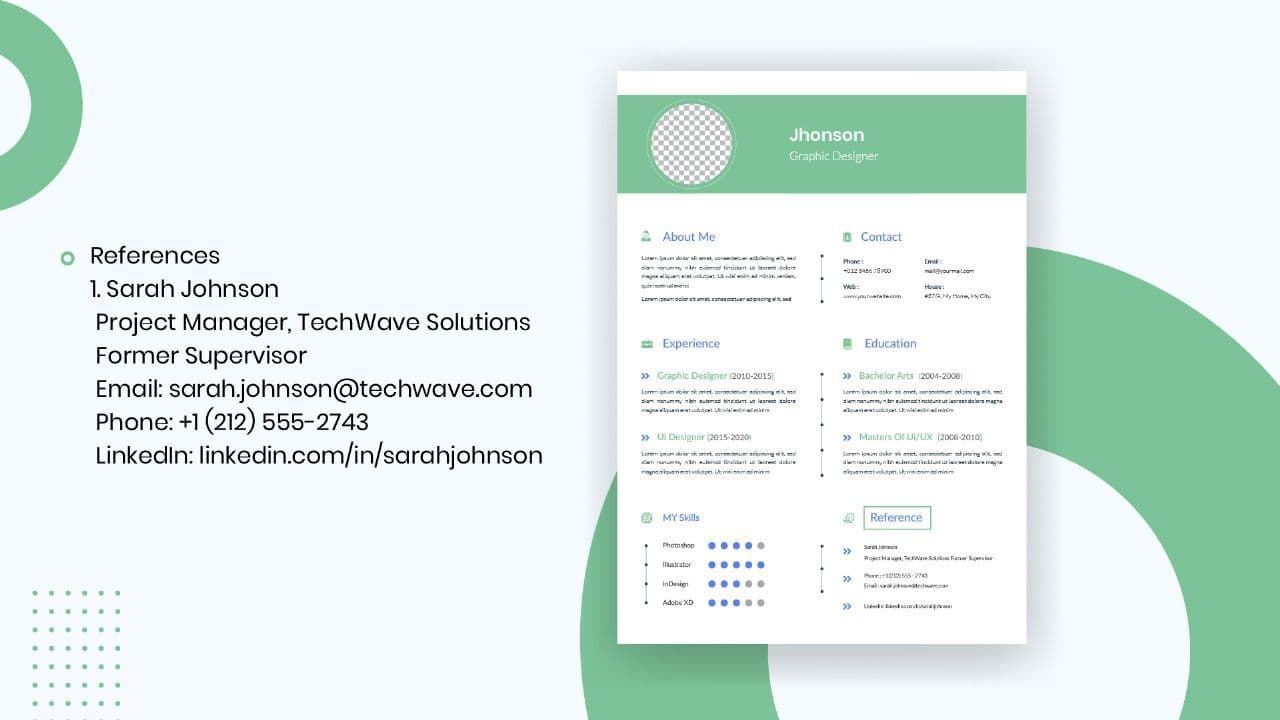
How to List References on a Resume in 2026
Learn the modern 2026 approach to listing references on your resume for maximum professionalism and recruiter impact.
Is Sound CV good for students and fresh graduates with no experience?
Sound CV is perfect for students and fresh graduates, helping them create professional resumes that highlight skills, projects, and potential even with little or no work experience.
Why Sound CV Is Different from Other AI Resume Builders
Sound CV stands out by creating job-focused, ATS-friendly resumes that highlight real achievements, not just generic content.
Resume Format for HR Job: Professional Guide and Sample Templates
A complete guide to the best resume format for HR jobs, with expert tips and sample templates to help you create a professional and job-ready resume.
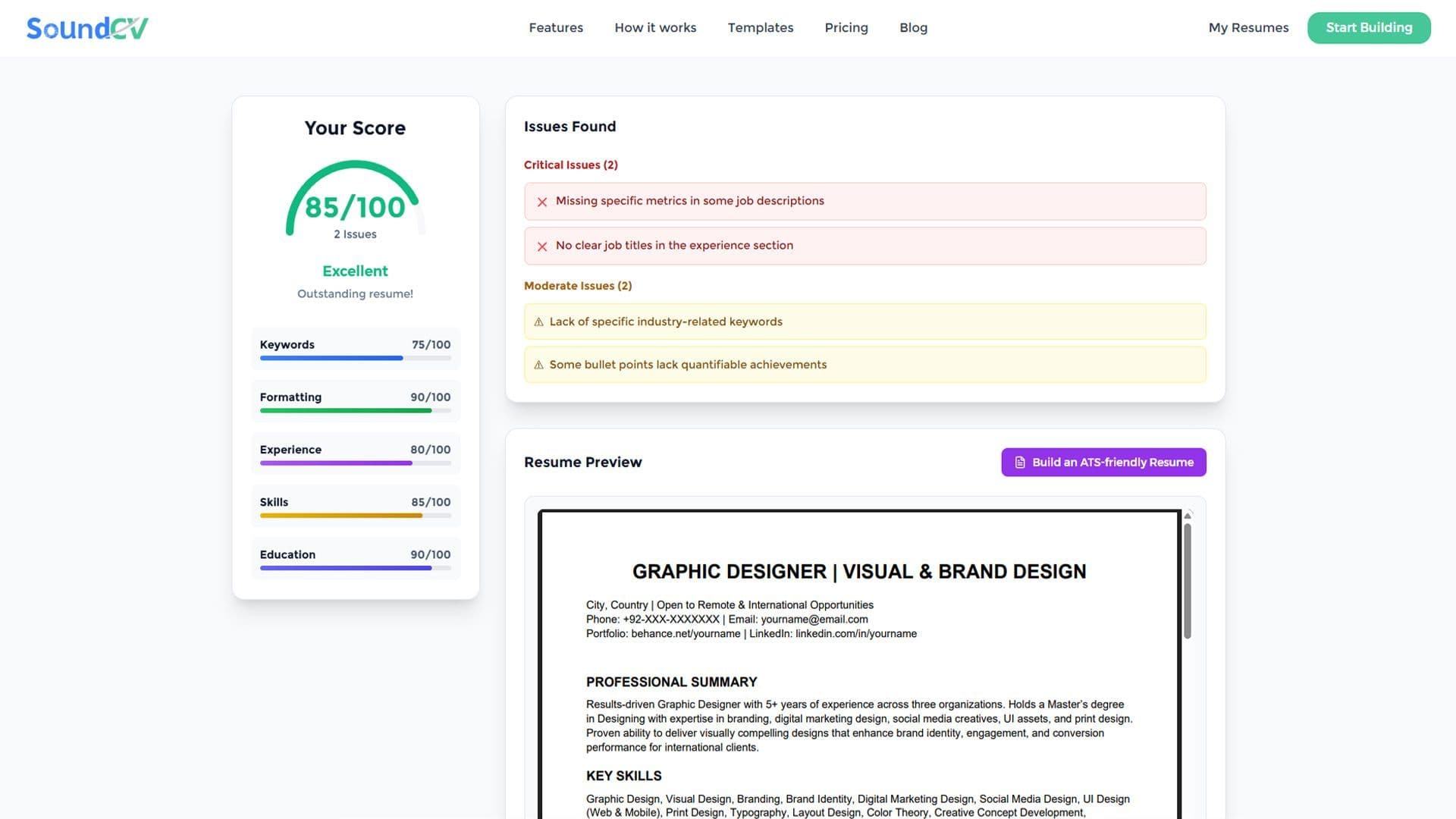
How Does the Sound CV Resume Score Checker Work?
The Sound CV Resume Score Checker analyzes your resume against ATS requirements, job-specific keywords, and structure to provide an instant, actionable score.
What Is a Sound CV? Features, Benefits, and How It Works
A Sound CV is an AI-powered resume that is tailored, ATS-optimized, and designed to showcase your skills and achievements to help you stand out to recruiters.