How to Add Technical Skills in Resume with Free Template
Learn how to add technical skills to your resume the right way, plus get a free template to make your resume easier for recruiters to scan.
Overview
Technical skills play a major role in getting noticed by recruiters and passing ATS scans. This guide explains where to place your skills, how to format them, and which ones to include based on your field. It also shares examples for IT, marketing, engineering, and freshers, plus key mistakes to avoid so your resume highlights the right strengths.
In today’s competitive job market, technical skills often carry as much weight as education and work experience. Recruiters want proof that you can use tools, software, or technologies essential to the role. Whether you’re a fresher or an experienced professional, knowing how to add technical skills in your resume can make the difference between landing an interview and being overlooked.
Technical skills showcase your ability to perform specific tasks effectively. Unlike soft skills, which highlight personality traits, technical skills prove your capability in areas such as coding, data analysis, design, or using industry-specific software. This blog will guide you on where to place your skills, how to format them, and provide IT skills in resume examples along with a technical skills list for resume to help you tailor your application for maximum impact.
What is technical skills in a resume?
Technical skills in a resume are the specific tools, technologies, and job-related abilities you use to perform tasks in a professional setting. These skills are measurable, teachable, and directly connected to the requirements of the job. Employers use them to judge whether you can actually do the work the role demands.
Also Read:Student Resume Objectives That Actually Get You Hired with 50+ Examples
Technical skills are hard skills, not soft skills
They include tools you operate, software you use, and processes you know—unlike soft skills such as communication or teamwork.
Examples:
Python
SQL
Excel (Advanced)
JavaScript / React
Networking protocols
Cloud platforms (AWS, Azure, GCP)
They show your ability to handle job-specific tasks
Employers want clear proof that you have the technical abilities needed for the role.
Example:
Troubleshooting network issues, writing automation scripts, building dashboards.
They help you pass Applicant Tracking Systems (ATS)
ATS scans your resume for technical keywords.
If your resume includes the same technical terms used in the job description, your chances of getting shortlisted increase.
Example:
If the job requires “Docker, Kubernetes, CI/CD,” you must list these keywords exactly.
They determine how skilled you are in your field
Technical skills reflect your level of competency—from beginner to expert.
Example skill levels:
Basic SQL
Intermediate Python scripting
Advanced Excel automation
Expert-level cloud architecture
They add credibility to your experience section
Instead of just listing job duties, technical skills show how you performed tasks.
Example:
Optimized database queries using PostgreSQL, improving load time by 30%.
Also Read:Activities for Resume with Examples 2026
Why Technical Skills Matter in a Resume
Employers often receive hundreds of applications for a single role. What sets successful candidates apart is the ability to showcase relevant skills.
- Showcase expertise: Technical skills reflect your ability to perform job-specific tasks.
- Differentiate yourself: In fields like IT, marketing, engineering, or healthcare, skills can separate qualified applicants from the crowd.
- Match job requirements: Recruiters look for keywords from the job description, especially in the resume technical skills section.
- Pass ATS scans: Applicant Tracking Systems (ATS) filter resumes by skills, meaning listing the right ones can boost your chances.
Also Read:How to add Skills in Resume for Freshers with No Experience
Where to Place Technical Skills in a Resume
The placement of skills depends on your experience and the type of role you’re applying for.
Dedicated Resume Technical Skills Section
- Create a separate section titled “Technical Skills” or “Skills.”
- Works best for IT professionals, engineers, designers, and freshers.
Work Experience Section
Highlight how you applied technical skills in previous roles.
Example: Developed data dashboards using Tableau that reduced reporting time by 30%.
Profile Summary/Objective
Mention 2–3 critical technical skills right at the top for quick recruiter attention.
Projects/Certifications
Use this area for tools or skills gained through academic projects, online courses, or certifications.
When deciding how to add technical skills in a resume, always place them where they’ll get maximum visibility.
Types of Technical Skills You Can Include
Not all technical skills are the same, and you should tailor your list depending on your field.
IT and Software Skills
- Programming languages: Python, Java, C++
- Databases: SQL, MongoDB
- Cloud tools: AWS, Azure, Google Cloud
Design and Creative Skills
- Adobe Photoshop
- Illustrator
- Figma
- AutoCAD
Data and Analytics Skills
- Excel
- R
- Tableau
- Power BI
- SPSS
Industry-Specific Tools
- CRM (Salesforce, HubSpot) for marketing and sales
- Accounting software (Tally, QuickBooks) for finance
- Lab equipment or medical imaging tools for healthcare
Certifications
Adding certifications alongside skills validates expertise.
Example: AWS Certified Solutions Architect.
A well-structured technical skills list for a resume ensures recruiters immediately recognize your value.
Also Check Out Our Other Resume Related Blogs:
Step-by-Step Guide: How to Add Technical Skills in Resume
Follow these steps to effectively showcase your abilities:
Step 1: Analyze the Job Description
- Identify the technical skills mentioned in the posting.
- Prioritize those skills to increase relevance.
Step 2: Choose Relevant Skills
- Don’t overload your resume with 20+ skills. Select 6–10 that are most important.
Step 3: Organize Skills by Category or Proficiency
- Example categories: Programming, Design Tools, Data Analytics.
- Optionally, add proficiency levels (Beginner, Intermediate, Advanced).
Step 4: Provide Context
Instead of just listing, show usage in projects or work.
Example: Built an Android app using Java with 5,000+ downloads.
Step 5: Format Cleanly
Use bullet points and consistent structure in the resume technical skills section.
How to describe technical skills for entry-level engineering jobs?
To describe technical skills for entry-level engineering jobs, list the tools and technologies you know and show where you used them.
Include software like AutoCAD, MATLAB, or SolidWorks, and mention projects where you applied them. Keep the wording short and specific so ATS systems can read it easily. Highlight only the skills that match the job description.
Examples of technical skills sections for data analysis roles?
Examples of technical skills sections for data analysis roles include grouped lists of tools and languages you use. A strong section might include:
Programming: Python, R
Data tools: Excel, SQL
Visualization: Tableau, Power BI
Libraries: Pandas, NumPy, Matplotlib
Keep the list short, relevant to the job, and easy for ATS systems to scan.
How to add technical skills from online workshops to a resume?
You can add technical skills from online workshops by listing the skills under your Technical Skills section and mentioning the workshop in a separate Certifications or Training section. Include the platform name and the specific tools you learned. If you applied the skill in a project, add one short example to show practical use.
Also Read:Resume Summary for Freshers
How should you format technical skills on your resume?
Formatting makes your skills stand out:
- Use bullet points for easy scanning.
- Group by category: Programming, Tools, Platforms.
- Avoid long sentences stick to keywords.
- ATS optimization: Match keywords directly from job postings.
- Place strategically: Near the top if technical skills are core to the job.
Example:
Technical Skills
- Programming: Python, Java, SQL
- Tools: Tableau, Excel, Power BI
- Platforms: AWS, Google Cloud
Resume Examples of Technical Skills
Here are some IT skills in resume examples and other industry-specific samples:
Example 1: IT Resume
Technical Skills:
- Programming: Python, Java, JavaScript
- Databases: SQL, MongoDB
- Tools: Git, Docker, Jenkins
- Cloud Platforms: AWS, Azure
Example 2: Marketing Resume
Technical Skills:
- SEO Tools: SEMrush, Ahrefs, Google Analytics
- CRM: HubSpot, Salesforce
- Social Media Ads: Facebook Ads Manager, Google Ads
- Content Tools: WordPress, Canva
Example 3: Engineering Resume
Technical Skills:
- CAD Tools: AutoCAD, SolidWorks
- Project Management: MS Project, Primavera
- Simulation Tools: MATLAB, Ansys
Example 4: Fresher Resume
Technical Skills:
- Programming: C++, Python (Intermediate)
- Web Development: HTML, CSS, JavaScript
- Data Analysis: Excel, Tableau (Beginner)
- Tools: GitHub, MS Office
These resume technical skills section examples show how to adapt your skills to any profession.
Also Read:ATS Friendly Resume for Freshers
How to quantify technical skills impact in a resume?
Quantifying the impact of your technical skills means showing numbers, results, and measurable outcomes instead of simply listing tools you know. Recruiters and ATS systems prefer candidates who prove their skills with data, not just claims.
Here’s how to do it effectively:
Attach metrics to your technical contributions
Show what your skills achieved using numbers such as:
Percentage improvements
Time saved
Cost reductions
Error reduction
Performance boosts
Example:
Optimized SQL queries to reduce report generation time by 45%.
Highlight before-and-after improvements
This helps employers understand the value of your technical work.
Example:
Automated Excel workflows using Python, cutting manual processing from 4 hours to 20 minutes.
Show scale and complexity
Use measurable scope to explain the size of what you built or managed.
Example:
Managed cloud deployments for 15+ microservices handling 50,000 monthly users.
Quantify frequency and reliability
Numbers can also prove stability and consistency.
Example:
Maintained 99.9% uptime for internal CRM by implementing proactive system monitoring.
Mention technical tools + measurable outcomes together
This makes your resume more ATS-friendly and impact-driven.
Example:
Used Power BI to create dashboards viewed by 200+ stakeholders across multiple departments.
Use numerical indicators even for small achievements
Even small wins matter when backed by data.
Example:
Reduced customer support ticket resolution errors by 18% using advanced Excel formulas.
Quick Formula to Use
Technical Skill + Action + Metric = Quantified Impact
Example:
JavaScript + built reusable components + boosted development speed by 30%.
How to display technical skills using keywords for applicant tracking systems?
To get past Applicant Tracking Systems (ATS), you must display your technical skills using the right keywords, placed in the right sections, and written in the right format that ATS software can easily read. The goal is simple: match the skills in your resume with the skills listed in the job description.
Use exact keyword matches from the job description
ATS scans for precise skill terms. Use the same wording the employer uses.
Example:
If the job description says “REST APIs,” don’t write “API development.”
Use REST APIs exactly as written.
Place technical keywords in multiple high-visibility sections
ATS gives extra weight to skills that appear more than once.
Include keywords in:
Skills section
Experience bullet points
Projects
Technical summary
Certifications or tools list
Use a clean, simple list format for keyword scanning
Avoid icons, columns, tables, text boxes, or images ATS may skip them.
Use formats like:
“Python, SQL, Power BI, Docker, Kubernetes”
Or bullet lists that are left-aligned and text-only.
Combine keywords with context for stronger ATS scoring
ATS prefers keywords connected to real actions, not just a list.
Example:
Instead of only writing: “Python, Pandas, NumPy”
Use:
“Used Python (Pandas, NumPy) to automate data validation workflows.”
This increases keyword frequency and relevance.
Include tool versions or specializations when possible
Specifics help ATS detect stronger matches.
Examples:
AWS EC2, S3, Lambda
React.js, Next.js, TypeScript
MySQL 8.0, PostgreSQL
Avoid keyword stuffing
Repeating skills 10 times can lower ATS score.
Aim for natural placement across the resume.
Add synonyms when relevant
Some ATS systems detect variations.
Examples:
Machine Learning (ML)
JavaScript (JS)
Search Engine Optimization (SEO)
This improves recognition without stuffing.
Best Formula to Follow
Primary Skill Keyword + Supporting Tool + Context of Use
Example:
Developed dashboards using Power BI, DAX, and SQL to support weekly business reporting.
Also Read:30+ Extracurricular Activities for Your CV with Example
Best platforms to learn how to phrase technical skills for applicant tracking systems?
Sound CV Blog & Guides – Offers tips on phrasing technical skills for ATS-friendly resumes.
LinkedIn Learning – Courses on resume writing and ATS optimization.
Coursera & Udemy – Practical courses on resume formatting and keywords.
YouTube Tutorials – Free step-by-step guidance on ATS-ready skill phrasing.
Skillshare – Interactive lessons on highlighting technical skills effectively.
Using Sound CV, you can directly optimize your resume to match ATS requirements.
Free Resume Template for Technical Skills
Alex Johnson
+1 (415) 555-9821 | alex.johnson@gmail.com | Austin, TX
LinkedIn: linkedin.com/in/alexjohnsonseo | Portfolio: alexjohnson.work
SUMMARY
SEO specialist with 3+ years of experience improving website rankings, traffic, and search performance for small to mid-size businesses. Skilled in keyword research, on-page optimization, link building, and technical audits. Looking for a growth-driven role to apply strong analytical and content-focused skills.
TECHNICAL SKILLS
On-Page SEO: Keyword research, content optimization, meta tags, schema basics, internal linking
Off-Page SEO: Guest posting, outreach, backlink audits
Technical SEO: Site crawl audits, fixing indexing issues, sitemap setup, speed optimization
Tools & Platforms: Google Search Console, Google Analytics, Ahrefs, SEMrush, Screaming Frog
CMS & Web: WordPress, Wix, basic HTML/CSS
Social Media Tools: Meta Business Suite, Buffer
Other Skills: Reporting, traffic analysis, A/B testingWORK EXPERIENCE
SEO Specialist | BrightWave Digital | 2023 – Present
- Conduct full-site audits and create optimization plans.
- Perform keyword research and content updates for blogs and landing pages.
- Build and manage backlink campaigns to improve domain authority.
- Tools used: Ahrefs, GSC, GA4, WordPress.
SEO Analyst | Northline Media | 2021 – 2023
- Optimized site structure and fixed crawl errors across client websites.
- Assisted with blog strategy and content briefs.
- Ran monthly performance reports and competitor reviews.
- Tools used: SEMrush, Screaming Frog, WordPress.
SEO Intern | PixelLab Agency | 2020 – 2021
- Assisted in on-page updates and keyword mapping.
- Optimized old content for better organic performance.
- Tools used: GSC, Google Sheets, WordPress.
PROJECTS
Local Business SEO – HVAC Company
- Improved local keyword ranking from page 3 to top 5.
- Updated service pages and improved review acquisition workflow.
- Used: GSC, SEMrush.
Ecommerce SEO – Pet Supplies Store
- Reviewed category structure and optimized product descriptions.
- Increased organic traffic by 38% in 4 months.
- Used: Ahrefs, GA4.
EDUCATION
Bachelor’s in Marketing
University of Texas at Austin | 2020
CERTIFICATIONS
- HubSpot SEO Certification
- Google Analytics Certification
- SEMrush Keyword Research Certification
ADDITIONAL
Languages: English, Spanish
Interests: Cycling, photography, reading
Common Mistakes to Avoid When adding Technical Skills in Resume
While adding technical skills is important, avoid these pitfalls:
- Listing outdated skills: Don’t include obsolete tools like Flash or Windows XP knowledge.
- Overloading the resume: Keep it focused on relevant skills.
- Inflating proficiency: Recruiters can test your knowledge; be honest.
- Being too vague: Avoid “computer skills” as it’s generic; be specific like “MS Excel (Pivot Tables, VLOOKUP).”
- Ignoring job requirements: Tailor your technical skills for each job application.
Conclusion
Technical skills are one of the first things recruiters look for, especially in roles where specialized tools or technologies are essential. With Sound CV, you can format your resume the right way so your strengths are clear and relevant to the job.
Use a resume technical skills section, highlight your top skills, and support them with real project examples. Check the IT skills in resume examples on Sound CV to build a focused technical skills list for your next application.
👉 Remember: quality matters more than quantity. Showcase the right skills, format them properly, and keep them updated to stay ahead in your career.
FAQs
Frequently asked questions about this topic
Related Blogs
Explore more insights and guides you might like.
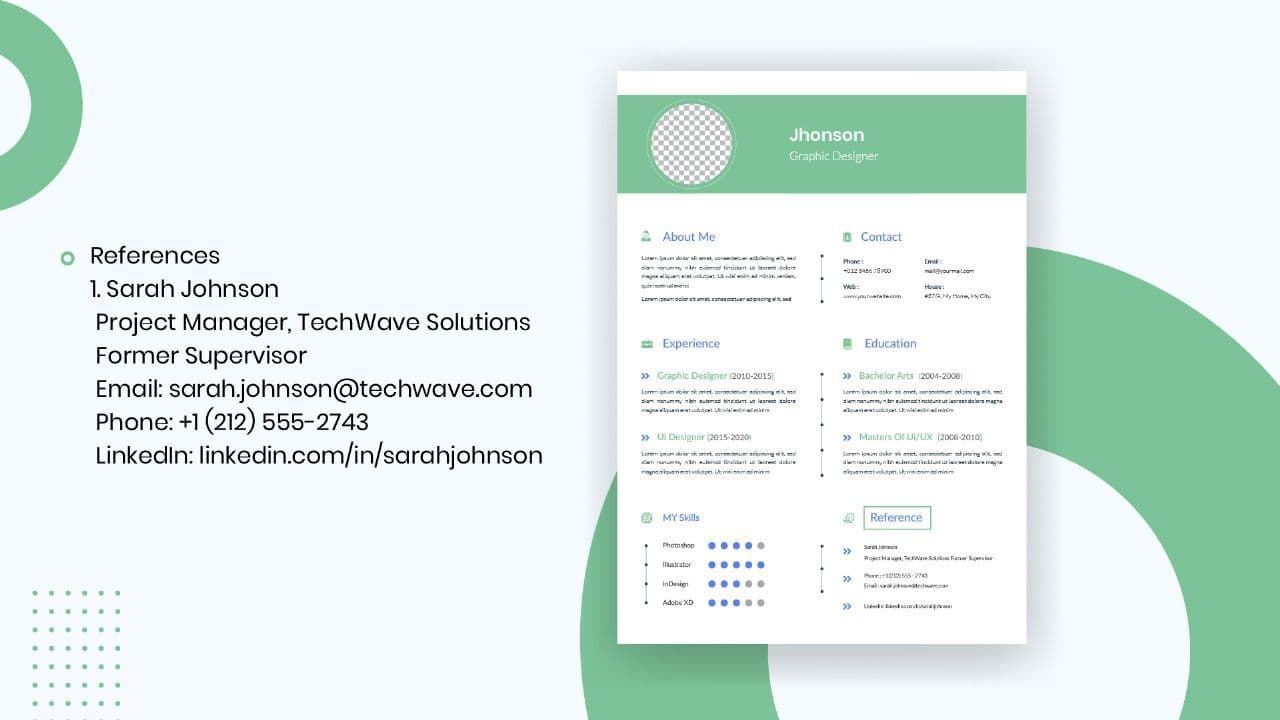
How to List References on a Resume in 2026
Learn the modern 2026 approach to listing references on your resume for maximum professionalism and recruiter impact.

Is Sound CV good for students and fresh graduates with no experience?
Sound CV is perfect for students and fresh graduates, helping them create professional resumes that highlight skills, projects, and potential even with little or no work experience.
Why Sound CV Is Different from Other AI Resume Builders
Sound CV stands out by creating job-focused, ATS-friendly resumes that highlight real achievements, not just generic content.
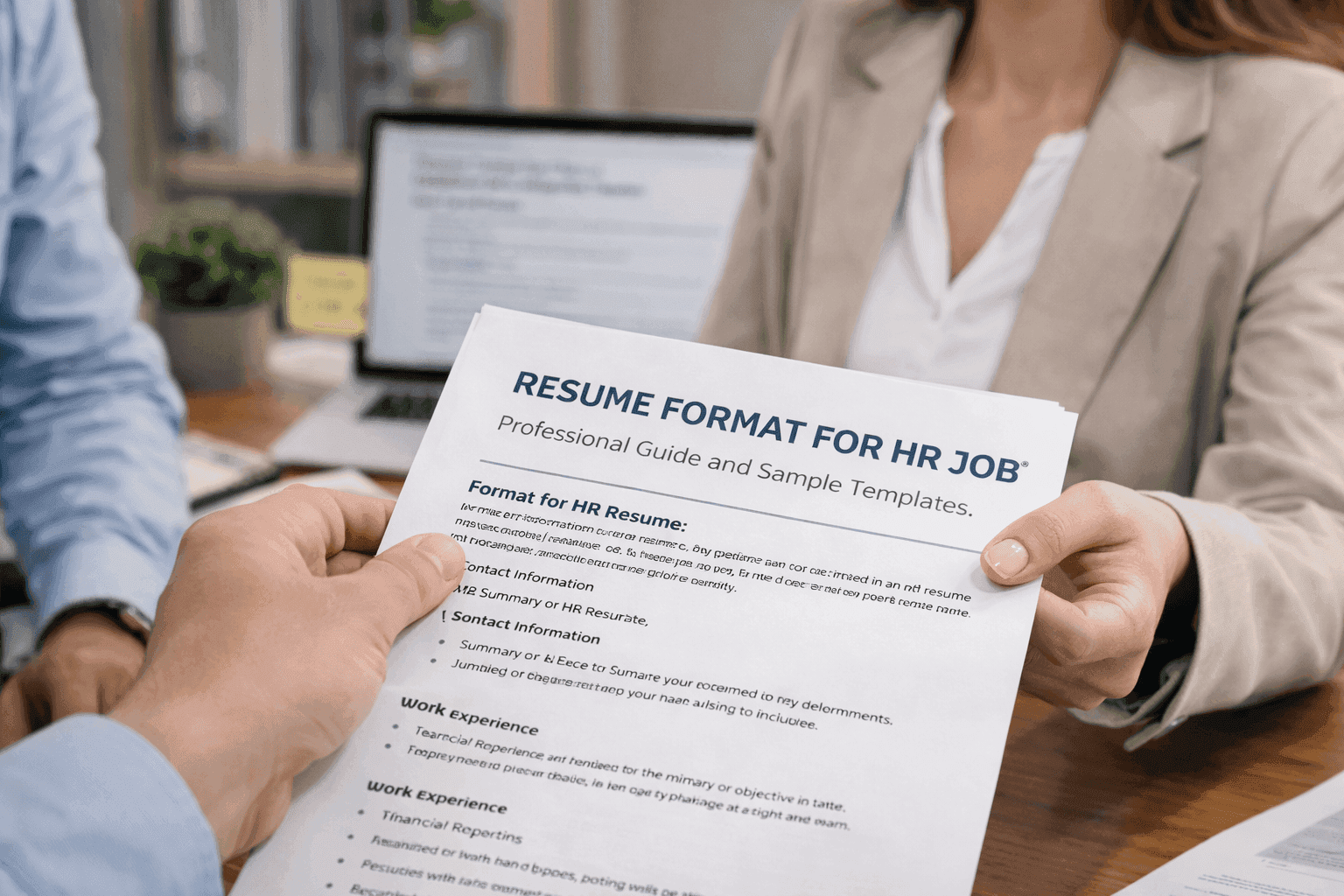
Resume Format for HR Job: Professional Guide and Sample Templates
A complete guide to the best resume format for HR jobs, with expert tips and sample templates to help you create a professional and job-ready resume.
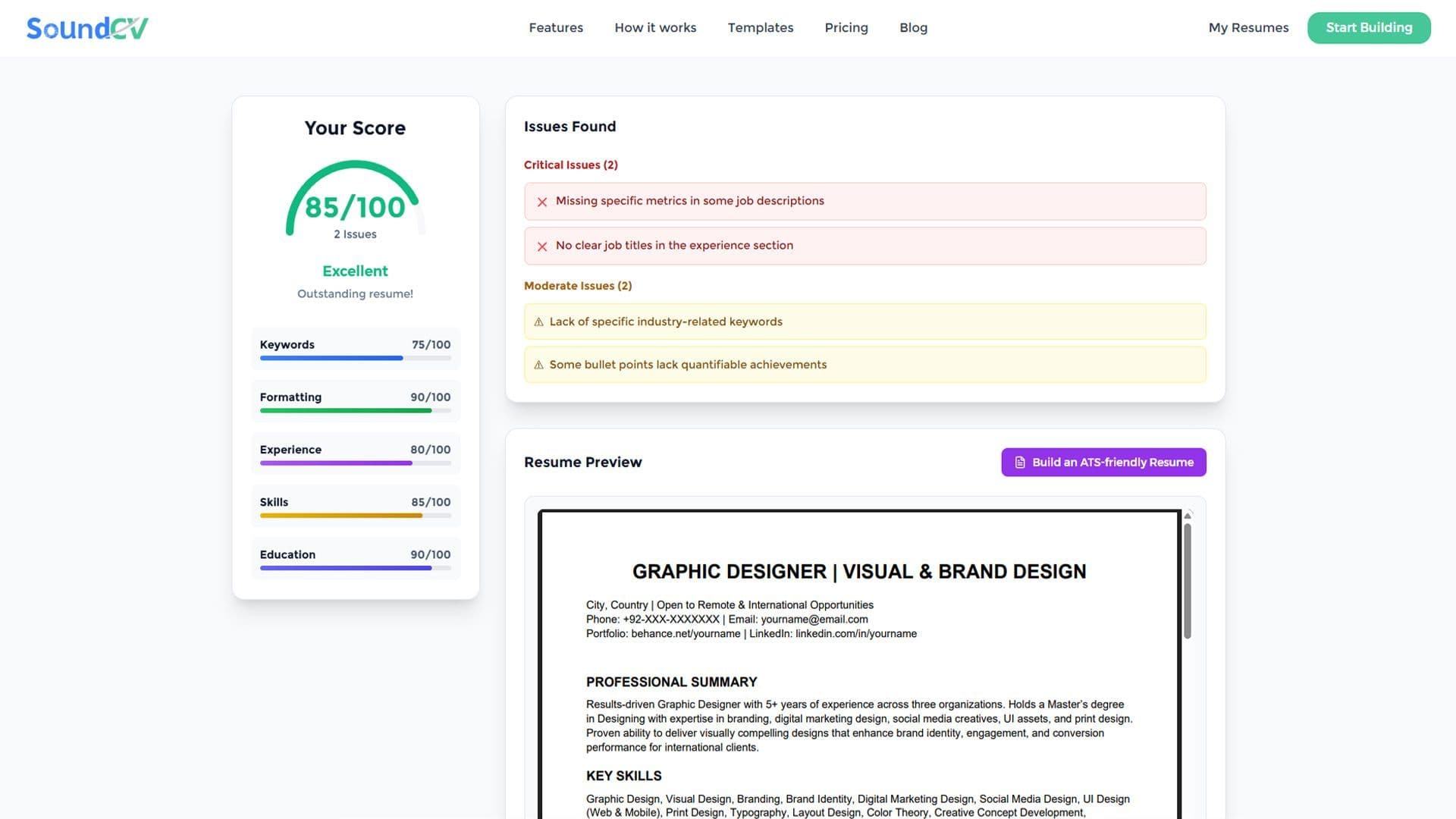
How Does the Sound CV Resume Score Checker Work?
The Sound CV Resume Score Checker analyzes your resume against ATS requirements, job-specific keywords, and structure to provide an instant, actionable score.

What Is a Sound CV? Features, Benefits, and How It Works
A Sound CV is an AI-powered resume that is tailored, ATS-optimized, and designed to showcase your skills and achievements to help you stand out to recruiters.