Google Resume Format: Craft a Resume That Gets Noticed
Learn the Google resume format to create an ATS-friendly, clean resume that recruiters can scan quickly and shortlist confidently.
Overview
The Google resume format focuses on clarity, structure, and ATS compatibility. Learn how to format your resume with the right sections, layout, and keywords to improve visibility, pass ATS screening, and get noticed by recruiters.
In today’s highly competitive job market, having the right skills and experience is no longer enough. You also need a resume format that presents your information clearly and effectively. Recruiters typically spend only a few seconds reviewing each resume, and most organizations now rely on Applicant Tracking Systems (ATS) to screen applications before they reach a hiring manager. If your resume is not structured properly, it may never be seen, regardless of your qualifications. This is where the Google resume format proves especially effective.
The Google resume format emphasizes simplicity, clarity, and logical structure. It is designed to be ATS-friendly, making it easy for systems to read and rank your resume accurately. At the same time, its clean layout allows recruiters to scan key details such as skills, experience, and achievements quickly. Whether you are a fresher entering the job market, an experienced professional seeking career growth, or someone transitioning into a new role, a Google-style resume format helps present your profile in the most professional and accessible way. By using this approach, you significantly improve your chances of getting noticed and shortlisted.
Key Points
Google resume format prioritizes clarity and ATS compatibility
Clean layout helps recruiters scan resumes faster
Keyword optimization improves shortlisting chances
Simple structure avoids ATS parsing errors
Ideal for freshers and experienced professionals
What Is a Google Resume Format?
A Google resume format is a clean, minimal, and well-structured resume layout designed to meet the expectations of modern recruiters and Applicant Tracking Systems (ATS). It is referred to as a “Google resume format” because it reflects the same principles Google promotes internally simplicity, clarity, and relevance. Rather than relying on visual design or creative elements, this format prioritizes content that is easy to read, understand, and evaluate.
Unlike traditional or heavily designed resumes, a Google resume format avoids unnecessary features such as graphics, icons, images, tables, or multi-column layouts. These elements may look visually appealing but often cause problems for ATS software, leading to misread or skipped information. Instead, the Google resume format uses a straightforward structure with clear section headings, consistent formatting, bullet points, and logical flow.
This format also emphasizes keyword optimization. By aligning resume content with the language used in job descriptions, candidates increase their chances of passing ATS screening and reaching recruiters. Each section professional summary, skills, work experience, and education is clearly defined, making it easy for hiring managers to scan and assess qualifications quickly.
The main purpose of a Google resume format is not to impress through design but to communicate value efficiently. Recruiters should be able to understand who you are, what you do, and what you bring to the role within seconds. By focusing on clarity and impact rather than decoration, a Google resume format helps candidates present their experience in the most effective and professional way possible.
Also Read : Resume Format for Hotel Management | Skills, Experience & Examples
Why Recruiters Prefer Google Resume Format
Recruiters prefer the Google resume format because it is simple, clear, and easy to scan. In most hiring processes, recruiters spend only a few seconds reviewing each resume. A Google-style resume uses clear section headings and a logical layout, allowing recruiters to quickly locate essential information such as skills, work experience, and key achievements without unnecessary effort.
Another major reason recruiters favor this format is its high compatibility with Applicant Tracking Systems (ATS). Many companies rely on ATS software to filter and rank resumes before they reach human reviewers. Resumes that use complex layouts, tables, columns, graphics, or images often cause parsing errors in ATS systems, which can result in important details being missed. A Google resume format avoids these issues by using a simple, text-based structure that ATS systems can read and interpret accurately.
Most importantly, the Google resume format keeps the focus on what truly matters to recruiters relevant skills, measurable impact, and professional experience. By removing distracting design elements, the resume highlights accomplishments and qualifications clearly. This makes it easier for recruiters to assess whether a candidate is a good fit for the role. The result is a professional, straightforward resume that supports faster screening, better understanding, and stronger chances of shortlisting.
Also Read : UK CV Format Template | Create a Professional Resume That Stands Out
Key Features of a Google Resume Format
A Google resume format is defined by simplicity, clarity, and structure. These key features are designed to help recruiters and Applicant Tracking Systems (ATS) review your resume quickly and accurately. One of the most important characteristics is length. A Google-style resume is typically limited to one or two pages, ensuring that only the most relevant and impactful information is included. This helps recruiters focus on what matters most without feeling overwhelmed.
The layout is clean and well-organized, with proper spacing between sections. Adequate white space improves readability and prevents the resume from appearing cluttered. Clear and consistent section headings make it easy for recruiters to scan and locate information such as skills, experience, and education within seconds.
Instead of long paragraphs, the Google resume format relies on concise bullet points. Bullet points highlight achievements and responsibilities in a direct, easy-to-read manner, making key details stand out. This format also avoids the use of graphics, icons, images, or photos, which can interfere with ATS parsing and distract from content.
Professional and readable fonts, such as Arial or Calibri, are another essential feature. These fonts ensure text remains clear across different devices and systems. Together, these features help create a resume that looks professional, passes ATS filters smoothly, and provides recruiters with a comfortable, efficient reading experience.
Also Read : Single Page Resume Format: Craft a Concise and Impactful CV
Essential Sections in a Google Resume
A strong Google resume format includes the following core sections:
Contact Information
Your name, phone number, professional email, and LinkedIn profile should appear at the top. Avoid adding unnecessary details like full address or personal information.
Professional Summary
A short 2–3 line summary highlighting your experience, skills, and value. This acts as your elevator pitch.
Skills
A focused list of relevant technical and soft skills aligned with the job description.
Work Experience
Your professional experience written in reverse-chronological order, with clear bullet points showing achievements.
Education
Your degree, institution, and graduation year. For freshers, this section can appear above experience.
Certifications & Projects
Optional but highly valuable, especially for IT, tech, and fresh graduates.
How to Write an ATS-Friendly Professional Summary
Your professional summary is one of the most important parts of your resume. In a Google resume format, it should be short, specific, and keyword-rich.
Focus on:
- Your role or expertise
- Years of experience (if applicable)
- Key skills or achievements
Avoid generic lines like “hardworking professional looking for opportunities.” Instead, tailor the summary to each job using keywords from the job description.
Also Read : Which CV Format Is Best for UAE? Complete Guide for Job Seekers
Formatting Work Experience the Google Way
Work experience should be written in reverse-chronological order, starting with your most recent role.
Each role should include:
- Job title
- Company name
- Employment dates
- 3–5 bullet points of achievements
Use action verbs and measurable results wherever possible. Instead of listing duties, highlight outcomes and impact. This approach makes your resume more results-driven and recruiter-friendly.
Also Read : Which Resume Format Is Best: PDF or Word? Complete 2026 Guide
Skills Section: What Google-Style Resumes Focus On
The skills section should be concise and relevant. Separate technical skills from soft skills if needed.
Focus on:
- Skills mentioned in the job description
- Tools, technologies, and platforms
- Avoid listing too many unrelated skills
Keyword alignment is critical here. ATS systems often rank resumes based on skill matching, so this section must be carefully optimized.
Best Fonts, Margins, and Layout for Google Resume Format
Recommended fonts include:
- Arial
- Calibri
- Inter
- Helvetica
Use a font size of 10.5–12 for body text and slightly larger for headings. Maintain consistent margins and sufficient white space to avoid clutter.
A clean layout improves readability and ensures ATS compatibility.
Also Read : Which CV Format Is Best for Europe? Europass Guide for 2026 Job Seekers
Common Mistakes to Avoid in Google Resume Format
Many candidates reduce their chances by making avoidable mistakes, such as:
- Overdesigning the resume
- Using tables or columns
- Adding photos or icons
- Including irrelevant information
- Keyword stuffing
Simplicity is the strength of the Google resume format. Stick to structure and clarity.
Also Read : Most Effective Resume Format (2026) | Ultimate Job Seeker Guide
Google Resume Format for Freshers vs Experienced Professionals
For Freshers
- Education and projects should appear before experience
- Highlight internships, coursework, and skills
- Keep resume to one page
For Experienced Professionals
- Focus on achievements and leadership
- Two pages are acceptable if experience is strong
- Handle career gaps honestly but briefly
The format remains the same the content emphasis changes.
How to Create a Google Resume Using Google Docs
Google Docs is one of the easiest tools for creating a Google resume format.
You can:
- Use a simple built-in template
- Create a custom layout from scratch
- Export the resume as a PDF
Always review formatting after exporting to ensure consistency.
Also Read : Top 5 Resume Format for Freshers: Best Layouts to Land Your First Job in 2026
Conclusion
The Google resume format works because it aligns perfectly with how recruiters and ATS systems evaluate resumes today. It prioritizes clarity, structure, keyword relevance, and readability, everything that increases your chances of getting shortlisted.
Whether you are a fresher applying for your first job or an experienced professional targeting competitive roles, using a Google-style resume format gives you a clear advantage.
Modern resume tools like Sound CV take this concept even further by helping users automatically structure their resumes, optimize keywords, and tailor content based on job descriptions. Just like Google resume principles focus on visibility and relevance, Sound CV helps candidates stand out in both ATS systems and recruiter searches.
In today’s job market, the right format is not optional, it's essential.
FAQs
Frequently asked questions about this topic
Related Blogs
Explore more insights and guides you might like.
How to List References on a Resume in 2026
Learn the modern 2026 approach to listing references on your resume for maximum professionalism and recruiter impact.

Is Sound CV good for students and fresh graduates with no experience?
Sound CV is perfect for students and fresh graduates, helping them create professional resumes that highlight skills, projects, and potential even with little or no work experience.
Why Sound CV Is Different from Other AI Resume Builders
Sound CV stands out by creating job-focused, ATS-friendly resumes that highlight real achievements, not just generic content.
Resume Format for HR Job: Professional Guide and Sample Templates
A complete guide to the best resume format for HR jobs, with expert tips and sample templates to help you create a professional and job-ready resume.
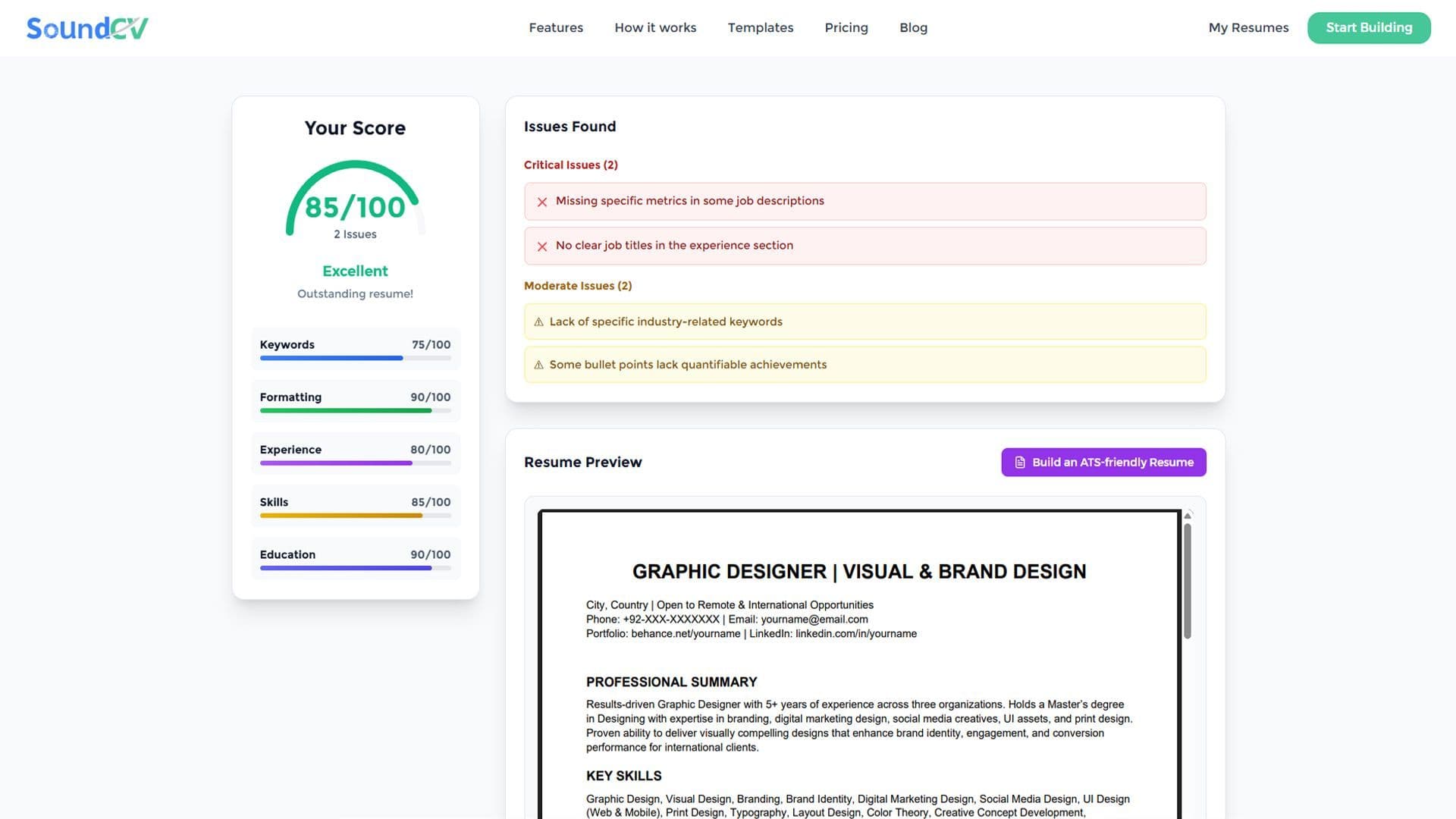
How Does the Sound CV Resume Score Checker Work?
The Sound CV Resume Score Checker analyzes your resume against ATS requirements, job-specific keywords, and structure to provide an instant, actionable score.

What Is a Sound CV? Features, Benefits, and How It Works
A Sound CV is an AI-powered resume that is tailored, ATS-optimized, and designed to showcase your skills and achievements to help you stand out to recruiters.