Which Resume Format Is Best: PDF or Word? Complete 2026 Guide
Learn when to use PDF or Word resumes in 2026 for ATS and recruiters.
Overview
Choosing between PDF and Word resume formats can impact your job success in 2026. This guide explains ATS compatibility, recruiter preferences, and when to use each format so you submit the right resume file and maximize interview opportunities.
One of the most common questions job seekers ask when preparing applications is which resume format is best PDF or Word? While both formats are widely accepted, choosing incorrectly can reduce your chances of passing automated screenings or making a strong impression on recruiters. In today’s hiring environment, resumes are usually reviewed first by Applicant Tracking Systems (ATS) before reaching human decision-makers. Because of this, your file format must support both accurate machine reading and professional visual presentation.
Each file type offers different advantages. PDF resumes maintain consistent formatting across devices and appear polished when viewed by recruiters directly. Word resumes, on the other hand, provide excellent compatibility with ATS software and online application portals, ensuring your information is extracted accurately during automated scans. Selecting the wrong option for the wrong situation such as submitting a graphic-heavy PDF to an ATS platform or sending a messy Word file to a recruiter can result in unnecessary rejection despite strong qualifications.
Understanding the differences between PDF and Word resumes enables candidates to make strategic choices rather than relying on guesswork. In this guide, we explore both formats in depth, analyze recruiter preferences, examine ATS requirements, and explain exactly when to use each file type for maximum success. With the right strategy, you can ensure your resume is not only well-written but also submitted in the format employers expect to see in 2026’s competitive hiring landscape.
Key Points
- Word (.docx) is best for ATS systems and online job portals
- PDF is best for recruiter-facing and email submissions
- ATS reads Word files more accurately than graphic-heavy PDFs
- PDFs preserve layout and prevent formatting shifts
- Best strategy in 2026: keep both formats ready
- Use Word for automation, PDF for presentation
- Tools like Sound CV generate both formats instantly
Understanding Resume File Formats
What Is a PDF Resume Format?
A PDF resume is a document saved in Portable Document Format that preserves all design elements exactly as created, including fonts, margins, spacing, and layout. Unlike editable files, a PDF locks the visual presentation of your resume so it appears identical across all devices and operating systems. This ensures recruiters see your resume as intended, without formatting shifts or misaligned sections caused by differing software platforms.
Because of this reliability, PDFs are often considered the most polished and professional way to present a resume when direct human review is expected. They prevent accidental edits and maintain a strong brand appearance, making them ideal for situations where visual consistency matters.
PDF resumes are commonly used for:
- Direct submissions to recruiters or hiring managers
- Email attachments for job inquiries or networking outreach
- Creative or visually styled resumes, where layout, subtle design, or branding elements must remain intact
However, candidates should always consider whether an Application Tracking System (ATS) will scan their resume first, as some platforms still prefer Word documents for automated processing.
Also Read : Top 5 Resume Format for Freshers: Best Layouts to Land Your First Job in 2026
What Is a Word (.docx) Resume Format?
A Word resume (.docx) is an editable document created using Microsoft Word or compatible word-processing software. This format is widely recognized as the most ATS-compatible resume file type, making it the preferred option for many companies that rely on automated screening technology. Word files allow Applicant Tracking Systems to easily extract and categorize resume content such as contact details, job titles, skills, and work history because the text remains structured and readable without formatting complications.
Unlike PDFs, Word resumes can be modified quickly, making them ideal for tailoring applications to different job descriptions. Candidates can update keywords, adjust bullet points, or refine summaries in minutes to improve ATS keyword matching and relevance for each role they apply to. This flexibility gives job seekers a significant advantage when submitting multiple applications.
Word resumes are commonly required for:
- Online job portals that specify .docx uploads
- ATS recruitment systems used by large corporations and staffing agencies
- Human resources databases that store candidate profiles for internal review or future recruitment
Although Word resumes may occasionally display minor formatting shifts across different devices, this limitation is outweighed by their scanning reliability for automated platforms. For any application passing through an ATS portal, the Word (.docx) resume format is widely considered the safest and most effective choice.
Also Read : Is It Bad to Use a Resume Builder? Pros, Cons & Expert Advice (2026)
PDF Resume Format Pros & Cons
Advantages of PDF Resumes
Formatting Stability
PDF preserves layout exactly as designed. Fonts remain intact and spacing stays identical across all screens.
Professional Appearance
PDF resumes project polish and prevents accidental edits by recruiters.
Perfect for Emailing Directly
When sending resumes directly to recruiters—PDF is often preferred.
Creative Industry Compatibility
Designers and marketers can include subtle visuals safely without reflow issues.
Disadvantages of PDF Resumes
ATS Parsing Limitations
Some older ATS systems struggle with graphics-based PDFs or layered formatting. If text isn’t plain-text embedded, critical information may go unread.
Editing Inflexibility
PDF resumes require conversion to modify content, making last-minute changes more difficult.
Larger File Sizes
Images and formatting increase file size, potentially causing upload limits or email attachments to fail.
Also Read : Top 5 Resume Formats for Freshers in 2026 (Best Layouts)
Word Resume Format Pros & Cons
Advantages of Word Resumes
ATS-Friendly Optimization
Word resumes deliver superior parsing compatibility, allowing ATS software to extract content cleanly.
Easy Editing
Revisions are simple—tailoring resumes for each job application is quick.
Employer Preference
Many ATS recruitment platforms specifically request .docx formats.
Disadvantages of Word Resumes
Formatting Variability
What looks perfect on your computer may appear misaligned on others depending on font availability or device screen resolution.
Risk of Accidental Changes
Recruiters may accidentally edit Word files during review, compromising presentation if forwarded internally.
Also Read : Is It Bad to Use a Resume Builder in 2026? Pros, Cons & Expert Advice
When to Submit PDF vs Word Resumes
Knowing when to use a PDF or Word resume can significantly improve your chances of being shortlisted. Each format serves a purpose depending on whether your resume will be read by recruiting software or a human reviewer.
Use Word (.docx) Format When:
Choose a Word resume for applications submitted through online job portals or ATS systems. These platforms scan resumes using automated software that extracts keywords, skills, and experience from structured text. Word documents adapt easily to this process and ensure your content is parsed correctly. Always use Word format when employers specifically request a .docx file, when you expect automated scanning to evaluate your application, or when you plan to customize your resume frequently for different roles. Editing Word files is quick and allows ongoing optimization for specific job postings.
Use PDF Format When:
Use a PDF resume when your application will be reviewed directly by recruiters or hiring managers rather than processed through an ATS. PDFs are ideal for email submissions, job fairs, and networking introductions, where a visually consistent and polished appearance matters most. PDFs protect your layout from shifting across devices and prevent accidental editing. They are also effective when submitting branded or visually styled resumes, particularly in creative industries where design presentation supports professional branding.
In practice, the most strategic approach is maintaining both formats Word for ATS compliance and PDF for human-facing submissions so you are prepared for every hiring scenario.
Also Read : Sample Resume for Bank Jobs (ATS-Friendly 2026 Guide)
Recruiter Perspective: PDF vs Word
From a recruiter standpoint, the answer to which resume format is best pdf or word depends entirely on the hiring workflow:
ATS-Based Hiring
Recruiters using automated screening systems tend to prefer Word files, which reduce data parsing issues.
Direct Human Review
For personal evaluations or emailed applications, recruiters favor PDF resumes for consistency and professionalism.
Ultimately, recruiters care far more about content quality than file type but ATS compatibility cannot be ignored.
Also Read : Job Responsibilities Examples: A Simple Guide for 2026
ATS File Compatibility Guidelines
To ensure ATS readability regardless of file format:
Use simple layouts (single-column)
Avoid graphics or images
Use clear headings like “Experience” and “Skills”
Stick to text bullet points, not tables
Also Read : How to Make a Student Resume (Complete 2026 Guide)
Safe File Submissions
Best choices:
- .docx Word documents (universally ATS-compatible)
- Text-based PDFs with standard fonts
Avoid:
Scanned PDF images
Canva-Figma exported resumes with text layers embedded as graphics
Uneditable .jpg or .png resumes
Common Resume File Submission Mistakes
Many applicants reduce their chances through avoidable errors:
Ignoring employer file format instructions
Submitting scanned PDFs that ATS can’t read
Sending visually heavy resumes to corporate portals
Uploading résumé drafts still containing comments
Always follow employer submission instructions exactly.
Final Recommendation
So which resume format is the best pdf or word?
The practical answer is both.
Use Word format for ATS submissions and online portals to maximize readability and keyword scanning. Use PDF format for recruiter-facing roles, email submissions, and professional networking interactions where formatting stability enhances presentation.
Conclusion
Choosing the right resume file format in 2026 is not about selecting a single winner between PDF and Word, it's about using the right tool for the right situation. Both formats remain essential in modern recruitment. By understanding when ATS systems dominate versus when personal recruiter review occurs, job seekers can strategically present resumes in formats that maximize acceptance rather than accidental rejection.
Platforms like Sound CV eliminate the guesswork entirely by providing built-in dual-format resume exports generating both ATS-optimized Word resumes and professionally styled PDFs instantly. Sound CV ensures formatting compatibility across platforms, applies keyword matching for ATS scoring, and keeps resume designs compliant with recruiter standards.
Instead of debates over file types, Sound CV gives job seekers flexibility allowing you to focus on crafting strong career stories while the platform handles technical conversions seamlessly. In an increasingly competitive recruitment system, having both formats ready through tools like Sound CV ensures you never miss an opportunity due to the wrong file choice.
FAQs
Frequently asked questions about this topic
Related Blogs
Explore more insights and guides you might like.
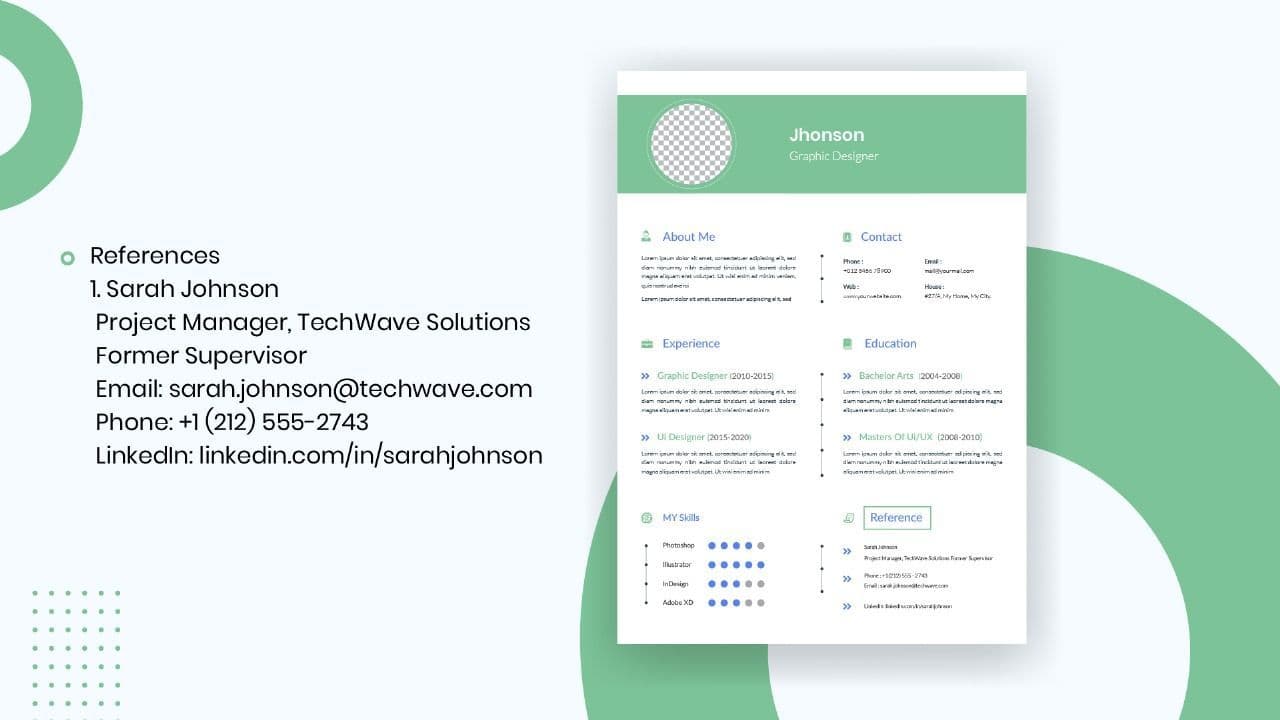
How to List References on a Resume in 2026
Learn the modern 2026 approach to listing references on your resume for maximum professionalism and recruiter impact.
Is Sound CV good for students and fresh graduates with no experience?
Sound CV is perfect for students and fresh graduates, helping them create professional resumes that highlight skills, projects, and potential even with little or no work experience.
Why Sound CV Is Different from Other AI Resume Builders
Sound CV stands out by creating job-focused, ATS-friendly resumes that highlight real achievements, not just generic content.
Resume Format for HR Job: Professional Guide and Sample Templates
A complete guide to the best resume format for HR jobs, with expert tips and sample templates to help you create a professional and job-ready resume.
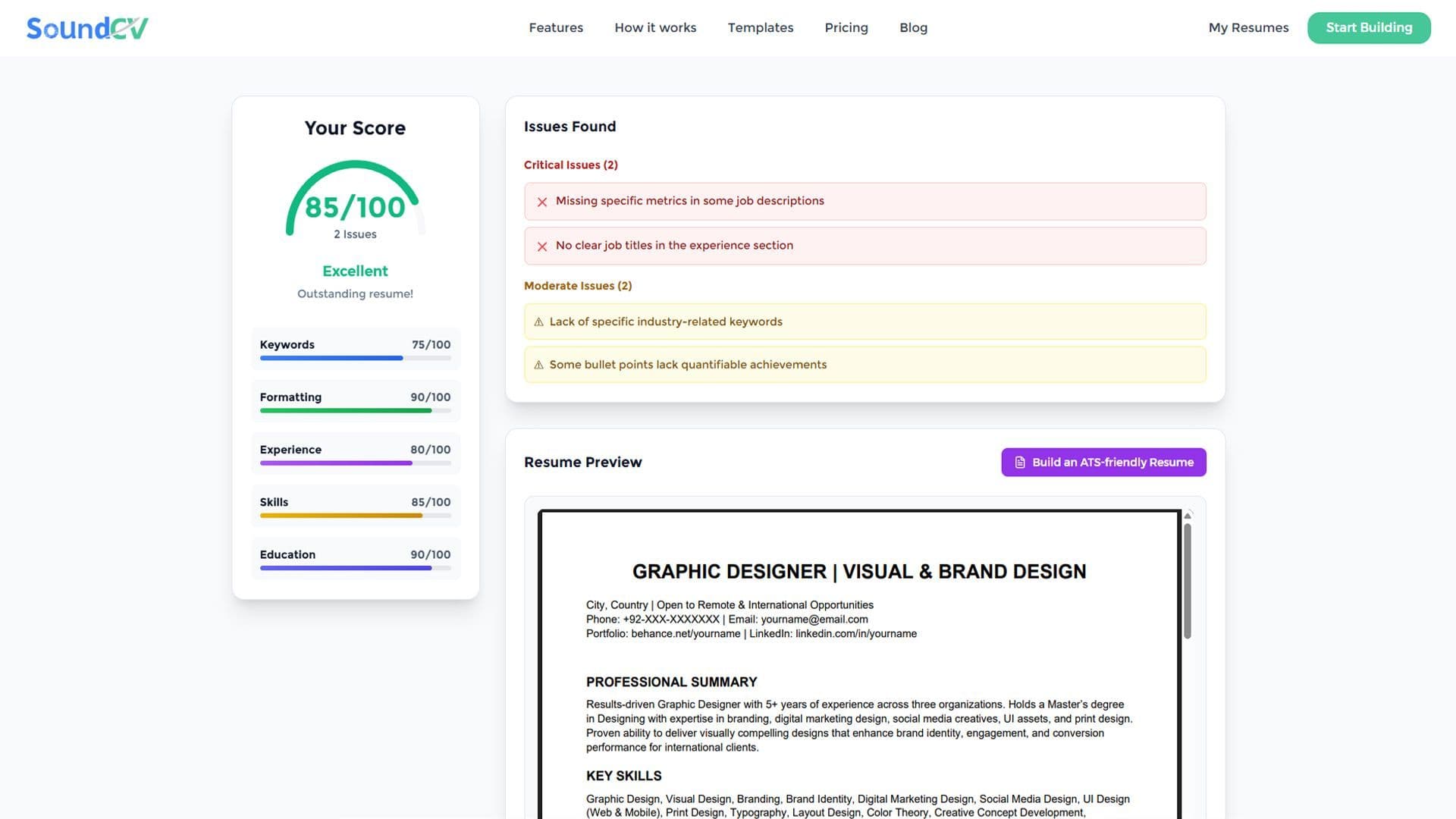
How Does the Sound CV Resume Score Checker Work?
The Sound CV Resume Score Checker analyzes your resume against ATS requirements, job-specific keywords, and structure to provide an instant, actionable score.
What Is a Sound CV? Features, Benefits, and How It Works
A Sound CV is an AI-powered resume that is tailored, ATS-optimized, and designed to showcase your skills and achievements to help you stand out to recruiters.