Where to Put GPA on a Resume (Best Placement + Examples)
Learn where to put GPA on a resume, when to include it, and how to format it properly with clear examples.
Overview
Discover where to put GPA on a resume and when it actually helps your application. This guide explains the best placement, formatting tips, GPA examples, and when students or recent graduates should include GPA to strengthen their resume.
If you’re building a resume as a student or recent graduate, GPA can feel like a big deal. The tricky part is knowing where to put GPA on a resume so it looks professional and helps you, not hurts you.
Some employers care. Some don’t. And some only care if you’re applying for internships, graduate schemes, or early-career roles.
This guide breaks down when to include GPA, the best placement, and how to format it with clean examples you can copy.
Key Points
- GPA is usually placed in the Education section of a resume.
- The best placement is directly under your degree or university name.
- Include GPA if you are a student or recent graduate.
- Most employers value GPA when it is 3.5 or higher.
- GPA is important for internships, graduate programs, and entry-level jobs.
- You can include Major GPA or Cumulative GPA depending on which is stronger.
- If your GPA is low, highlight projects, internships, and certifications instead.
- Avoid placing GPA in the summary, skills section, or resume headline.
- Professionals with 2+ years of experience usually remove GPA.
- A well-structured Education section helps ATS and recruiters find GPA quickly.
Should You Put Your GPA on Your Resume?
You should include GPA when it adds confidence to your profile. You should skip it when it creates doubts.
Include your GPA if:
- You’re a student or recent graduate (especially within the last 1–2 years).
- You’re applying for internships, trainee programs, or entry-level roles.
- Your GPA is strong (usually 3.5+ on a 4.0 scale).
- The job post asks for GPA or has a cut-off.
- You don’t have much work experience yet.
Skip your GPA if:
- You have 2+ years of relevant experience.
- Your GPA is low and not required.
- Your resume already has stronger proof like projects, internships, and results.
A simple rule: If your GPA is one of your best selling points, include it. If not, replace it with better evidence.
Also Read : How to Make a Student Resume (Complete 2026 Guide)
Where to Put GPA on a Resume (Best Placement)
So, where to put GPA on a resume in a way that recruiters and ATS can find quickly?
A) Put GPA in the Education Section (Best and Most Common)
This is the cleanest and most expected placement. Recruiters naturally scan the Education section for GPA, graduation date, and degree details.
Best location: directly under your degree or under your university line.
Example (simple):
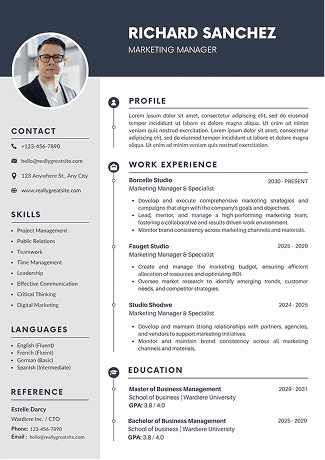
BS in Computer Science, University of Texas — 2025
GPA: 3.7/4.0
Example (slightly detailed):
BBA, Finance, University of Michigan — 2024
GPA: 3.6/4.0 | Dean’s List (3 semesters)
This placement works well because:
- It’s easy to find in 2–3 seconds.
- It doesn’t distract from experience.
- It looks normal to recruiters.
B) Put GPA in an Honors/Awards Subsection (If You Have Multiple Achievements)
If you have awards, scholarships, or honors, you can create a mini block under Education. This keeps the main education line clean.
Example:
BA, Economics, UCLA — 2024
Honors: Dean’s List, Merit Scholarship
GPA: 3.8/4.0
This approach is great when you want your academic strengths to feel like part of a bigger story, not the only story.
C) Put GPA in a Relevant Coursework Block (Rare, Use Carefully)
This is less common. Only use it when your coursework is highly relevant and you’re applying to a technical or academic-heavy role.
Example:
Relevant Coursework: Data Structures, Machine Learning, Statistics
GPA: 3.7/4.0
Use this sparingly. If your resume feels crowded, GPA should go back into Education.
Also Read : HR Executive Resume Guide With Format, Skills, and Examples
Exactly How to Format GPA on Your Resume (With Examples)
Formatting matters more than people think. A messy GPA line can look rushed, even if the GPA is great.
GPA formatting tips
- Keep it consistent: use 3.70 or 3.7, but don’t mix styles.
- Use a clear label like GPA:.
- Include the scale only if it’s not obvious (or if you’re applying globally).
- Place GPA on the same line only if spacing is tight.
Copy-paste examples
Example 1: Clean and simple
BS in Marketing, Arizona State University 2025
GPA: 3.5/4.0
Example 2: GPA + honors
BS in Nursing, University of Florida 2024
GPA: 3.8/4.0 | Honors: Magna Cum Laude
Example 3: Major GPA
BS in Mechanical Engineering, Purdue University 2023
Major GPA: 3.7/4.0
Example 4: Cumulative + Major GPA
BS in Accounting, Penn State 2024
Cumulative GPA: 3.4/4.0 | Major GPA: 3.7/4.0
Example 5: If your school uses percentages
BSc, Computer Science, University of Karachi 2025
GPA: 3.6/4.0 (Equivalent)
Only add “equivalent” if you’re confident. If you’re unsure, keep the original format used by your institution.
Also Read : How to List Publications on a Resume (Examples & Format Guide)
Cumulative GPA vs. Major GPA: Which One to Use?
This is a common question and the answer depends on what makes you look stronger.
Cumulative GPA
This is your overall GPA across all courses. It’s the default and what most employers expect.
Use cumulative GPA when:
- It’s strong.
- It’s close to your major GPA.
- The job post asks for GPA without specifying.
Major GPA
This is your GPA in your major courses only.
Use major GPA when:
- Your major GPA is noticeably higher than your cumulative GPA.
- The job is directly related to your major.
- You want to show strength in relevant subjects.
If you include a major GPA, label it clearly. Never leave it vague.
Also Read : Management Consultant Resume Guide (Format, Examples & ATS Tips)
What GPA Is “Good Enough” to Put on a Resume?
There’s no universal rule, but these ranges are commonly used in hiring.
General GPA guidance
- 3.5–4.0: Usually worth including.
- 3.0 -- 3.49: Include if you’re early-career, or the role isn’t GPA-focused.
- Below 3.0: Usually skip unless required.
Industry differences (real-world logic)
Some fields screen more heavily:
- Finance, consulting, and competitive graduate programs may expect 3.5+.
- Many marketing, design, sales, and operations roles care more about experience and results.
- Tech roles often value projects, internships, GitHub, and problem-solving proof.
If your GPA is “okay” but not impressive, ask yourself: Is it the strongest thing in my Education section? If not, it doesn’t deserve top billing.
Also Read : How to Write a Data Scientist Resume That Impresses Recruiters
What If Your GPA Is Low? Better Alternatives
If you’re worried your GPA will hurt you, don’t panic. You can still build a strong resume.
Here are better ways to show ability without highlighting a number:
1) Add strong project bullets
Instead of GPA, show results.
Examples:
- Built a budgeting app used by 200+ students; reduced manual tracking time by 40%.
- Created a market research report using survey data from 300 respondents.
2) Add certifications
Relevant certificates can signal skills more directly than GPA.
Examples:
Google Data Analytics Certificate
AWS Cloud Practitioner
HubSpot Content Marketing
3) Highlight internships and part-time work
Even small roles can show responsibility and skills.
4) Include awards that don’t require GPA
Examples:
Best Final Year Project
Case competition finalist
Scholarship (if awarded on merit or leadership)
5) Use relevant coursework (only if it helps)
If you’ve taken strong, job-relevant courses and performed well, list 4–6 of them. Keep it tight.
Also Read : How Freshers Can Build a Strong Data Analyst Resume | ATS Guide for Beginners
Where GPA Should NOT Go on a Resume
Even if your GPA is great, there are places it doesn’t belong.
Avoid putting GPA:
- In your professional summary (it feels awkward there).
- In your skills section (GPA isn’t a skill).
- At the top of the resume like a headline.
- In multiple spots (one mention is enough).
The resume should feel balanced. GPA is one supporting detail, not the main character.
GPA Placement by Resume Type
Where to put GPA on a resume also depends on the layout and career stage.
A) Student Resume
For students, education often sits near the top, so GPA belongs there too.
Best placement: Education near the top, GPA right under degree.
B) Recent Graduate Resume
If you graduated recently, keep Education in the top half.
GPA is optional if:
- you have internships, projects, and leadership,
- and your GPA isn’t a standout.
C) Professional Resume (2–5+ years experience)
Once you have real work history, employers care less about GPA.
Best practice: Move Education near the bottom and remove GPA unless required.
If a form asks for GPA, you can still provide it in the application fields without placing it on the resume.
Also Read : Customer Service Resume Keywords for ATS Success in 2026
Conclusion
If you’re still deciding where to put GPA on a resume, here’s the simplest rule that works for most people:
- Put GPA in the Education section, directly under your degree.
- Include it only if it strengthens your application or is required.
- If it doesn’t help, use projects, internships, and results instead.
A resume is about proof. GPA is one type of proof, but not the only one.
And if you want to make the entire document look polished fast, you can also build it using Sound CV in the conclusion stage to help format and present your resume cleanly
FAQs
Frequently asked questions about this topic
Related Blogs
Explore more insights and guides you might like.
How to List References on a Resume in 2026
Learn the modern 2026 approach to listing references on your resume for maximum professionalism and recruiter impact.

Is Sound CV good for students and fresh graduates with no experience?
Sound CV is perfect for students and fresh graduates, helping them create professional resumes that highlight skills, projects, and potential even with little or no work experience.
Why Sound CV Is Different from Other AI Resume Builders
Sound CV stands out by creating job-focused, ATS-friendly resumes that highlight real achievements, not just generic content.
Resume Format for HR Job: Professional Guide and Sample Templates
A complete guide to the best resume format for HR jobs, with expert tips and sample templates to help you create a professional and job-ready resume.
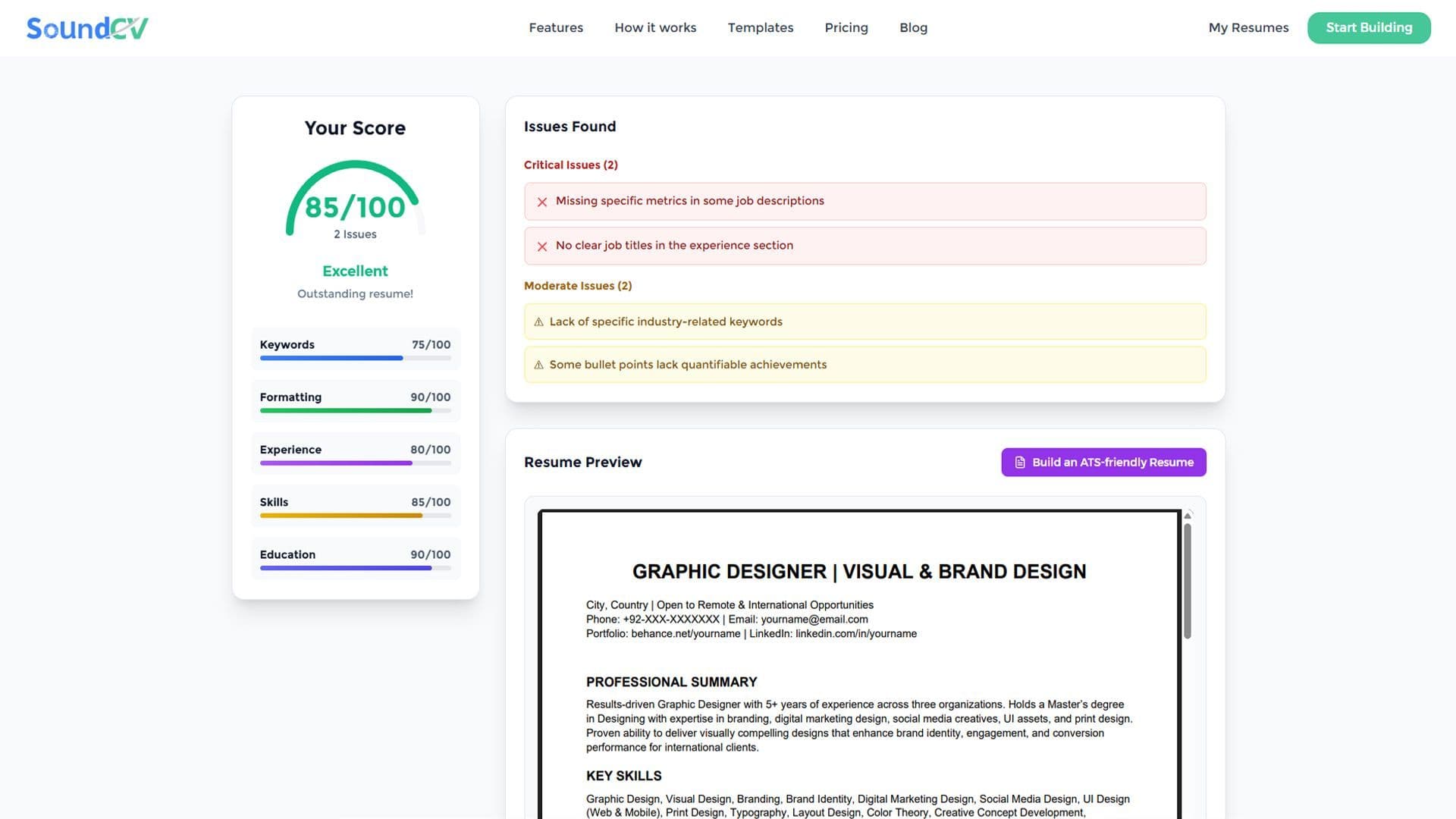
How Does the Sound CV Resume Score Checker Work?
The Sound CV Resume Score Checker analyzes your resume against ATS requirements, job-specific keywords, and structure to provide an instant, actionable score.

What Is a Sound CV? Features, Benefits, and How It Works
A Sound CV is an AI-powered resume that is tailored, ATS-optimized, and designed to showcase your skills and achievements to help you stand out to recruiters.