How to Make a Student Resume (Complete 2026 Guide)
A complete 2026 guide to creating a strong student resume, covering formats, skills, projects, ATS tips, examples, and mistakes to help students get internships and entry-level jobs.
Overview
This complete 2026 guide explains how students can create a professional resume even without work experience. It covers the best resume format, how to write objectives, list education, skills, projects, certifications, and achievements, and optimize resumes for ATS systems. Ideal for internships, part-time jobs, scholarships, and entry-level roles, this guide helps students confidently showcase their potential and stand out to employers.
Creating your first resume as a student can feel confusing and stressful especially when you don’t yet have much work experience. But the good news is this: you don’t need years of employment to make a strong resume. A great student resume focuses on your education, skills, projects, achievements, and activities that show your potential to employers.
In 2026, companies will use Applicant Tracking Systems (ATS) and quick resume scans to filter candidates in seconds. Your resume must look professional, match job keywords, and highlight skills clearly even without job experience. The purpose of a student resume is not to list past jobs but to demonstrate that you are reliable, motivated, and eager to learn.
This complete guide will teach you how to make a student resume step by step, including:
- Correct resume format for students
- What sections to include and how to write them
- Skill-writing tips for beginners
- Real examples of effective student resumes
- ATS optimization strategies
- Common mistakes to avoid
Whether you're applying for internships, part-time jobs, scholarships, entry-level positions, or college programs, this guide will help you craft a professional student resume with confidence.
Step 1: Choose the Best Resume Format for Students
Students should use the reverse chronological resume format, which focuses on education and skills while grouping practical experience logically.
Best resume layout for students:
- Contact Details
- Resume Summary / Objective
- Education
- Skills
- Projects / Activities / Volunteer Work
- Certifications
- Achievements
- References (optional)
Also Read : How to List Your Education on a Resume (Complete 2026 Guide)
Step 2: Write Your Contact Information Properly
Required details:
- Full name
- Professional email address
- Phone number
- City and state/country
- LinkedIn profile (optional)
Example:
Sarah Ahmed
sarahahmed@email.com | +92 300 1234567
Lahore, Pakistan | linkedin.com/in/sarahahmed
Avoid:
Nicknames
Casual emails (princess123@email.com
Unprofessional usernames
Also Read : Words to Describe Yourself on a Resume (2026 ATS-Optimized Examples)
Step 3: Write a Strong Student Resume Summary or Objective
If you're new to resumes, write a resume objective instead of a summary.
Objective Template:
Motivated [student / major] seeking [internship/job] where I can contribute to [key skills] and gain hands-on experience in [industry/role].
Example:
Motivated computer science student seeking a software development internship where I can apply Python and web development skills while gaining real-world industry experience.
Also Read : Supply Chain Manager Resume Guide: Format, Skills & ATS Tips
Step 4: List Your Education Correctly
Education should be near the top of your resume.
Example:
Bachelor of Computer Science
University of Punjab – Lahore
Expected Graduation: 2027
GPA: 3.6
Include:
Degree name
Institution name
Graduation date or expected date
GPA (only if strong)
Also Read : Technical Skills for a Resume in 2026: What Employers Want
Step 5: Add Relevant Skills
Students should focus on:
Technical Skills
- Microsoft Office
- Programming languages
- Graphic design software
- Social media platforms
- Research tools
Soft Skills
- Communication
- Teamwork
- Problem-solving
- Time management
- Presentation
ATS Skill Tip:
Match skill keywords to the job listing whenever possible.
Also Read : Personal Details in Resume with Examples in 2026
Step 6: Show Projects, Internships, and Volunteer Experience
Experience does not need to be paid employment.
Include:
- Class projects
- Capstone assignments
- Group presentations
- Volunteer work
- Campus organizations
- Small freelance projects
Example:
Website Development Project
Designed and coded a portfolio website using HTML/CSS to showcase student artwork and design concepts.
Volunteer Event Assistant
University Career Expo – 2024
- Organized guest registration
- Managed information desks
- Assisted recruiters
Also Read : How to Put References on a Resume (2026 Guide)
Step 7: Add Certifications and Online Courses
Certifications show initiative and learning commitment.
Examples:
- Google Digital Marketing Certification
- Coursera Python Fundamentals
- Canva Design Essentials
Create a separate section titled:
Certifications
Also Read : Best Resume Action Verbs for 2026 (ATS-Optimized Guide)
Step 8: Include Achievements
These bring credibility to a student resume.
Academic achievements:
- Dean’s List
- Debate contest winner
- Scholarship awards
- Olympiad finalist
Leadership achievements:
- Student society president
- Team captain
- Event coordinator
Also Read : Best Resume Action Verbs for 2026 (ATS-Optimized Guide)
Step 9: Keep Resume Length to One Page
Students should always use a:
ONE-page resume
Recruiters scan resumes quickly and long documents hurt readability.
Step 10: Optimize for ATS
Follow ATS compatibility rules:
- Simple fonts (Arial, Calibri, Poppins)
- No tables or columns
- No images or graphics
- Clean headings
- Plain-text bullet points
Step 11: Avoid These Common Student Resume Mistakes
Including personal details (age, religion, marital status)
- Using casual wording
- Typos or grammar mistakes
- Copy-pasting generic objectives
- Listing outdated or irrelevant skills
Sample Student Resume Template
Student Resume Example
Ahmed Khan
ahmedkhan@email.com | +92 301 4567890
Lahore, Pakistan
Objective
Motivated business administration student seeking internships in marketing to apply research and digital marketing skills.
Education
Bachelor of Business Administration
University of Lahore
Expected Graduation: 2026
Skills
- Social Media Marketing
- Microsoft Excel
- Canva Design
- Market Research
Projects
- Marketing Strategy Report – Improved engagement by 15% for campus club promotions.
- Presentation Development – Created investor pitch decks for coursework projects.
Certifications
- Google Digital Marketing Certificate
Activities
- Student Marketing Club member
- Community tutoring volunteer
Should Students Add References?
Best practice:
Do not add references directly to your resume.
Use:
"References available upon request."
Create a separate document if employers ask for them.
Formatting Rules for Clean Design
11–12 pt font
Standard margins (1 inch)
Black text only
Bullet points for clarity
Cover Letter Tip for Students
Always submit a short cover letter with your resume when applying for internships or campus jobs.
Student Resume Checklist
- Professional email address
- Objective written clearly
- Education listed at top
- Skills section included
- Projects or activities listed
- Certifications added
- ATS-friendly formatting
- 1-page length only
Final Thoughts
Creating a strong student resume in 2026 is not about competing with professionals who have years of experience, it's about showcasing your potential, skills, and willingness to learn in a clear and confident way. Even without formal work history, your education, projects, certifications, volunteer activities, and campus involvement tell a powerful story about who you are and what you can contribute. When these elements are organized properly and presented with professional formatting, they create a resume that employers take seriously.
The key to success lies in simplicity and relevance. Keep your resume to one page, focus on skills that match the role you’re applying for, and describe your projects or activities with action verbs that highlight real outcomes. Avoid filler content, personal details, or outdated formatting that distract from your strengths. Instead, show how your coursework, digital skills, teamwork experience, and leadership roles prepare you for the responsibilities of an internship or entry-level job.
Equally important is making sure your resume is ATS-friendly. A clean layout, standard fonts, clear headings, and keyword-aligned skills help your resume pass automated screening systems and reach human recruiters more effectively. Pairing your resume with a brief, focused cover letter further strengthens your application.
A student resume isn’t just a document it’s your first professional introduction. Every bullet point is an opportunity to show ambition, reliability, and readiness to grow. With the step-by-step guidance shared in this guide, you now have the tools to create a resume that positions you confidently for opportunities ahead. Remember, every successful career starts with a first application make yours count with a sharp, honest, and professionally crafted student resume.
FAQs
Frequently asked questions about this topic
Related Blogs
Explore more insights and guides you might like.
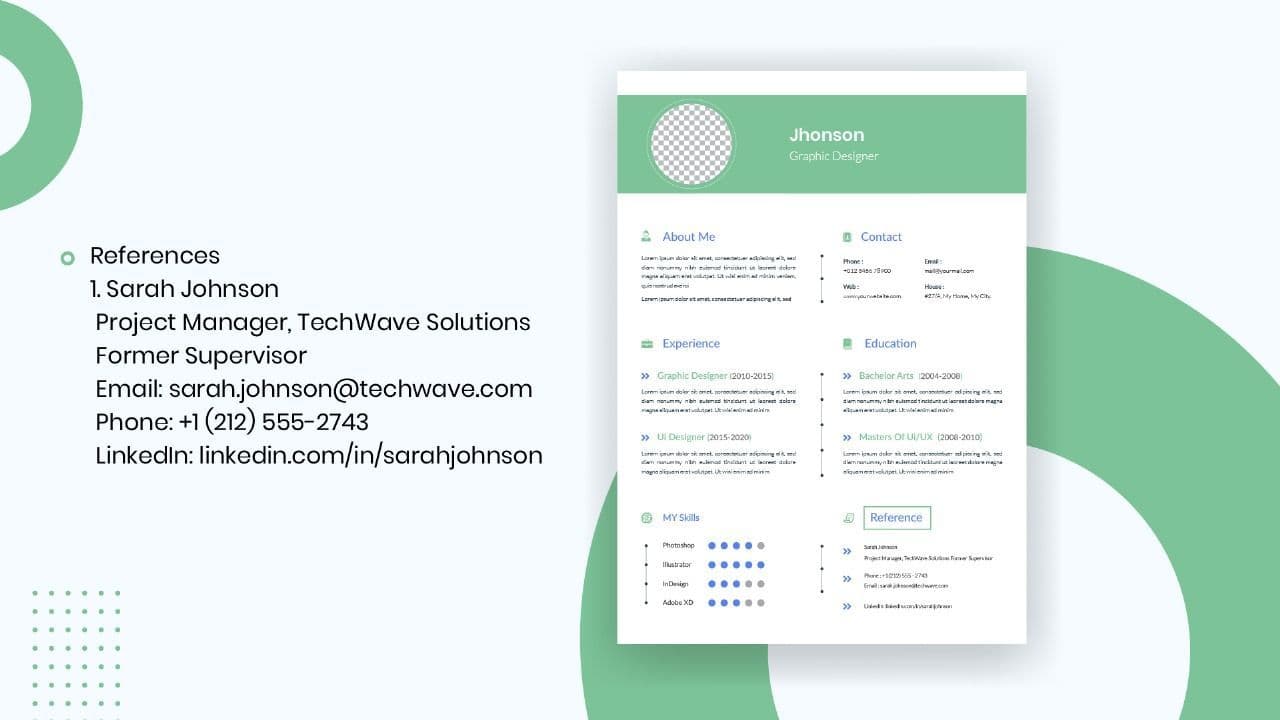
How to List References on a Resume in 2026
Learn the modern 2026 approach to listing references on your resume for maximum professionalism and recruiter impact.
Is Sound CV good for students and fresh graduates with no experience?
Sound CV is perfect for students and fresh graduates, helping them create professional resumes that highlight skills, projects, and potential even with little or no work experience.
Why Sound CV Is Different from Other AI Resume Builders
Sound CV stands out by creating job-focused, ATS-friendly resumes that highlight real achievements, not just generic content.
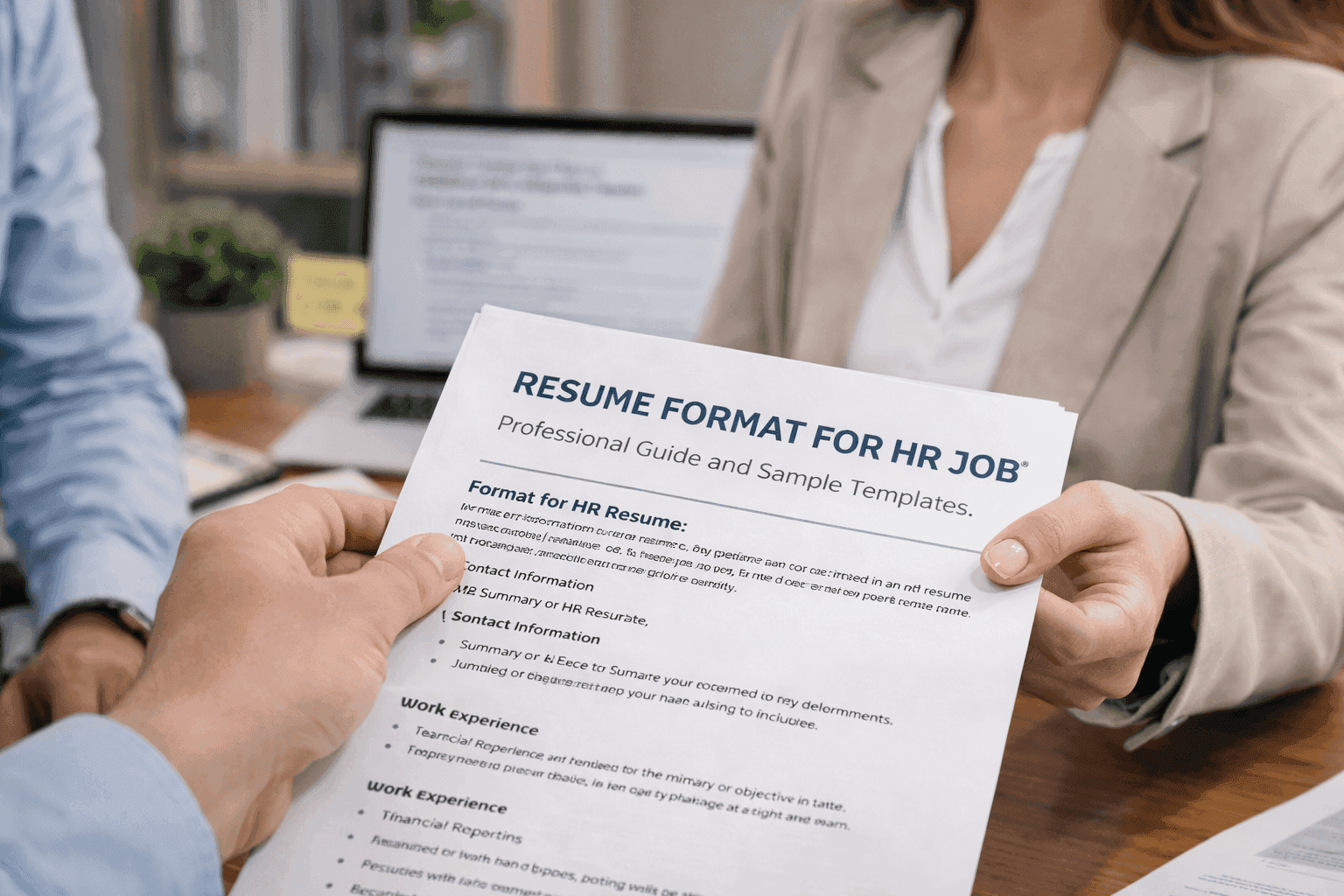
Resume Format for HR Job: Professional Guide and Sample Templates
A complete guide to the best resume format for HR jobs, with expert tips and sample templates to help you create a professional and job-ready resume.
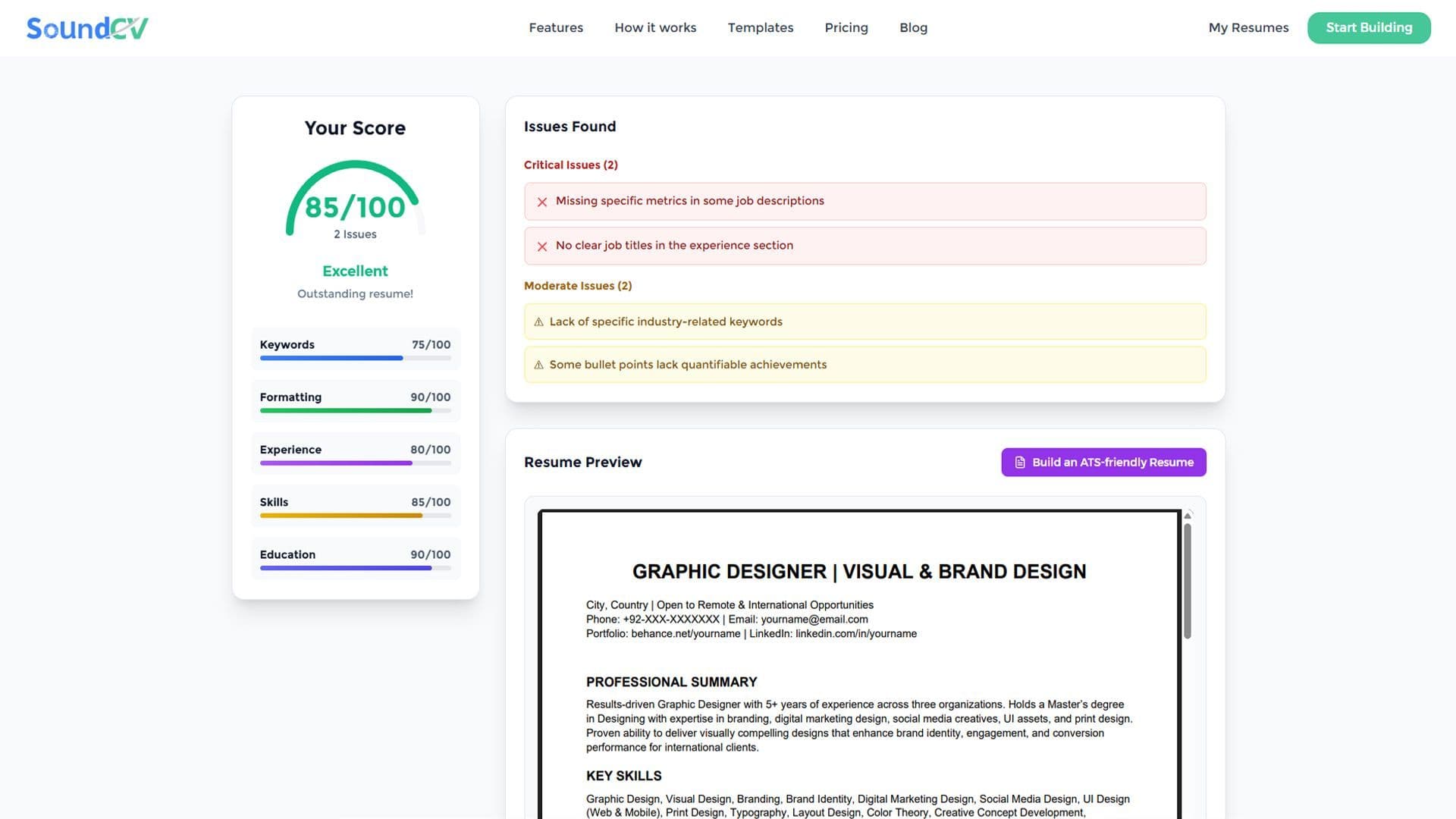
How Does the Sound CV Resume Score Checker Work?
The Sound CV Resume Score Checker analyzes your resume against ATS requirements, job-specific keywords, and structure to provide an instant, actionable score.
What Is a Sound CV? Features, Benefits, and How It Works
A Sound CV is an AI-powered resume that is tailored, ATS-optimized, and designed to showcase your skills and achievements to help you stand out to recruiters.