ATS Scanner: Complete Guide 2026
Discover how the 2026 ATS Scanner works and optimize your resume to beat applicant tracking systems effectively
Overview
Most resumes are first reviewed by ATS scanners before reaching recruiters. This 2026 guide explains how ATS scanners work, why ATS-friendly resumes matter, and how to optimize yours using keywords, formatting, and free scanning tools. Learn the differences between cloud-based and desktop scanners, multilingual resume tips, and best practices to boost your chances of landing interviews.
Have you ever sent your resume to dozens of job applications and heard nothing back? You’re not alone. In today’s digital hiring world, most resumes never reach a human recruiter they’re first reviewed by an ATS scanner.
In this 2026 complete guide, we’ll explain what an ATS scanner is, how it works, and how to use it to your advantage. You’ll also discover how to create an ATS friendly resume, find an ATS scanner free tool, and optimize your resume for top scores helping you get noticed faster.
Key Points:
ATS scans resumes for keywords, skills, and formatting before recruiters see them.
It reads your resume, matches it with the job, scores it, and filters out low matches.
Most companies use ATS to save time and find the right candidates.
ATS-friendly resumes use simple fonts, clear headings, basic formatting, and job keywords.
Free ATS scanners can show missing skills, formatting issues, and overall score.
Avoid images, fancy templates, wrong file types, too many keywords, and unclear acronyms.
English resumes work best; other languages like Hindi may not be fully read.
Cloud scanners are online, flexible, and update automatically; desktop scanners work offline.
Keep resumes simple, tailored, show skills, and measurable results.
Using ATS-friendly resumes helps pass automated checks and get noticed by recruiters.
What Is an ATS Scanner?
An ATS scanner (Applicant Tracking System scanner) is a software tool used by employers to collect, sort, and evaluate job applications automatically. It scans resumes for relevant keywords, formatting, and experience to decide whether a candidate fits the job description before a recruiter even sees it.
Companies use ATS software like Workday, Greenhouse, Lever, and Taleo to manage thousands of applications efficiently. If your resume doesn’t meet their requirements, it’s filtered out often before a human ever reads it.
Also Read:What Is a Sound CV?
How Does an ATS Scanner Work?
Understanding how an ATS works helps you tailor your resume effectively. Here’s a simplified breakdown:
- Resume Parsing:The ATS extracts text from your resume (skills, experience, education) to store it in a structured format.
- Keyword Matching:The system compares your resume content with the keywords from the job description (skills, job titles, qualifications).
- Scoring & Ranking:Each resume receives an ATS score based on keyword match, relevance, and formatting.
- Filtering:Only resumes with high scores move to the recruiter’s inbox the rest are filtered out.
Example: If a job description lists “data analysis,” “Excel,” and “Power BI,” and your resume doesn’t mention these terms, the ATS might reject it automatically even if you have those skills.
Why ATS Scanners Matter in 2026
By 2025, more than 95% of Fortune 500 companies use an applicant tracking system to streamline recruitment. Even small and mid-size employers now rely on ATS resume scanners to save time and improve hiring accuracy.
Here why Ats Checker is crucial:
- Automated Screening: Helps recruiters process hundreds of resumes quickly.
- Keyword Optimization: Ensures candidates meet specific role requirements.
- Fair Evaluation: Reduces human bias by ranking resumes objectively.
- Efficiency: Matches candidates faster to job openings.
If your resume isn’t ATS-friendly, it might never pass the digital gatekeeper regardless of how strong your qualifications are.
Also Read:Technical Skills for a Resume: Examples & Tips
What Is an ATS Friendly Resume?
An ATS friendly resume is one that’s properly formatted and keyword-optimized for the applicant tracking system. It ensures your information is accurately scanned, parsed, and ranked high enough to reach human recruiters.
Here’s what makes a resume ATS-friendly:
Proper Formatting
- Use standard fonts (Arial, Calibri, Times New Roman).
- Save your file as .docx or .pdf (check employer preferences).
- Avoid headers, footers, tables, and graphics they can confuse ATS scanners.
Keyword Optimization
- Mirror the job description’s wording exactly.
- Include both hard skills (e.g., Java, data analytics) and soft skills (e.g., communication, leadership).
- Add relevant certifications, job titles, and industry terms.
Clear Section Titles
Use conventional headings like:
- Work Experience
- Education
- Skills
- Certifications
Consistent Structure
Maintain a chronological or hybrid resume format ATS scanners struggle with creative layouts.
Also Read:Top 20 AI Resume Builders for Fresh Graduates and Job Seekers
How to Use an Free ATS Scanner?
Before submitting your application, you can test your resume using an ATS scanner free tool online. These scanners simulate how employer systems will read your resume and show your ATS compatibility score.
How to Scan Your Resume for Free
- Visit a trusted ATS friendly resume scanner platform like Sound CV
- Upload your resume and paste the job description.
- Get an instant report highlighting:
- Keyword match percentage
- Missing hard or soft skills
- Formatting issues
- Overall ATS score
Benefits of Using an Free ATS Scanner
- Immediate Feedback: See what’s missing before applying.
- Higher Interview Chances: Improve your resume for better visibility.
- Keyword Optimization: Align your resume perfectly with each role.
Also Check Out Resume Related Blog:
Top Features to Look for in an ATS Friendly Resume Scanner
If you’re serious about job hunting in 2026, look for a resume scanner that offers these advanced features:
- Keyword Match Analysis: Compares your resume to job descriptions and identifies missing terms.
- ATS Formatting Check: Detects incompatible layouts, fonts, or file types.
- Resume Score Report: Gives an overall percentage-based ranking (e.g., 85/100).
- Actionable Feedback: Offers suggestions to improve your score instantly.
- AI-Powered Optimization: Uses AI to recommend better word choices or structure.
A top-quality ATS friendly resume scanner helps you create a resume that impresses both algorithms and recruiters.
Common Mistakes That Lower Your ATS Score
Even qualified candidates get filtered out due to small errors. Avoid these common mistakes:
- Using images, logos, or fancy templates that ATS can’t read.
- Leaving out relevant keywords found in the job description.
- Submitting resumes in non-compatible file types (.pages, .odt).
- Overstuffing keywords it looks unnatural to human reviewers.
- Using acronyms without spelling them out (write “Search Engine Optimization (SEO)”).
Example Fix: Instead of writing expert in spreadsheets, use proficient in Microsoft Excel and Google Sheets.
Can ATS Scanners Scan Resumes in Multiple Languages, Including English and Hindi?
Most ATS (Applicant Tracking System) scanners are designed to process resumes in widely used languages, with English being the primary focus. They scan for keywords, skills, and formatting patterns to determine how well a resume matches a job description.
English Resumes:
ATS scanners handle English resumes very efficiently. They can identify skills, experience, job titles, and relevant keywords accurately, making English resumes the safest choice for global job applications.
Hindi and Other Languages:
Resumes in Hindi or other non-Latin scripts may not be fully compatible with all ATS software. Some advanced systems can read Unicode or transliterated text, but the accuracy can vary. Important details, such as skills or job titles written in Hindi, might be missed or misinterpreted, potentially lowering your resume’s match score.
Best Practices:
For multilingual applications, consider providing a resume in English to ensure compatibility with most ATS scanners.
If you want to include Hindi, use transliterated text (Hindi written in the Roman alphabet) or provide a separate bilingual resume, but keep English as the main version for ATS scanning.
Use simple formatting, standard headings, and clear keywords to maximize the chances that both human recruiters and ATS systems understand your qualifications.
Differences Between Cloud-Based and Desktop ATS Scanners
Applicant Tracking System (ATS) scanners are essential tools for optimizing resumes and improving job application success. When choosing an ATS scanner, it’s important to understand the difference between cloud-based and desktop versions, as each offers unique features and benefits.
| Feature | Cloud-Based ATS Scanners | Desktop ATS Scanners |
|---|---|---|
| Accessibility and Convenience | Accessible from any device with an internet connection; no installation needed; can be used on laptops, tablets, or smartphones. | Requires installation on a specific computer; can only be used on that device; data is stored locally. |
| Updates and Maintenance | Updates and improvements are handled automatically by the provider; always have the latest features. | Updates must be manually downloaded and installed; missing updates can result in outdated features. |
| Storage and Data Security | Resumes and scans are stored on secure servers; accessible from multiple devices; depends on provider’s security measures. | Data is stored locally on your computer; full control over files, but risk if device is lost or damaged unless backed up. |
| Collaboration and Sharing | Multiple users can access the same account; easy collaboration; results can be shared instantly. | Sharing results is manual, often requiring export or screenshots; collaboration is slower. |
| Cost and Subscription Model | Usually subscription-based (monthly or yearly); includes updates, maintenance, and cloud storage. | Often one-time purchase; may incur additional costs for updates or support. |
| Internet Dependency | Requires an internet connection; cannot access features offline. | Can be used offline once installed; not dependent on internet. |
| Performance and Speed | Processing speed depends on internet connection and server load; generally fast for most users. | Performance depends on computer hardware; powerful computers can handle large scans faster than cloud-based tools. |
Best Practices for an ATS-Friendly Resume 2026
- Keep It Simple: Choose a clean, text-based design.
- Use Job-Specific Keywords: Focus on measurable skills like “Python,” “budget forecasting,” or “SEO strategy.”
- Tailor Each Resume: One version won’t fit all personalize for every application.
- Include a Skills Section: Highlight key technical and soft skills clearly.
- Add Quantifiable Results: Increased website traffic by 40%” is more impactful than “responsible for web growth.
Conclusion
In 2026, getting past the first hiring stage means impressing both machines and humans. With most recruiters using applicant tracking systems, an ATS scanner can make or break your job application.
Using an ATS friendly resume scanner especially an ATS scanner free version allows you to optimize your resume for the right keywords, formatting, and relevance.
At Sound CV, our built-in ATS scanner helps you create resumes that pass filters, rank high, and land interviews.
Craft a professional ATS friendly resume today and start getting noticed by employers who matter.
FAQs
Frequently asked questions about this topic
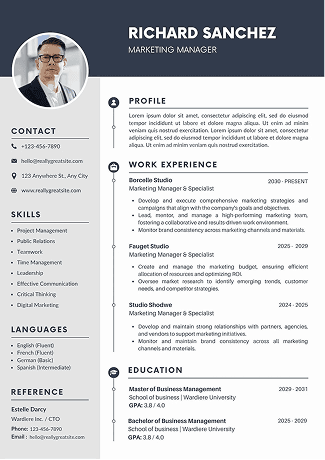
Related Blogs
Explore more insights and guides you might like.
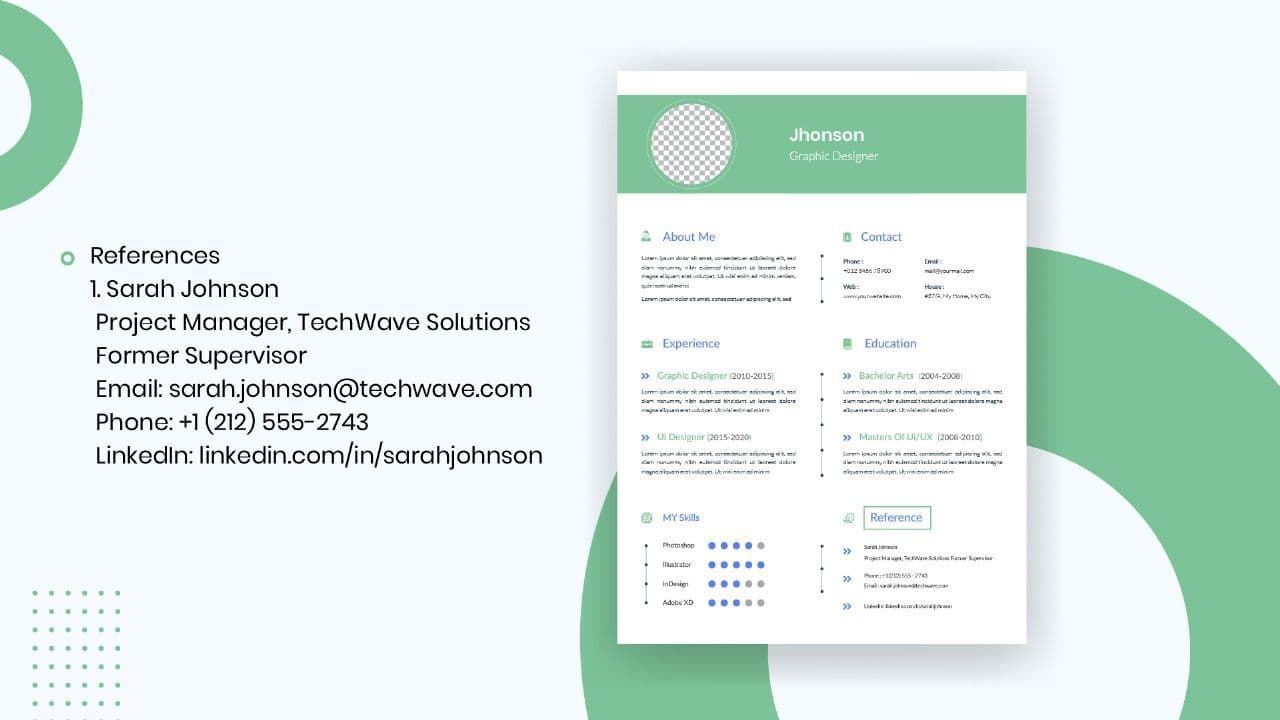
How to List References on a Resume in 2026
Learn the modern 2026 approach to listing references on your resume for maximum professionalism and recruiter impact.

Is Sound CV good for students and fresh graduates with no experience?
Sound CV is perfect for students and fresh graduates, helping them create professional resumes that highlight skills, projects, and potential even with little or no work experience.
Why Sound CV Is Different from Other AI Resume Builders
Sound CV stands out by creating job-focused, ATS-friendly resumes that highlight real achievements, not just generic content.
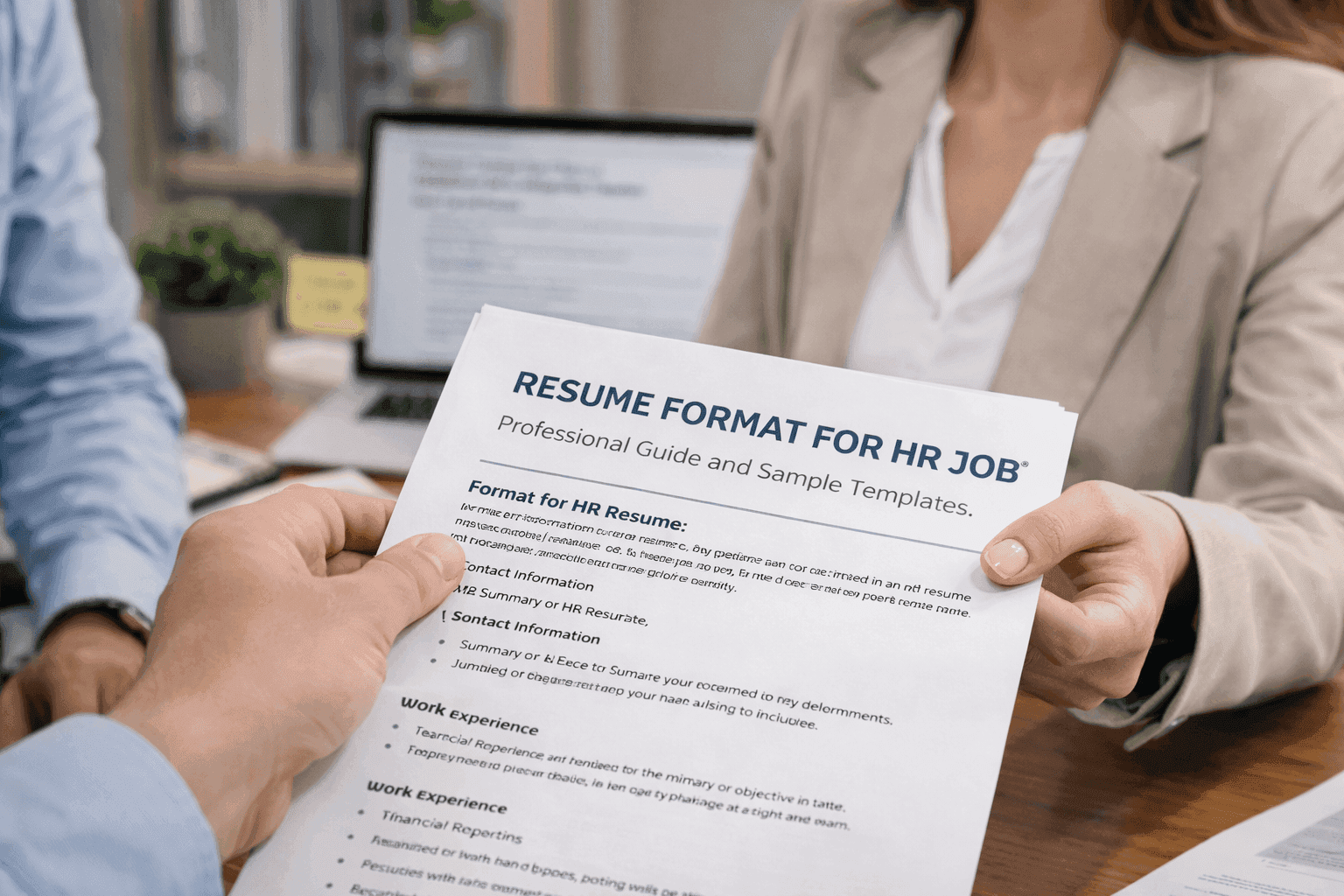
Resume Format for HR Job: Professional Guide and Sample Templates
A complete guide to the best resume format for HR jobs, with expert tips and sample templates to help you create a professional and job-ready resume.
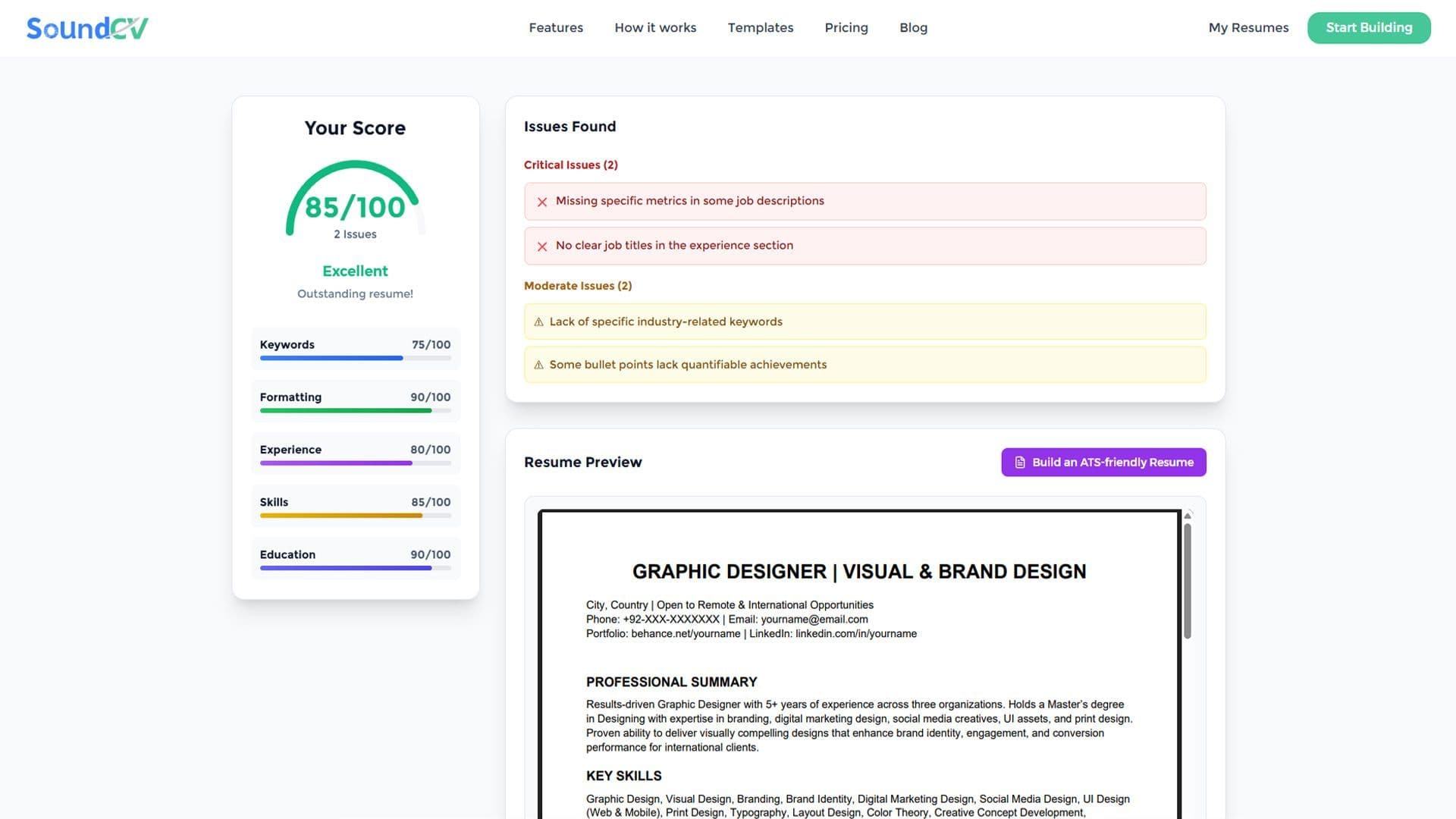
How Does the Sound CV Resume Score Checker Work?
The Sound CV Resume Score Checker analyzes your resume against ATS requirements, job-specific keywords, and structure to provide an instant, actionable score.
What Is a Sound CV? Features, Benefits, and How It Works
A Sound CV is an AI-powered resume that is tailored, ATS-optimized, and designed to showcase your skills and achievements to help you stand out to recruiters.