Computer Skills for Resume: Resume Guide with Examples (2026)
Proficient in MS Office, Google Workspace, email management, data entry, basic troubleshooting, online tools, and accurate typing skills.
Overview
Computer skills are essential in today’s competitive job market. From basic tools like email and Microsoft Office to advanced software such as data analysis and design platforms, the right skills show employers you are efficient and adaptable. Learning how to list and describe your computer skills properly on a resume improves ATS visibility, strengthens your profile, and increases your chances of securing job interviews in 2026.
In today’s job market, having strong computer skills isn’t optional it’s essential. Whether you’re applying for an entry-level office role or a senior management position, employers expect candidates to demonstrate a solid command of technology.
That’s why including the right computer skills for resume can give you a competitive advantage. It not only shows that you’re capable of handling digital tools but also signals efficiency, adaptability, and modern workplace readiness.
In this guide, we’ll break down what computer skills are, the difference between basic and advanced proficiency, and how to list them effectively with examples for 2026.
Key Points
Computer skills are essential for modern jobs.
Use ATS-friendly keywords in your resume.
List skills under Basic, Proficient, and Advanced categories.
Add proficiency levels for clarity.
Match skills to each job role.
Highlight tools like Excel, Google Workspace, and CRM software.
Avoid outdated or irrelevant skills.
Use Sound CV to build optimized resumes that get notice
What Are Computer Skills?
Computer skills refer to your ability to use digital tools, software, and systems efficiently. These skills help you perform everyday workplace tasks from sending emails to analyzing data or managing customer relationships.
They’re often divided into two main types:
- Basic computer skills: Everyday digital tasks (emailing, typing, document creation).
- Advanced computer skills: Specialized tasks (data analysis, design, coding, or automation).
When you include these on your resume, you’re essentially showing that you can perform your job effectively in a digital environment a must in 2026’s increasingly tech-driven world.
Why Computer Skills Matter on a Resume
Employers today value digital fluency as much as communication or teamwork. A candidate with strong proficient computer skills is seen as more efficient, trainable, and adaptable to evolving technology.
Adding these skills to your resume can help you:
Stand out in Applicant Tracking Systems (ATS) that scan for keywords
Demonstrate practical knowledge for remote or hybrid jobs
Prove that you can handle both administrative and technical tasks with ease.
Whether you’re creating a basic computer skills resume for your first job or upgrading your profile for a senior role, listing your technical competencies strategically can make a real difference.
Also Read : 2 Page Resume Format: Free Templates, Pro Tips & Examples
How to List Computer Skills on a Resume
Where you place your computer skills depends on your experience level and the job type.
Option 1: Skills Section
The most common approach list your top computer skills under a dedicated section titled “Technical Skills” or “Computer Skills.”
Example:
Computer Skills:
- Microsoft Office (Word, Excel, PowerPoint)
- Google Workspace (Docs, Sheets, Drive)
- Canva and Photoshop (basic editing)
- Data Entry and Spreadsheets
- Email Communication (Outlook, Gmail)
Option 2: Integrated into Experience
If your computer skills were essential to your previous roles, highlight them in your Experience section.
Example:
- “Managed digital marketing campaigns using Google Ads and Meta Business Suite.”
- “Created data reports in Excel and automated tracking systems using formulas.”
Option 3: Under Summary or Objective
For beginners or career changers, include your digital proficiency in your career summary.
Example:
“Recent graduate skilled in basic computer operations, Microsoft Office, and data entry, seeking to contribute to administrative efficiency and digital record management.”
Categories of Computer Skills for Resume
Different jobs require different types of computer expertise. Here’s a categorized breakdown to help you identify which ones to include.
A. Basic Computer Skills (for All Professionals)
These are foundational digital skills every professional should possess ideal for a basic computer skills resume.
Examples:
- Typing and word processing (Microsoft Word, Google Docs)
- Spreadsheet management (Excel, Google Sheets)
- Email communication (Gmail, Outlook)
- File management (Windows, macOS, Google Drive)
- Presentation design (PowerPoint, Canva)
- Internet browsing and research
- Online collaboration (Zoom, Slack, Microsoft Teams)
Even if you’re applying for non-technical roles, showing these basic computer skills proves that you can navigate digital work environments confidently.
B. Intermediate & Proficient Computer Skills
For roles involving data, design, or project management, you’ll need more proficient computer skills.
Examples:
- Advanced Excel (formulas, pivot tables, macros)
- Database management (Access, MySQL, Airtable)
- Project management software (Asana, Trello, Monday.com)
- CRM tools (Salesforce, HubSpot)
- Document automation (Google Forms, Typeform)
- Social media management (Meta Business Suite, Hootsuite, Buffer)
If you’re describing your skills in detail, you can mention your level of proficiency (e.g., “Proficient in Microsoft Excel and Salesforce CRM”).
C. Advanced or Specialized Computer Skills
For professionals in IT, analytics, or creative industries, advanced computer proficiency sets you apart.
Examples:
- Programming languages (Python, JavaScript, HTML, SQL)
- UI/UX design tools (Figma, Adobe XD, Sketch)
- Graphic design and editing (Photoshop, Illustrator)
- Video editing (Premiere Pro, CapCut, Final Cut Pro)
- Data visualization (Tableau, Power BI)
- Cybersecurity basics and encryption tools
- Cloud computing (AWS, Google Cloud)
These technical and proficient computer skills demonstrate innovation, problem-solving, and digital expertise crucial for roles in tech, marketing, and design.
Computer Skills Examples by Job Type
To tailor your resume effectively, match your computer skills to the specific job or industry.
Administrative Assistant / Office Roles
- Microsoft Office Suite (Excel, Word, Outlook)
- Google Workspace
- Calendar and task management tools (Trello, ClickUp)
- Data entry and report creation
IT or Technical Roles
- Hardware and software troubleshooting
- Network setup and maintenance
- Database management (SQL)
- Programming languages (Python, Java, C++)
- Cybersecurity awareness
Marketing & Creative Roles
- Canva, Photoshop, Illustrator
- Social media analytics tools
- SEO and Google Analytics
- Email campaign platforms (Mailchimp, HubSpot)
- Content management systems (WordPress, Wix)
Finance & Data Roles
- Advanced Excel and Google Sheets
- Power BI / Tableau visualization
- ERP systems (SAP, QuickBooks
- Data cleaning and analysis (Python, R)
Education & Remote Jobs
- Google Classroom, Zoom, Teams
- LMS platforms (Moodle, Blackboard)
- Presentation tools (Prezi, PowerPoint)
- File sharing (Drive, Dropbox)
By tailoring your skills to your role, you show hiring managers that you understand the tools required to succeed in their environment.
How to Describe Your Computer Skills
To make your computer skills for resume more impactful, describe them with specific results. Don’t just say what tools you know show how you used them.
Examples:
- “Created automated Excel dashboards to track team performance metrics.”
- “Designed marketing graphics in Canva, increasing engagement by 25%.”
- “Managed 200+ client records using Salesforce CRM.”
- “Conducted online research and compiled reports using Google Sheets.”
Using measurable outcomes adds credibility and shows employers that you can apply your technical knowledge effectively.
How to Showcase Proficiency Levels
If you’re listing a mix of skills, it helps to indicate your proficiency level to clarify your expertise.
Example Format:
- Microsoft Word — Advanced
- Excel — Intermediate
- PowerPoint — Advanced
- Photoshop — Basic
- Google Analytics — Proficient
This approach is especially useful in technical or administrative roles where hiring managers want clarity on your capabilities.
Common Mistakes to Avoid
Even with strong skills, poor presentation can weaken your impact. Avoid these common errors when listing computer skills on a resume:
Listing too many unrelated tools (keep it relevant).
Using vague terms like “good with computers.
Repeating the same skill in multiple sections.
Forgetting to match skills with the job posting keywords.
Not updating outdated software (e.g., MS Office 2003).
Remember precision and relevance always win over quantity.
Sample Resume Snippet with Computer Skills Section
Here’s how your skills might look in a real resume:
Technical & Computer Skills
- Microsoft Office Suite (Word, Excel, PowerPoint) — Advanced
- Google Workspace (Docs, Sheets, Slides, Drive) — Proficient
- Data Entry & File Management — Proficient
- Canva & Photoshop (Basic Graphic Design) — Intermediate
- CRM Tools (HubSpot, Salesforce) — Intermediate
- Zoom, Slack, and Teams — Daily Use
This section is clean, keyword-rich, and ATS-friendly perfect for 2026 resume standards.E
Also Read : Hobbies for Resume: Best Examples & How to List (2026)
Conclusion
Your resume is more than just a list of qualifications it’s proof of your ability to thrive in a digital workplace. By carefully choosing and describing your computer skills for resume, you demonstrate not only technical competence but also adaptability and future-readiness.
From basic computer skills like Excel and email management to proficient computer skills like data analysis or design software, each tool adds value to your professional profile.
At Sound CV, we help candidates create modern, keyword-optimized resumes that showcase your digital strengths and get noticed by recruiters.
Ready to upgrade your resume?
Start by mastering the skills that matter most your next opportunity may be just one click away.
FAQs
Frequently asked questions about this topic
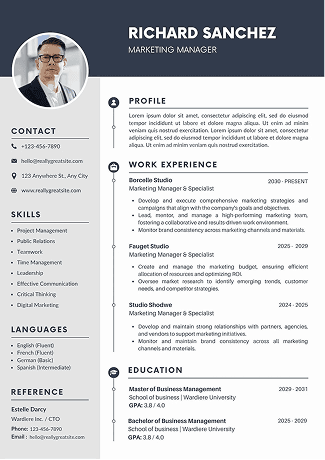
Related Blogs
Explore more insights and guides you might like.
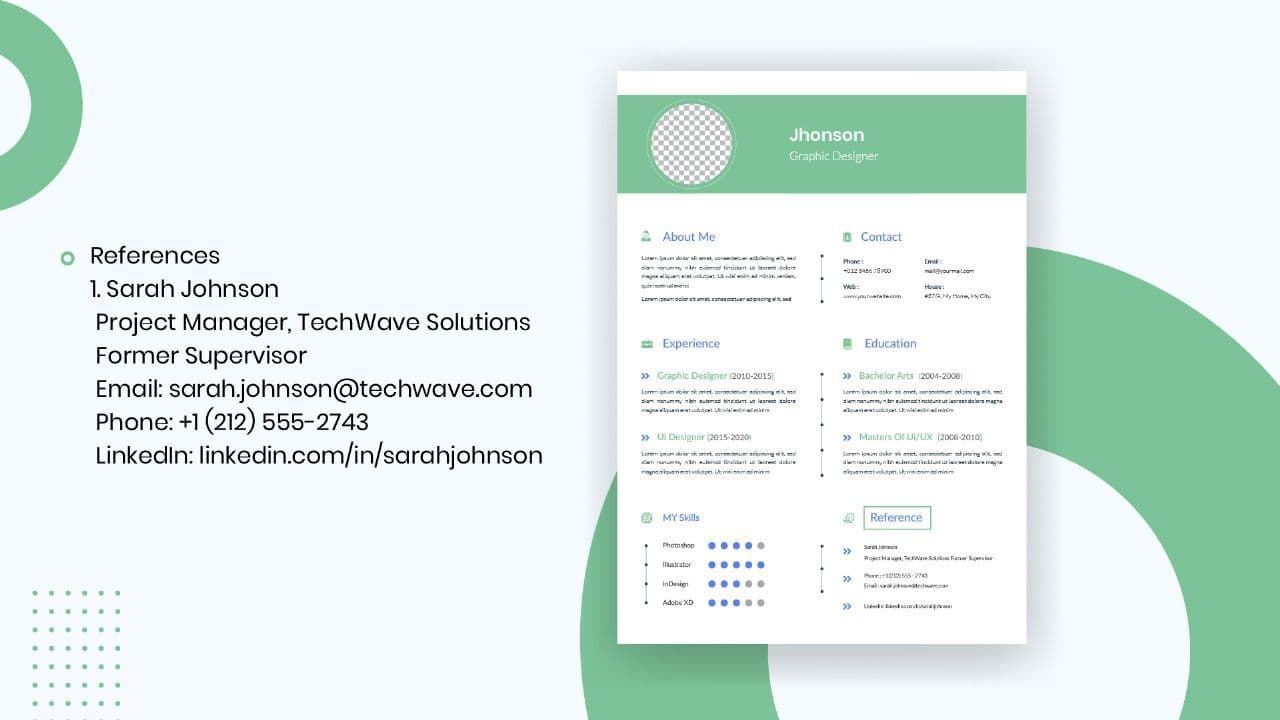
How to List References on a Resume in 2026
Learn the modern 2026 approach to listing references on your resume for maximum professionalism and recruiter impact.

Is Sound CV good for students and fresh graduates with no experience?
Sound CV is perfect for students and fresh graduates, helping them create professional resumes that highlight skills, projects, and potential even with little or no work experience.
Why Sound CV Is Different from Other AI Resume Builders
Sound CV stands out by creating job-focused, ATS-friendly resumes that highlight real achievements, not just generic content.
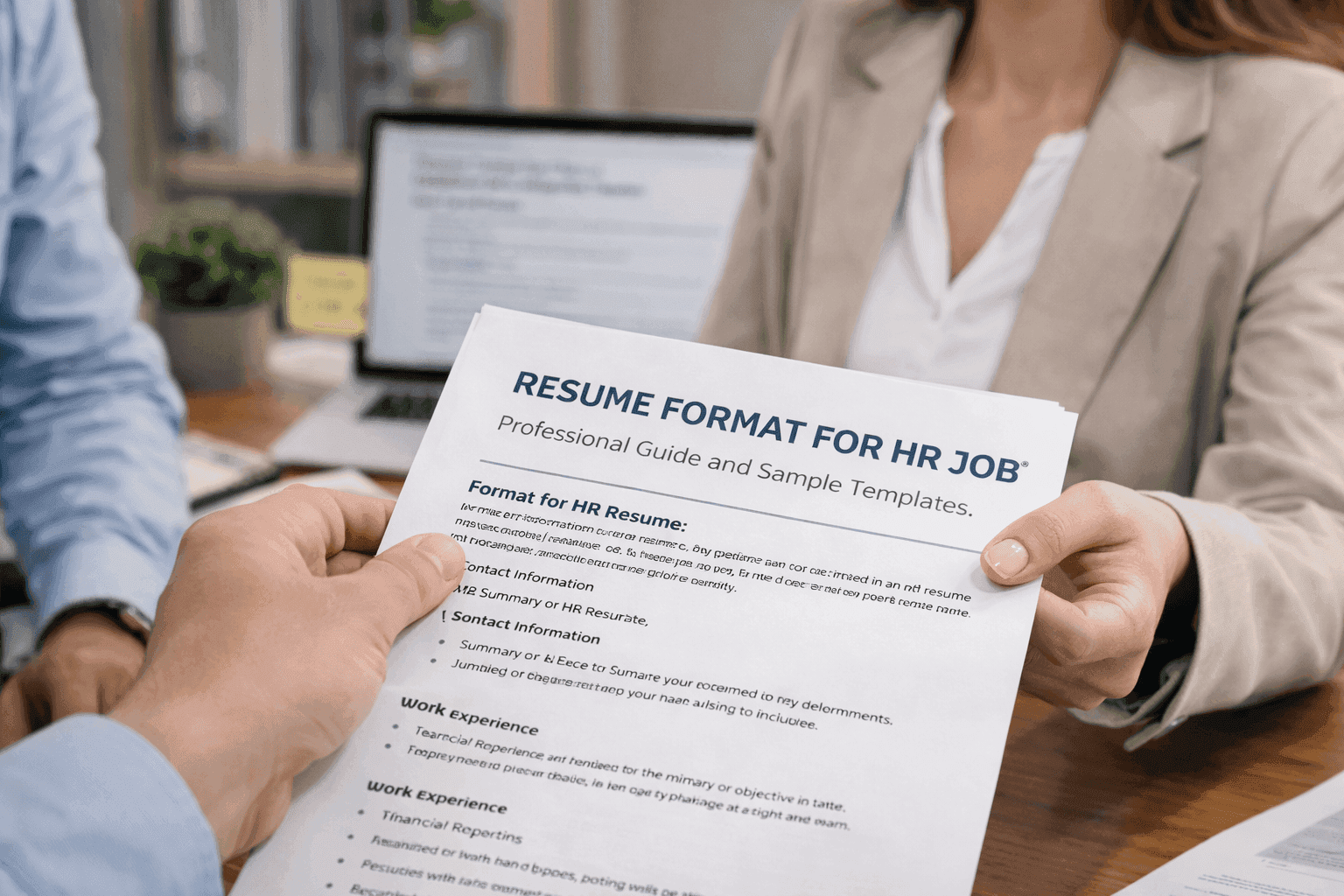
Resume Format for HR Job: Professional Guide and Sample Templates
A complete guide to the best resume format for HR jobs, with expert tips and sample templates to help you create a professional and job-ready resume.
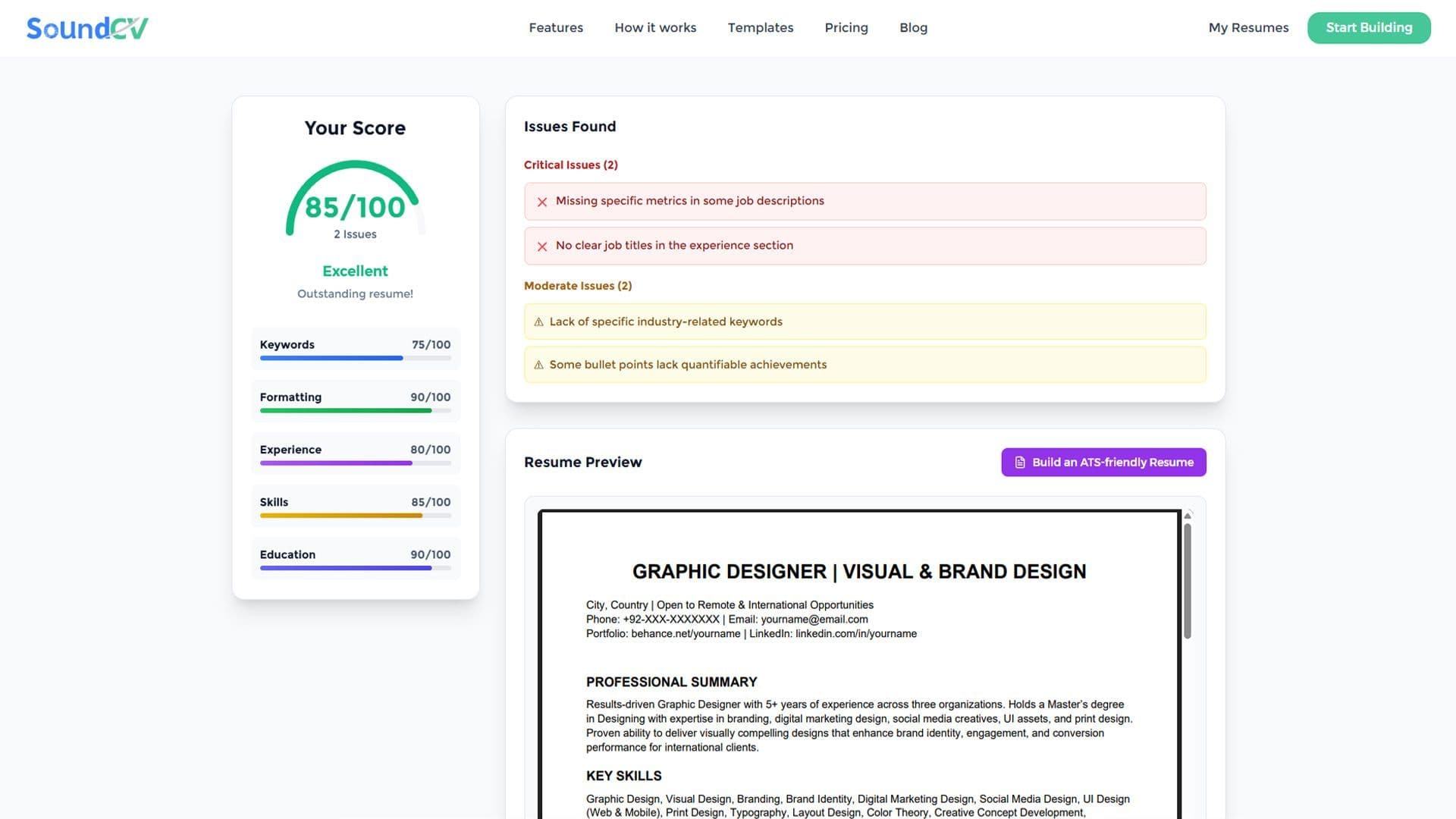
How Does the Sound CV Resume Score Checker Work?
The Sound CV Resume Score Checker analyzes your resume against ATS requirements, job-specific keywords, and structure to provide an instant, actionable score.

What Is a Sound CV? Features, Benefits, and How It Works
A Sound CV is an AI-powered resume that is tailored, ATS-optimized, and designed to showcase your skills and achievements to help you stand out to recruiters.